
Live playback readout
Shows the current Apple Music playback format live, including codec, bit depth, and sample rate, so listeners can see what is actually playing instead of relying only on the badge.

Audex Trace is a macOS Apple Music companion that shows live playback format, output match status, and queue health before the next track plays.
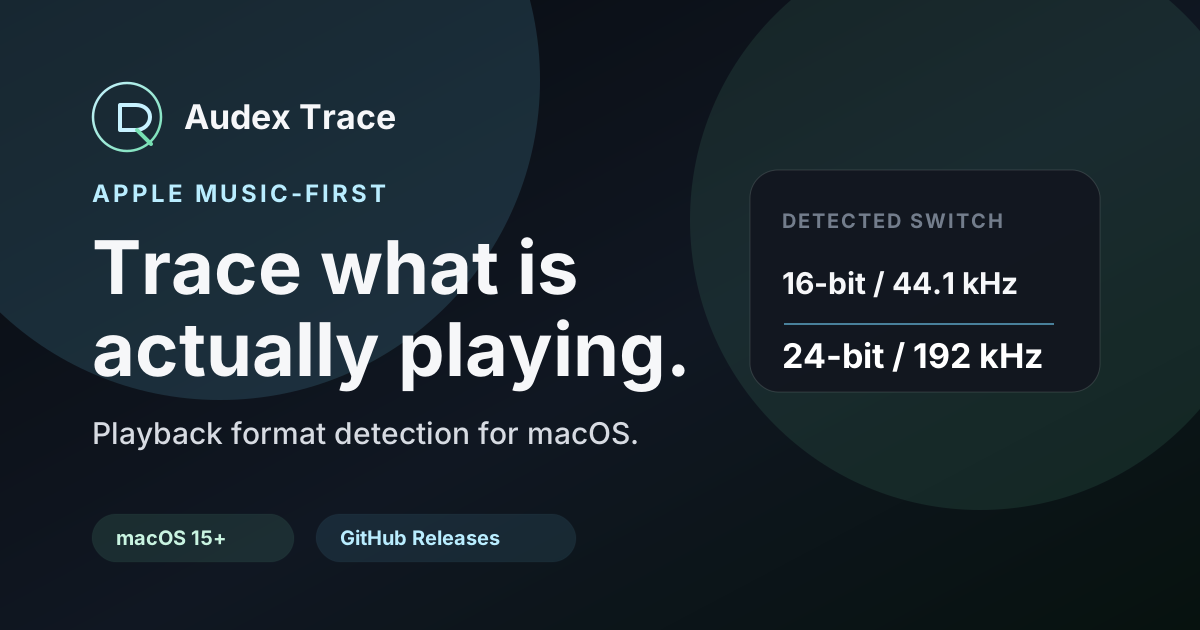
Audex Trace is a macOS companion for Apple Music listeners who want to verify what their Mac is actually doing during playback. It focuses on the gap between Apple Music’s badge and the real playback path: the active format, the Mac output device’s sample rate, and the state of the upcoming queue.
The app is built for Music.app playback on macOS 15 and later. The free download includes Compatibility Check and a limited preview so users can confirm detection on their own machine before buying Pro, while the Pro version adds live playback readout, output match status, queue estimates, and optional sample-rate matching for compatible devices.
Shows the current Apple Music playback format live, including codec, bit depth, and sample rate, so listeners can see what is actually playing instead of relying only on the badge.
Compares Apple Music playback with the selected Mac output device to make sample-rate mismatches visible, such as a Hi-Res track playing while the output remains fixed at another rate.
Offers optional Auto Sample Rate Match for supported output devices to reduce manual switching, while noting that device and route support still determine what can be controlled.
Provides a compact Playing Next view that can show up to three upcoming Apple Music tracks without leaving the player, so queue changes stay visible while listening.
Estimates upcoming queue quality and can flag best-effort skip risks in Pro when enough metadata is available, giving earlier warning before the next track reaches playback.
Works in compact, menu bar, and optional notch views so playback details stay close at hand while the session continues in the background.
Check whether a track that Apple Music labels as Lossless or Hi-Res Lossless is actually playing at the expected codec, bit depth, and sample rate on your Mac.
Compare the current Apple Music stream with your Mac’s selected output device to spot a mismatch before you assume the DAC or interface is malfunctioning.
Use the free Compatibility Check on your own machine before paying for Pro, especially if your setup depends on a specific output device or route.
Keep an eye on the next few tracks in the queue so you can see estimated quality or possible skip risk before a transition interrupts playback.
Use the resident player, menu bar panel, or optional notch view to keep playback details visible while working in other apps.
Audex Trace is built for macOS 15 and later. The source material describes it as a local Mac utility for Apple Music playback monitoring and notes that it is distributed as a signed and notarized Mac app through GitHub Releases.
The free download includes Compatibility Check, basic detection, basic now playing, and a limited preview so you can confirm detection on your own Mac before buying Pro.
Pro adds live playback readout, output match status, optional Auto Sample Rate Match for compatible devices, estimated queue quality, and best-effort skip warnings for some queued-track issues.
No. The source says Audex Trace does not require Apple Music sign-in and does not upload audio or listening history.
The site recommends running the free Compatibility Check on the Mac you plan to use, because detection depends on what macOS and Apple Music expose on that machine.

AI Song Maker is a web-based AI music generator that turns text or lyrics into songs, with vocal removal, track extension, and section replacement.

LALAL.AI is an AI audio processing platform for stem separation, voice cleanup, and voice transformation, with browser upload, preview, and download.

Kits AI is an AI music production platform for voice cloning, vocal generation, and vocal processing. Free plan, paid tiers, and Windows app.

ElevenMusic is a web-based music platform to discover tracks, remix music, and create original songs with prompt-led mood tags and account-based saving.

Hedra is an AI creative platform for planning and producing video, image, and audio content with an agentic workflow for brands and teams.
MusiKey is a cross-platform desktop application that replaces traditional passwords with encrypted musical compositions for secure authentication.