
Prompt-to-scene generation
Turn a short prompt into an editable scene plan instead of a locked render, so the concept stays open to revision before export.

OpenMotion is a prompt-based motion design tool for launch videos and scene-based animations, turning briefs into editable scene plans.
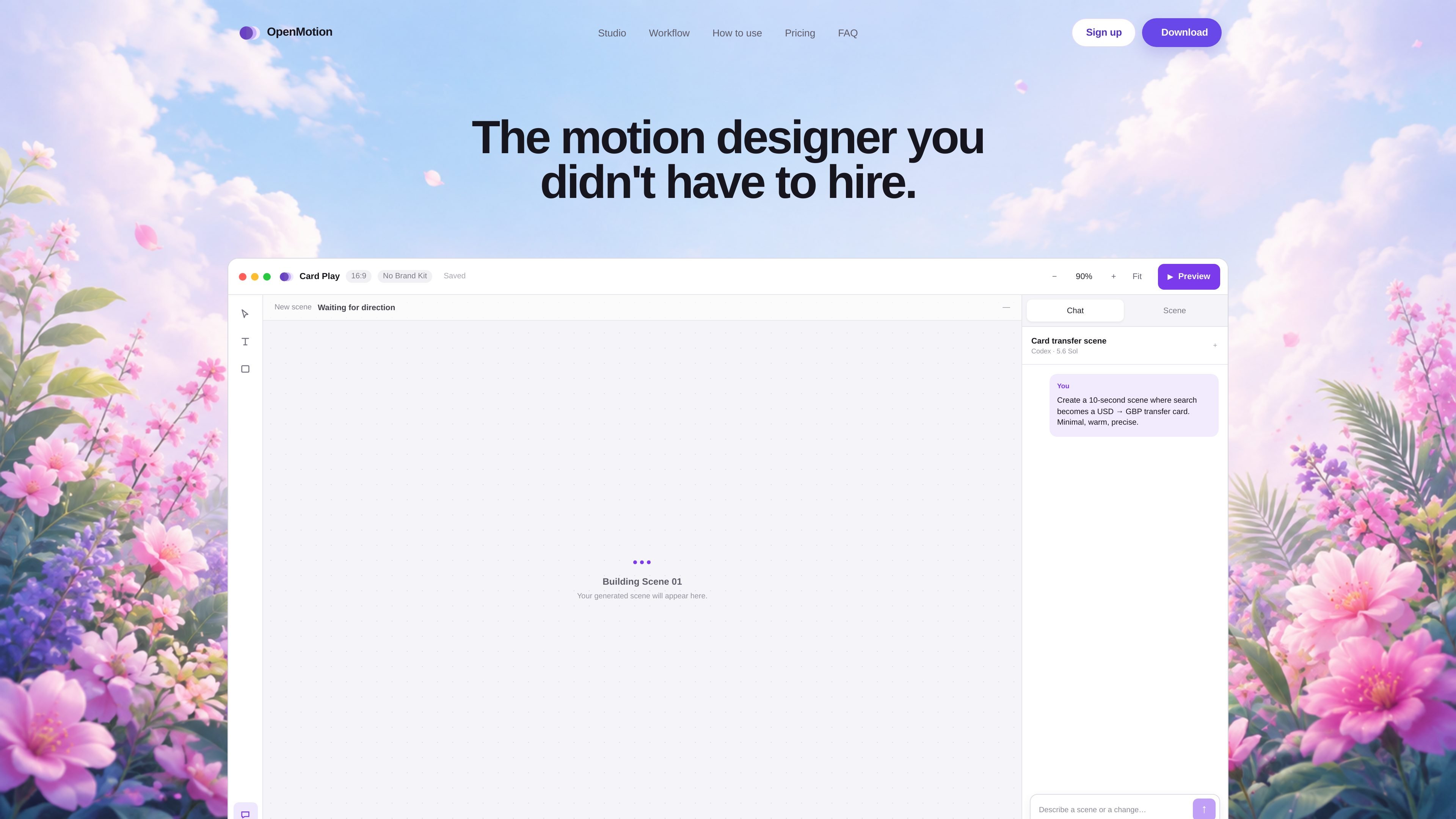
OpenMotion is a prompt-based motion design tool for building launch videos and other scene-based animations. It starts by turning a written brief into an editable scene plan, then lets you refine the result on a canvas and timeline before export.
The product is positioned around creative control rather than a locked one-shot output. You can shape composition, timing, easing, colors, assets, and sound, preview the sequence, and export video, transparent WebM, or HTML from the same workspace.
Turn a short prompt into an editable scene plan instead of a locked render, so the concept stays open to revision before export.
Adjust composition, timing, easing, colors, assets, and sound in a single workspace built around a real canvas and timeline.
Work across scene planning, motion timing, and audio without switching tools or losing context between steps.
Preview the full sequence before exporting, which helps you check pacing and continuity before publishing.
Export as video, transparent WebM, or self-contained HTML depending on where the motion needs to be used.
Use reusable brand kits to keep visual elements consistent across repeated motion projects.
Draft launch videos from a written product brief, then fine-tune the pacing and visuals before exporting the final sequence.
Create short explainers where the story needs structure, motion, and sound that can still be adjusted after generation.
Produce social clips or teasers that can be previewed and exported in formats suited to web or social delivery.
Build logo motion or title-sequence-style scenes when you need control over timing, easing, and brand styling.
Generate self-contained HTML motion pieces for web publishing when a video file is not the only delivery target.
OpenMotion supports product videos, launch teasers, explainers, social clips, logo motion, and other scene-based animations.
Yes. The product is designed to work with a Claude Code or Codex subscription, so you do not need to manage separate API keys.
OpenMotion currently has one free plan. The site says a Pro plan may be introduced later with higher creation limits and additional features.
OpenMotion ships native Mac builds for both Apple silicon and Intel machines. The download button picks the right build automatically, and you can also choose manually.
OpenMotion supports video exports for social and product work, transparent WebM, and self-contained HTML for the web.

ngram is an AI video generator and editor for teams and creators. Turn prompts, files, or screen recordings into editable videos for demos, training, onboarding, sales, and launches.

艺映AI is a free AI video creation tool for text-to-video, image-to-video, and video-to-video creation for short social and promo clips.

VIDEOAI.ME is an AI video generator for spokesperson videos, ads, explainers, and social content from a script without filming.

Video Effects SDK adds real-time webcam effects like background blur, replacement or removal, denoising, framing, beautification, and color grading for live video apps.

Official HeyGen API docs for AI avatar videos, video translation, lipsync, and interactive video-agent sessions via API, MCP, and CLI workflows.

DeepMotion is a web-based AI motion capture and 3D animation platform with Animate 3D for video-to-animation and SayMotion for text-to-animation.