
Smart follow reading
AI follow reading adjusts scroll speed to your speaking rhythm so the script can keep pace during live or recorded delivery.

Beast Teleprompter is an online teleprompter app for iOS and macOS with AI follow reading, floating prompt mode, and simple script tools.
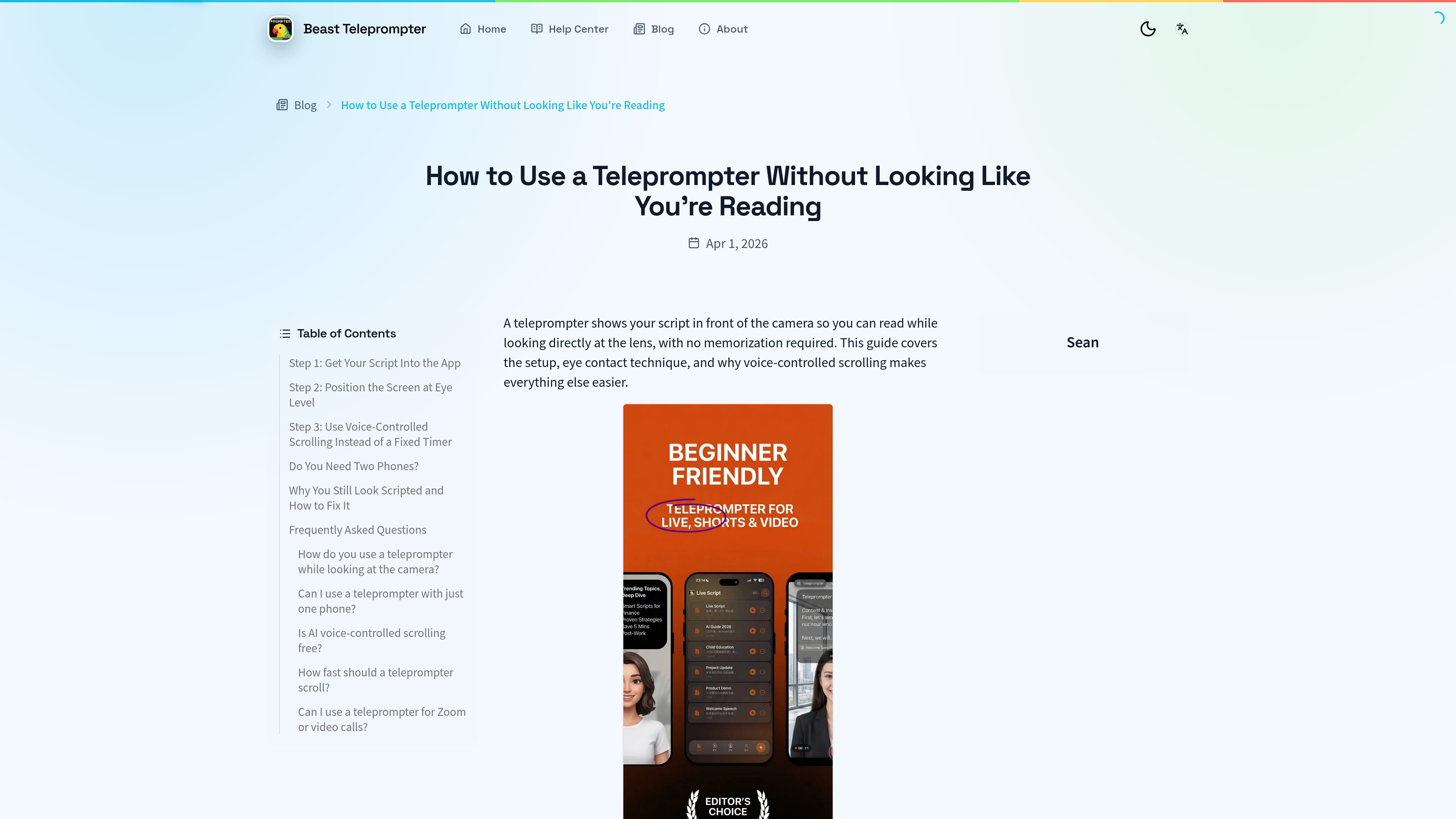
Beast Teleprompter is an online teleprompter and teleprompter app for iOS and macOS. It is positioned for on-camera speaking workflows such as live commerce, online teaching, keynote speaking, interview recordings, livestreams, and short-form video.
The product centers on voice-followed prompting and simple script management. The source describes AI follow reading, a floating teleprompter window, script refinement tools, and adjustable display settings. The free plan includes 5 script slots, unlimited-duration recording, and 1080P export, while Pro unlocks floating prompt mode, unlimited scripts, 4K recording, and iCloud sync.
AI follow reading adjusts scroll speed to your speaking rhythm so the script can keep pace during live or recorded delivery.
Floating prompt mode keeps the script visible over another camera or streaming app, which supports one-device recording workflows.
AI can continue, rewrite, or polish a script before recording, giving the app a simple preparation workflow in addition to prompting.
Display settings let you change font size, spacing, color, and pace so the prompt can be tuned to the situation and screen size.
The site says the free core plan includes 5 script slots, unlimited-duration recording, and 1080P export, while Pro adds unlimited scripts, floating prompt, and 4K.
The app emphasizes privacy-first script handling and local script saving, with offline use noted in the how-to guide.
Keep a script moving at the pace of your voice while recording lessons or tutorials, so you can cover key points without memorizing long passages.
Read prompts while broadcasting or selling live, using AI follow reading to maintain eye contact and floating prompt mode when you need the script over another app.
Use the free plan to record short-form clips with 1080P export and no watermark noted in the source, then trim retakes by staying aligned with the script.
Practice speeches or interviews with adjustable spacing, color, and pace settings, which can help you rehearse delivery before a live event.
Prepare copy with AI before recording by continuing, rewriting, or polishing a script, then save it for later use in a local script library.
The source describes Beast Teleprompter as an online teleprompter and teleprompter app for iOS and macOS. The homepage also points users to docs for setup tutorials and operation guides.
It is presented for live commerce, online teaching, keynote speaking, interview recordings, courses, livestreams, short video shooting, speech practice, and meeting-style delivery.
Floating prompt mode is described as a prompt window that overlays your camera or live streaming app so you can read while using another app on the same device.
Yes. The source says AI script inspiration can continue, rewrite, or polish scripts, and the blog explains AI follow reading is voice-synced scrolling.
The site lists support by email at [email protected] and says users can also check the docs for setup tutorials and operation guides.

Prompty Town turns a link into a building in a small internet city. Buy a tile, add a prompt, and publish it alongside other buildings.

Tavus is an AI video platform for real-time face-to-face agents, digital twins, and AI companions, with APIs and multilingual workflows for developers.

HiringPartner.ai is an autonomous AI recruiting platform for sourcing, screening, and interviewing candidates 24/7 with ATS-connected workflows and bulk resume uploads.

Creativly is a web-based AI creative studio for fast visual concepts, mockups, and stylized images from short inputs.

Edgee is an AI gateway for coding agents and LLM apps. It compresses tokens, routes requests across models, and adds observability and team controls.

Bezel is a macOS app for mirroring and recording Apple devices on a Mac. Supports wireless AirPlay and USB mirroring for demos, walkthroughs, and screen recordings.