
Persistent Linux machines
Each Sandbox runs as an isolated Linux machine with a persistent 50 GB disk. Files, installed packages, configuration, and caches remain available after restarts.

Buddy Sandboxes provide persistent, isolated Linux machines for AI-generated code, apps, tests, and development environments, with files, commands, endpoints, and API control.
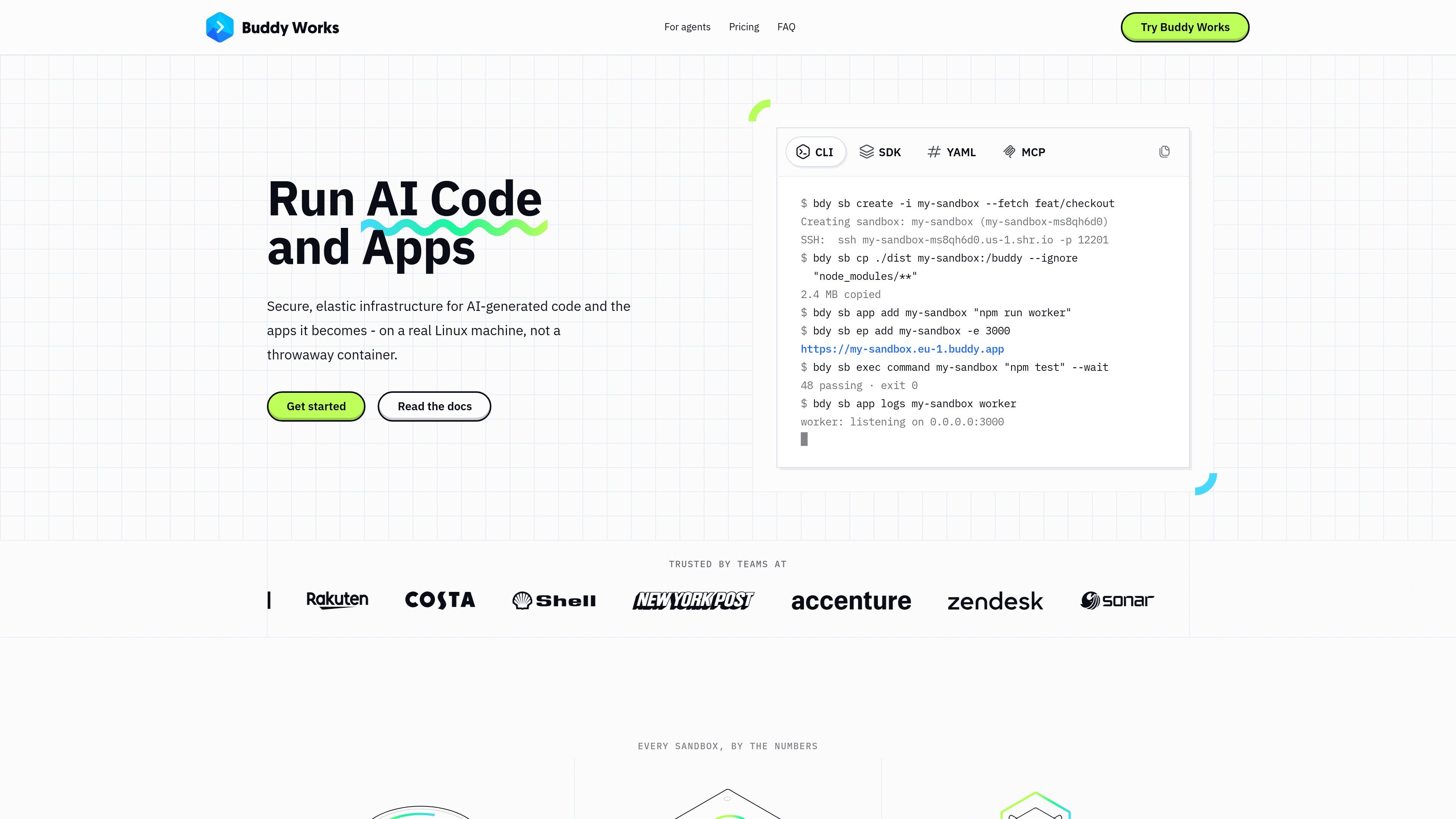
Buddy Sandboxes are isolated Linux machines in Buddy’s cloud for running AI-generated code, applications, tests, and development environments. Each machine has allocated CPU and RAM, a persistent 50 GB disk, installed development tools, and public endpoints for exposing applications over HTTPS.
Unlike a throwaway execution container, a Sandbox keeps its disk state between sessions. Teams and agents can install packages, clone repositories, run commands, supervise applications, inspect logs, and connect over SSH. Sandboxes can be created and driven interactively from the CLI or automated through the SDK, REST API, YAML, pipelines, and MCP.
Each Sandbox runs as an isolated Linux machine with a persistent 50 GB disk. Files, installed packages, configuration, and caches remain available after restarts.
The buddy user has passwordless sudo, allowing packages and system users to be installed and Docker to run inside the Sandbox.
Run commands with streamed output and exit codes, transfer files and directories, clone repositories or fetch artifacts, and manage long-running apps with separate logs.
Expose application ports through public HTTPS endpoints, with optional Buddy sign-in and request logging for inspecting incoming traffic.
Use snapshots to create new Sandboxes from a prepared environment, including system packages, repositories, runtimes, and dependency caches.
Create and operate Sandboxes through the CLI, TypeScript SDK, REST API, YAML, pipelines, or MCP, depending on whether the work is interactive, automated, or agent-driven.
Give an agent an isolated Linux environment where it can install dependencies, edit files, run tests, and make changes without modifying a developer laptop or production system.
Create a machine for each branch or pull request, expose the running application through a public URL, and let teammates or clients review the result.
Run a full test environment, execute commands and application checks, collect exit codes and logs, then destroy the Sandbox when the test workflow is complete.
Keep an application running on a machine with no timeout unless one is configured, expose it through an endpoint, and use a custom domain through the supported Buddy workflow.
Use SSH and VS Code Remote-SSH to work on a remote Linux environment with its files, packages, and configuration retained between sessions.
A Sandbox is an isolated Linux machine with its own operating system, CPU and RAM allocation, persistent disk, applications, and public endpoints. It is designed to behave more like a persistent virtual machine than a disposable container.
The persistent disk, including files, installed packages, database contents, and build caches, remains after a stop and restart. Memory does not persist: running processes terminate, while apps defined in the Sandbox configuration start again when the machine boots.
No. You can configure a machine, save it as a snapshot, and create new Sandboxes from that prepared state. This avoids building and pushing a Docker image for that workflow.
Sandboxes can be managed through the web UI, CLI, TypeScript SDK, REST API, YAML, pipelines, and MCP. The SDK supports lifecycle operations, commands, files, apps, snapshots, and configuration changes; terminal access, SSH, and custom domains are available through the UI and CLI.
When a Sandbox stops, compute charges stop while retained disk storage continues to be billed. A request to one of its endpoints or a command can wake it, and configured apps restart when the machine boots.

ByteAsk is a terminal-first AI coding agent for C and C++ that edits repos and verifies changes with compilers, debuggers, sanitizers, and tests.

CreateOS Sandbox is an isolated compute environment for running code and agent workloads in Firecracker micro-VMs with private networking and SDK, CLI, or MCP control.

GitBot is a local browser workspace for reusable coding bots powered by Claude Code, Codex, or OpenCode, with persistent threads and configurable permissions.

Manta AI is an autonomous web app testing tool that maps app behavior, catches regressions, and generates tests from a URL, no scripts or selectors needed.

AakarDev AI helps teams manage AI provider access, project setup, logs, and analytics in one dashboard. BYOK support included.

Trigger.dev chat agent is a durable AI chat backend for stateful conversations that survive refreshes, crashes, and long-running turns with AI SDK useChat.