
Sketch, CAD, and photo to render
Generate photorealistic architectural renders from sketches, CAD exports, property photos, and 3D model exports, with emphasis on geometric accuracy.

Carve is a browser-based AI rendering studio that turns sketches, CAD exports, 3D views, and property photos into photorealistic images and short motion clips for architecture and real estate teams.
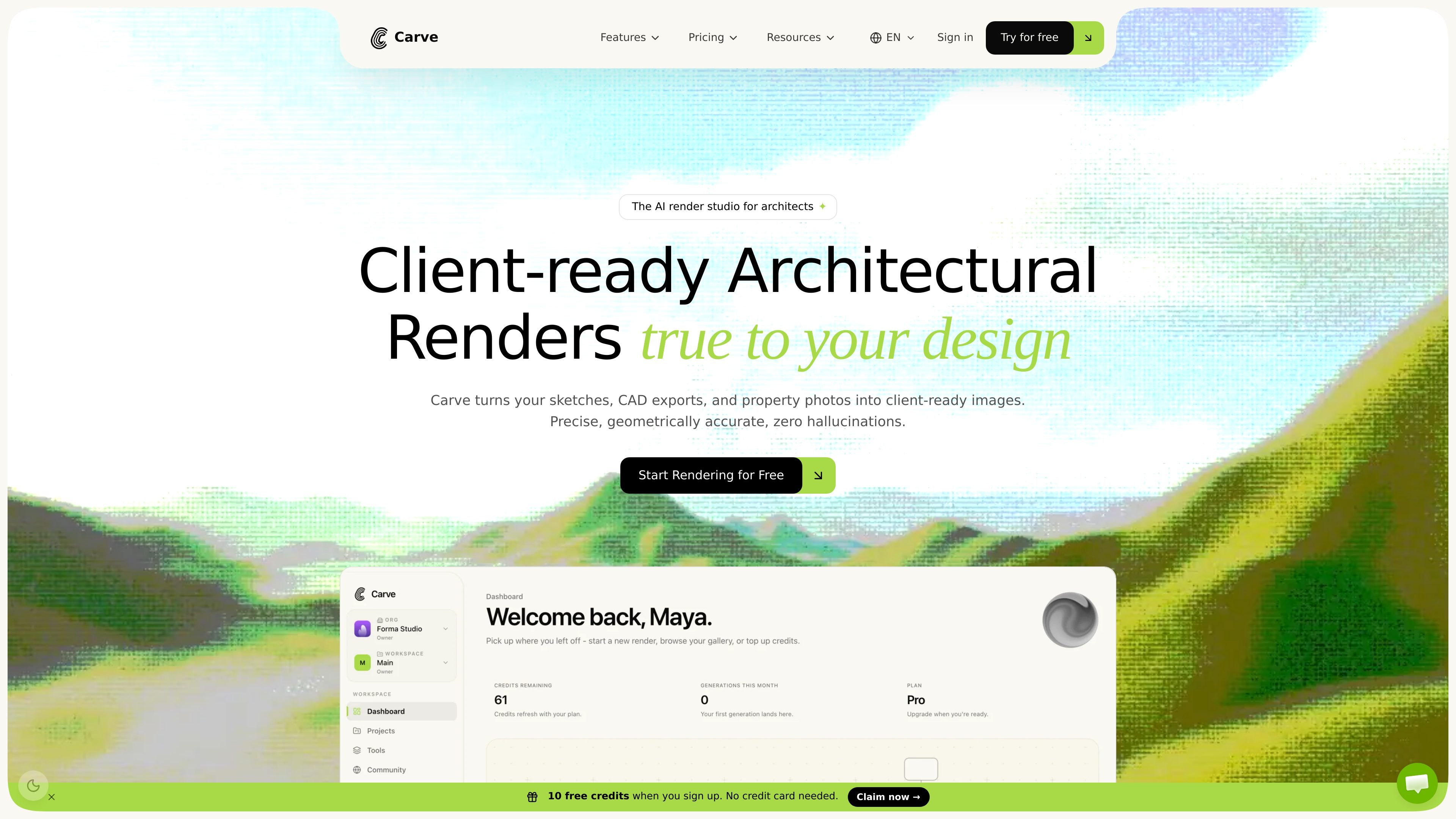
Carve is an AI rendering studio for architecture and real estate teams. It turns sketches, CAD exports, 3D model views, and property photos into photorealistic images and short motion clips for client review, marketing, and design exploration.
The product is built around a browser-based studio that combines generation, editing, animation, version history, and collaboration in one place. The source positions it for architects, interior designers, developers, real estate agents, and other professionals who need fast visual output without a traditional rendering workflow.
Generate photorealistic architectural renders from sketches, CAD exports, property photos, and 3D model exports, with emphasis on geometric accuracy.
Use separate tools for interior redesign, exterior facades, sketch-to-image, style transfer, virtual staging, and short cinematic animation clips.
Work on the same project with architects, designers, and clients through live cursors, comments, approvals, and a version-controlled render history.
Branch renders, edits, and upscales in a render tree so alternative directions stay organized and no version is lost.
Share render links with viewer or commenter roles, watermark them with your organization details, and revoke access when needed.
Use Carve in a browser with no install or plugin, and start from a loaded studio sample project or your own design files.
Turn hand sketches, floor plans, or CAD exports into client-ready visuals when you need a fast first presentation or need to compare options during design development.
Rework empty rooms into furnished interiors, test layouts, and compare materials or lighting without rebuilding the scene from scratch.
Create exterior facades, masterplans, and site visuals from CAD exports or property photos for presentations, tenders, and project approvals.
Use live comments, approvals, and version history when multiple stakeholders need to review the same render and keep track of revisions.
Turn a render into a short cinematic clip for presentations or listing materials when a still image is not enough to explain the project.
Yes. Carve includes a live collaboration canvas where architects, designers, and clients can comment, approve, and track version history together.
Carve is browser-based and loads in the studio without an install or plugin. The pricing page says it runs in any browser and does not require high-performance GPU hardware.
Carve offers a free start with 10 credits. Paid SaaS plans include Starter, Pro, and Agency, and the pricing page also offers one-time credit top-ups.
The source describes use of sketches, CAD exports, property photos, SketchUp, Revit, Rhino, AutoCAD, and Blender outputs. It also mentions tools for interior AI, exterior AI, sketch-to-image, style transfer, virtual staging, and animation.

Clipia.ai is an AI image and video generation platform for presentations, agent workflows, and developer integrations, with shared credits.

TapNow is a web-based AI visual creation platform for businesses, creators, and teams with image and video generation, editing, planning, and collaboration tools.

Kling AI is an AI creative studio for generating and editing images and videos, with web, mobile, and API access for creators and developers.

Caimera is an AI visual production platform for fashion and e-commerce teams, creating product images, on-model shots, videos and sketch visuals.

An All-In-One AI Platform that combines tools for image, video, voice, writing, and chat to enhance creativity and collaboration.

VIDEOAI.ME is an AI video generator for spokesperson videos, ads, explainers, and social content from a script without filming.