

ChatWithAds
ChatWithAds helps founders and growth teams ask questions about ad accounts and get reasoned, actionable answers with business context like COGS and margins.
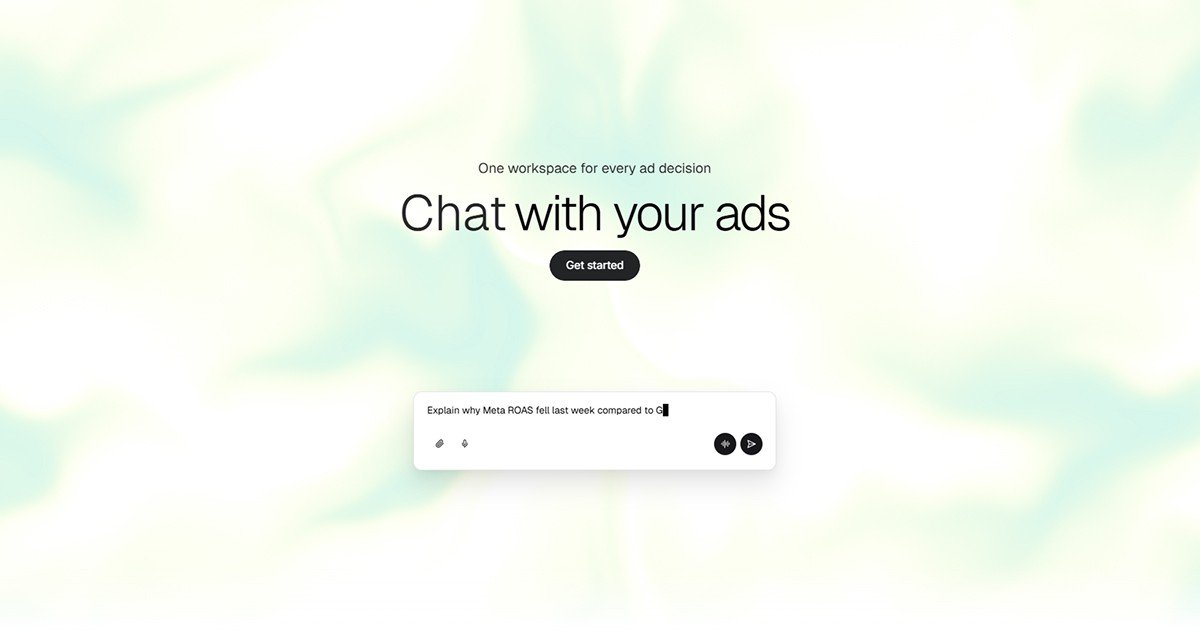
What is ChatWithAds?
ChatWithAds is an AI-assisted chat tool for marketing and growth teams that lets users ask questions about their ad accounts and receive reasoned, actionable answers. Instead of navigating multiple dashboards or building spreadsheets, it connects performance data to specific decision questions (for example, changes in ROAS or which products are profitable after returns).
Its core purpose is to help users move from “what happened” to “what to do next” by reasoning through business context such as COGS, margins, and strategy, then simulating scenarios for budgeting and planning.
Key Features
- Plain-language Q&A for ad-account performance: Ask questions like “Why did my Meta ROAS drop?” and get structured explanations rather than a raw report export.
- Business Memory for profitability context: Store inputs such as COGS, margin targets, and strategy so future answers include the same context.
- Multi-step reasoning across channels: Connect details from Meta CPAs to Google impression share to inventory and margins within one reasoning chain.
- Profitability calculations beyond vanity ROAS: Use revenue pathways including discounts, COGS, shipping, and refunds to estimate true margin.
- Scenario simulation for budget and merchandising decisions: Shift budgets, launch promos, or cut SKUs to preview how spend, revenue, and margin could change.
How to Use ChatWithAds
- Connect your ad and commerce platforms (the site lists Shopify, Google Ads, Meta Ads, TikTok Ads, Amazon, and Klaviyo). The page describes setup as quick and does not require CSVs.
- Start a free chat and ask a direct question in natural language (e.g., “Why did my ROAS drop last week?” or “Which products are actually profitable?”).
- Review the reasoned answer that explains likely drivers and provides recommendations or decision guidance.
- Use Business Memory and scenario prompts when you want profitability tied to your targets or you need to model changes to budgets and offers.
Use Cases
- Diagnose a ROAS decline by channel and campaign type: If ROAS drops, ask for a breakdown of where performance changed and what underlying factors (such as creative fatigue and frequency changes) may be driving it.
- Identify profitable products after returns and COGS: Ask which products remain profitable when returns, discounts, shipping, and refund effects are included—rather than relying on ROAS alone.
- Plan budget shifts between platforms: Model what happens if you reallocate spend (e.g., from Meta to Google) and review the projected impact on profitability metrics.
- Support weekly decision-making without manual reporting: Use chat prompts to replace hours spent building reports and drilling down in multiple tools.
- Test promotional or catalog changes before committing: Simulate scenarios such as launching a promo, changing budgets, or cutting SKUs to estimate how revenue and margin could be affected.
FAQ
-
Which platforms can I connect to ChatWithAds? The site lists connections for Shopify, Google Ads, Meta Ads, TikTok Ads, Amazon, and Klaviyo.
-
Do I need to export data to CSVs to use it? No. The page states onboarding connects platforms without requiring CSV files.
-
What kinds of questions can I ask? Examples shown include investigating ROAS drops, determining which products are profitable after returns, and asking about budget shifts.
-
Does it include business context like COGS and margin targets? Yes. The site describes a “Business Memory” feature where you can provide COGS, margin targets, and strategy once, so it is used in future answers.
-
Can it simulate decisions like budget changes or promos? The page states it supports scenario simulation to shift budgets, launch promos, and change SKUs to see impacts on spend, revenue, and margin.
Alternatives
- Dashboard and reporting tools (bi-directional analytics platforms): Instead of a chat-based reasoning workflow, these tools emphasize drilling through dashboards and building reports; they can explain what happened but may require more manual analysis to reach a specific recommendation.
- Spreadsheet-based performance analysis: Users can model profitability and ROAS declines in spreadsheets, but the workflow is typically manual (collecting data, maintaining formulas, and rebuilding analysis when questions change).
- Marketing attribution and incrementality tools: These focus on measuring performance and causal impact. They may not provide the same chat-style, business-context profitability calculations or scenario simulation described for ChatWithAds.
Alternatives

skills-janitor
Audit, track usage, and compare your Claude Code skills with skills-janitor—nine focused slash commands and zero dependencies.

Yorph AI
Yorph AI is an agentic data platform combining no-code ease with code-first control and scalability for on-demand modern data work.

PromptScout
PromptScout tracks how your brand is mentioned, which competitors are recommended, and what sources are cited in AI answers—plus website audits.

SaveMRR
SaveMRR scans Stripe billing data to find SaaS MRR leaks and help recover failed payments, save cancellations, and win back churn—60-sec Free Revenue Scan.

Sleek Analytics
Lightweight, privacy-friendly analytics with real-time visitor tracking—see where visitors come from, what they view, and how long they stay.

Struere
Struere is an AI-native operational system that replaces spreadsheet workflows with structured software—dashboards, alerts, and automations.