
Copilot workflow orchestration
Describe the target list or workflow in plain English and Copilot builds the sequence of enrichment, verification, scoring, and export steps without manual column setup.

Cleanlist is an AI-powered B2B data enrichment platform for GTM teams. Build, verify, enrich, and sync lead lists from prompts, CSVs, or LinkedIn profiles.
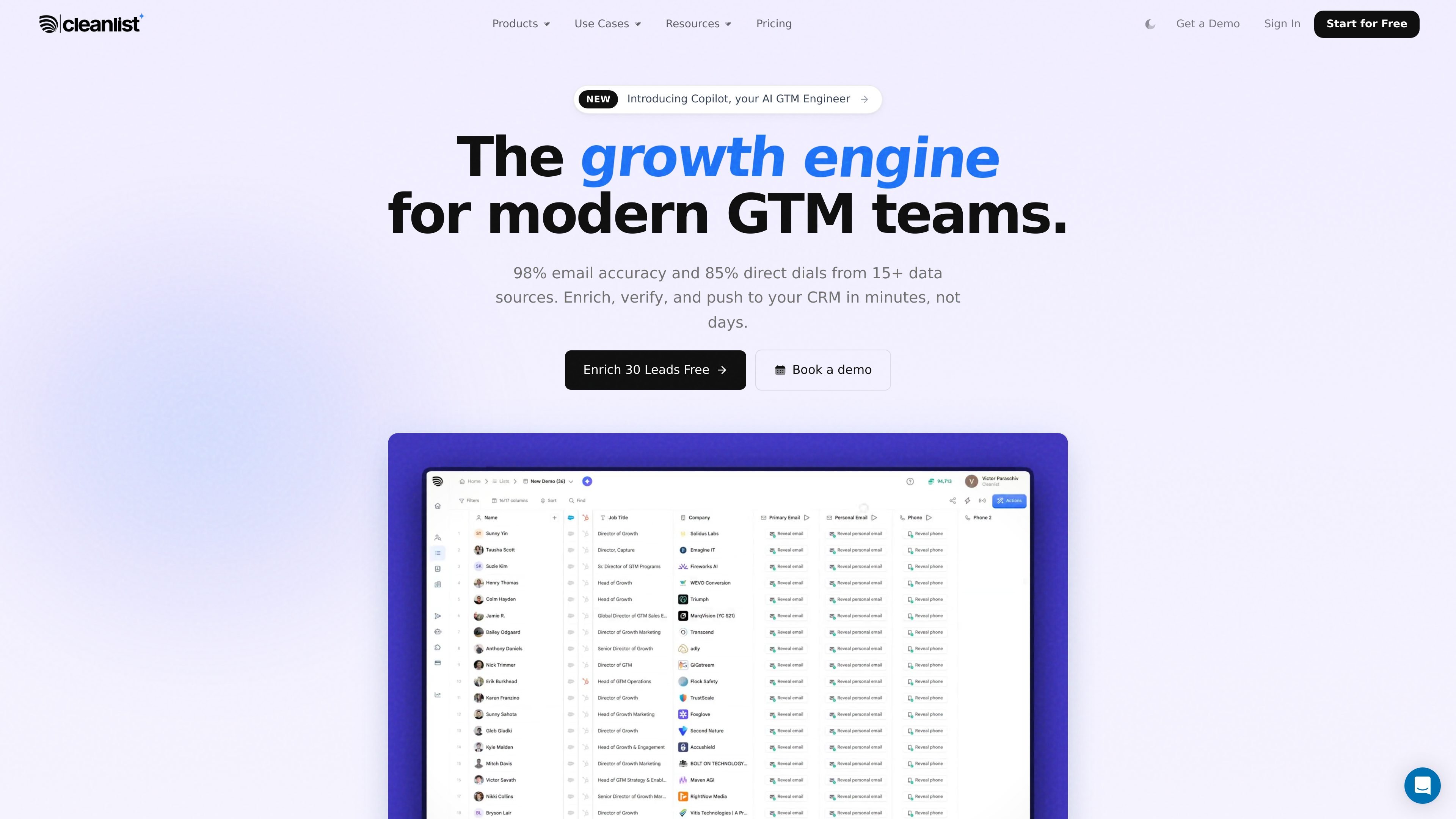
Cleanlist is an AI-powered B2B data enrichment platform for go-to-market teams. It combines people search, waterfall enrichment, verification, AI-assisted research, and CRM sync in one product so teams can build and clean lead lists from a prompt, a LinkedIn profile, or a CSV.
The homepage and product pages position Copilot as the main workflow layer: users describe the list they want in plain English, and Cleanlist handles search, enrichment, deduplication, scoring, and export. The pricing page shows a credit-based model with free and paid plans, plus native integrations for HubSpot, Salesforce, Pipedrive, Outreach, Salesloft, and lemlist.
Describe the target list or workflow in plain English and Copilot builds the sequence of enrichment, verification, scoring, and export steps without manual column setup.
Run every contact through a 15-provider waterfall so email, phone, and company data are checked across multiple sources and the best match is selected automatically.
Verify emails and look up contacts from an address or LinkedIn profile, then return the associated name, title, company, and direct phone when available.
Find people from company filters, Sales Navigator profiles, CSVs, raw email lists, or manual entries, then return CRM-ready output for follow-up.
Sync enriched data to HubSpot, Salesforce, Pipedrive, Outreach, Salesloft, or lemlist, with round-trip updates back into the CRM.
Use AI agents to add ICP scores, company summaries, competitor notes, and other research-style columns that reduce manual lookup work.
Build an ICP-matched target list from a plain-English prompt, such as a company type, geography, stage, or role, and get the contacts enriched in one pass.
Upload a CSV or import existing prospect data, then have Cleanlist enrich rows with verified emails, direct dials, job titles, and company data before exporting or syncing.
Open a LinkedIn or Sales Navigator profile, run the Chrome extension, and retrieve a verified email and direct dial without leaving the page.
Push cleaned records into HubSpot, Salesforce, Pipedrive, Outreach, Salesloft, or lemlist so the list is usable inside existing sales workflows.
Use Copilot to run a multi-step playbook that deduplicates against the CRM, scores contacts, enriches priority leads, and exports the final list.
Cleanlist Copilot takes a plain-English prompt, builds the workflow it plans to run, and then executes the enrichment, verification, scoring, and export steps. The source says you can review the playbook before it runs and approve, modify, or cancel it.
The source says Copilot is included in all paid plans. It uses the same credit system as manual enrichment, so you only pay for the data operations it performs.
Cleanlist supports outputs to Salesforce, HubSpot, Pipedrive, Outreach, Salesloft, lemlist, or CSV, depending on the workflow and plan. The product pages also describe native CRM sync and one-click export.
The source describes Cleanlist as handling enrichment, verification, scoring, deduplication, and export, with a free Chrome extension and native CRM integrations. It is positioned for GTM teams that want to build and enrich lead lists from a prompt or from uploads.
The pricing and product pages show a credit-based model with rollover on unused credits, but they do not provide every workflow limit or credit detail for every action. The published pages also note a 98% accuracy guarantee and a free plan, but the exact scope of every guarantee term is not fully detailed in the source.

Podium is an AI lead generation and lead management platform for local businesses. Centralize conversations, follow-up, reviews, payments, and booking with a 24/7 AI Employee add-on.

Sumora is an autonomous outreach agent for LinkedIn and Instagram that finds, qualifies, warms, and books leads, with replies managed in one inbox and final sends under review.

Happenstance is an AI-powered network search tool to find people, mutual connections, and warm introductions across connected accounts, with API, MCP, Slack, and team integrations.

Wysera is an AI business platform with PostWyse for content and OpsWyse for CRM and revenue workflows, powered by shared Wyse AI and approval-first automation.

Blinked is a free Chrome extension for LinkedIn outreach to research leads, draft personalized messages, and manage follow-ups locally in your browser.

Knock is customer engagement infrastructure for product, marketing, and transactional messaging teams—activate your data and ship cross-channel workflows with developer tooling.