
Two-stage migration workflow
Supports a two-stage workflow: export Claude conversations, upload them to CloudFuze, map users, and migrate the files; then create Gems in Gemini so the migrated content can be indexed.

CloudFuze guides Claude to Gemini migration, moving conversation history and context into Google Drive and Gemini Gems for continuity.
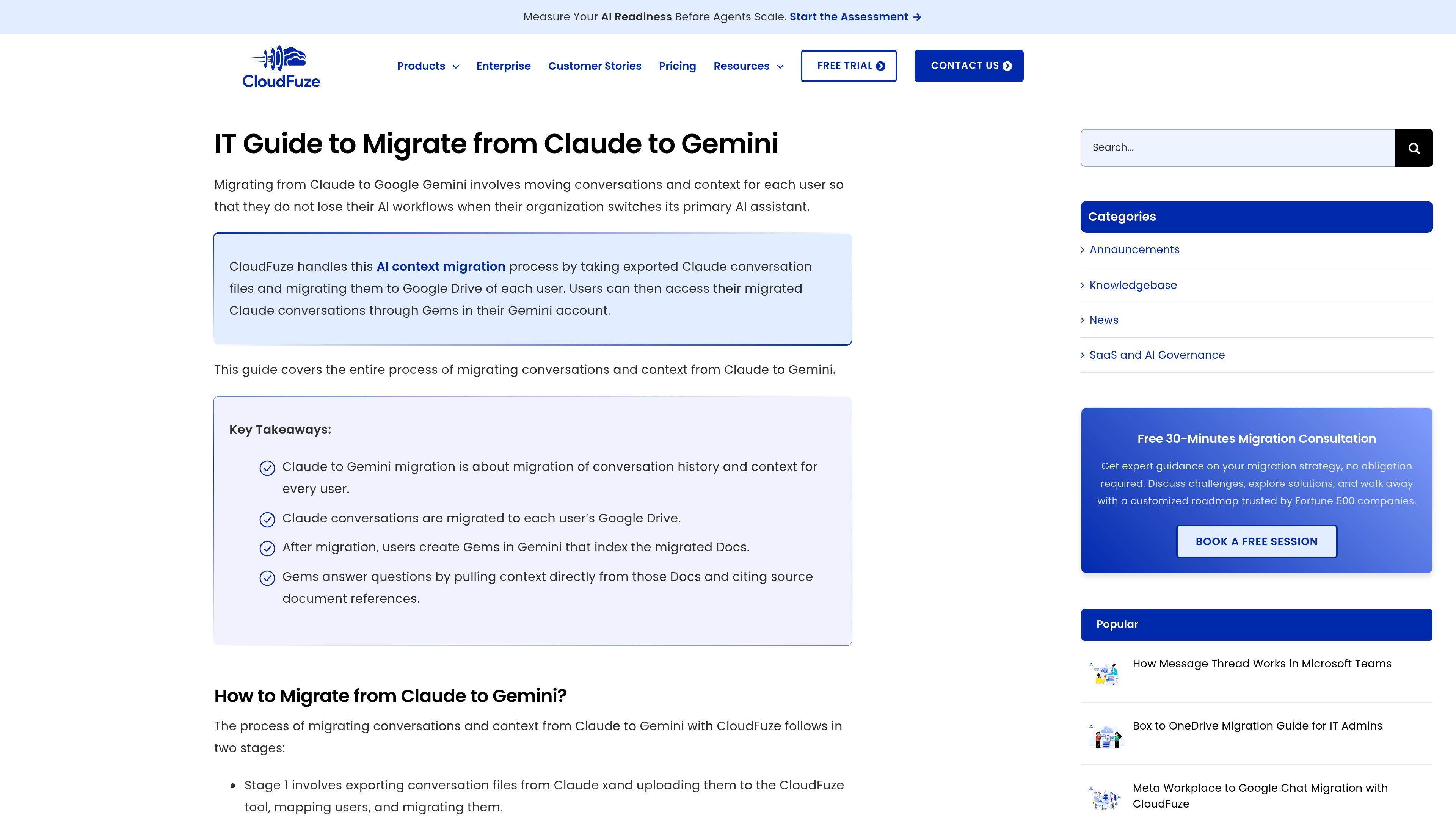
CloudFuze’s Claude to Gemini migration guide explains how organizations can move conversation history and context from Claude into Gemini when switching their primary AI assistant. The workflow is designed to preserve user AI continuity by carrying exported Claude conversations into each user’s Google Drive and then making them accessible in Gemini through Gems.
The guide frames conversation and context migration as part of a broader cloud transition, alongside the movement of documents and other work data. It outlines the migration stages, common challenges such as user mapping and context preservation, and the post-migration steps required to make the transferred conversations usable inside Gemini.
Supports a two-stage workflow: export Claude conversations, upload them to CloudFuze, map users, and migrate the files; then create Gems in Gemini so the migrated content can be indexed.
Processes Claude export ZIP files so conversation history can be moved in a structured format rather than copied manually.
Maps each Claude user to the correct Google user before migration, which helps keep conversations associated with the right destination account.
Offers a dry migration option before the final run, allowing teams to preview the process and validate settings first.
Converts migrated conversations into Google Docs in each user’s Google Drive, which Gemini can then reference through Gems.
Provides professional services support for post-migration Gem setup, including guidance on creating and configuring Gems in Gemini.
Useful when an organization is changing its primary AI assistant and wants employees to keep access to prior Claude conversations and context.
Helps IT teams handle multi-user migrations where each Claude account must be mapped to the correct Google Workspace account.
Fits teams that want migrated conversations to remain searchable and queryable through Gemini Gems after the move.
Applies when businesses are moving workloads into Google Workspace and want Claude conversations to move alongside files and folders.
The process starts by connecting Google Workspace in the CloudFuze Migration Agent, selecting the Claude-to-Gemini path, uploading the Claude export ZIP, mapping users, and then running a dry migration before the actual migration.
CloudFuze migrates exported Claude conversations into each user’s Google Drive as Google Docs, which can then be indexed in Gemini through Gems.
After migration, users create a Gem in Gemini, paste in the Gem instructions, and link the Google Drive folder that contains the migrated conversation files.
CloudFuze’s pricing page says pricing depends on the number of users and the amount of data to migrate, and that customers can request a quote.
The pricing page states that CloudFuze provides free consultation and demo options, rather than a free trial.

ArtDeck is a visual reference board app for iPhone, iPad, and Mac. Collect mixed references on one canvas and study them with ToolBox lenses. Offline, optional iCloud sync, one-time purchase.

Goldfish is an AI memory app for macOS that helps you reply, write, summarize, and continue with context already on your Mac. It stores memory locally and writes in your tone.

Dcyde is a shared decision log for product teams to capture what was decided, why, and the source, with searchable records from Slack, Figma, or Dcyde.

Lasso is an ecommerce product data platform for enriching catalog records, processing supplier files, generating product content, and tracking competitors. It includes a web app, REST API, SDK, and MCP server.

Biji is a versatile platform designed to enhance productivity through innovative tools and features.

Malyatko is a baby tracker for feeding, sleep, growth, teething, and milestones. Use it on iPhone, Apple Watch, and widgets offline, with iCloud sharing.