
Plain-English scripting
Type the product or workflow you want to show in plain language, and the agent plans the navigation, scrolling, clicks, and highlights for you.

DemoFlow AI creates cinematic demo videos from a URL and a plain-language flow description for product pages, web apps, and dashboards.
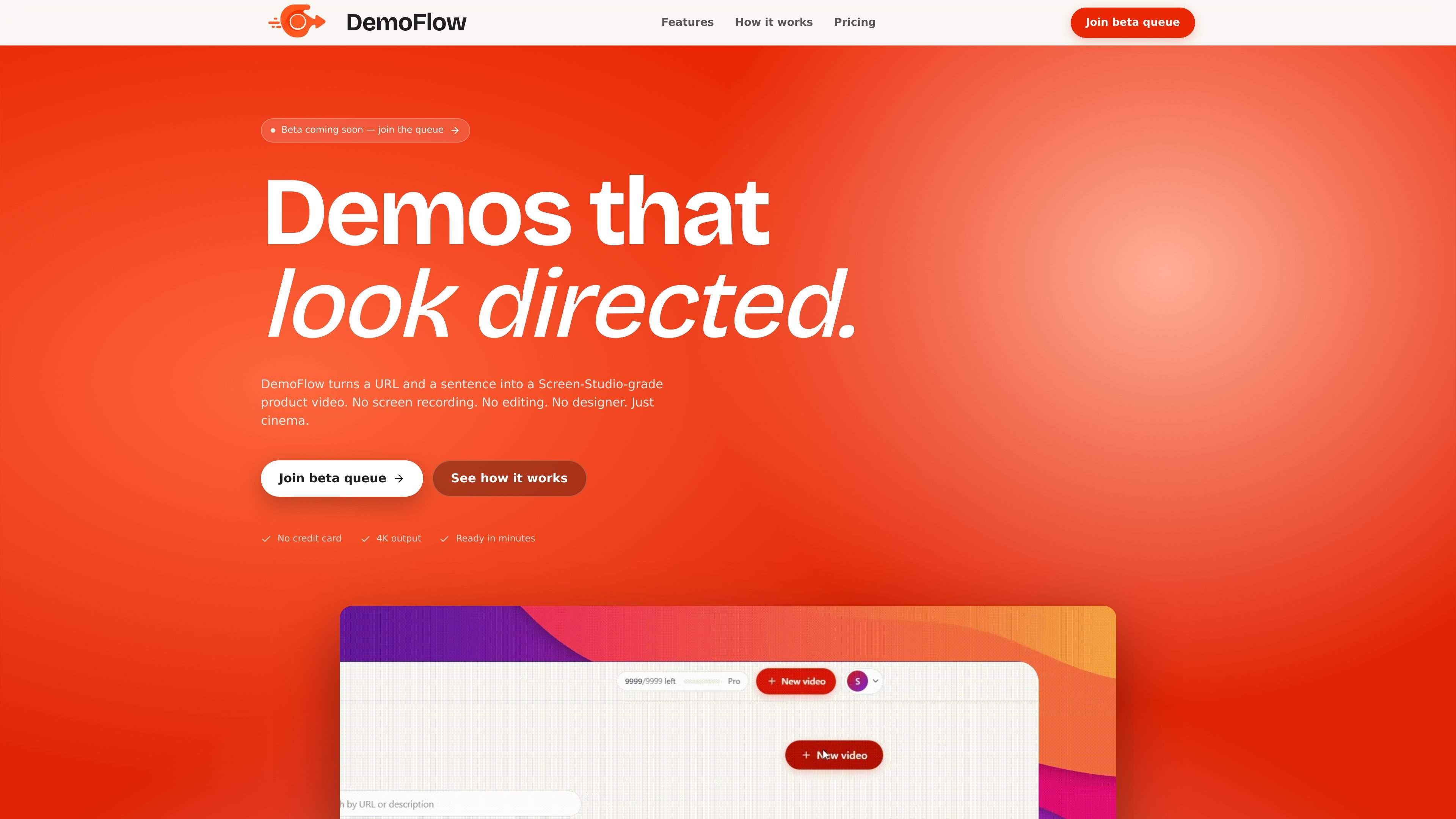
DemoFlow AI turns a URL and a short natural-language prompt into a polished product demo video. The homepage describes it as a way to generate Screen Studio-style demos automatically, without screen recording, manual editing, or design work.
The product is aimed at people who need a finished MP4 quickly from a website or web app. Its flow is simple: paste a URL, describe the actions you want shown, and let the agent navigate the site, capture the footage, and render the video with cinematic motion and timed cursor movement.
Type the product or workflow you want to show in plain language, and the agent plans the navigation, scrolling, clicks, and highlights for you.
Produces smooth zooms, parallax pans, motion blur, and cursor easing so the result looks like a polished product demo rather than a raw screen capture.
Works with public marketing pages, JavaScript-heavy single-page apps, and authenticated dashboards when you provide cookie or Playwright storage state.
Uses a background queue and says most renders finish in two to five minutes, with priority lanes for paid tiers.
Handles authenticated sessions carefully: auth payloads are encrypted at rest, used once, and discarded, and credentials or session cookies are not logged.
Outputs up to 4K video, with options listed for laptop, Full HD, QHD, and UHD capture sizes.
Turn a marketing page into a finished launch clip by giving the agent a URL and a short script for what to scroll, click, and emphasize.
Record a walkthrough of a SaaS app or admin dashboard without manual screen capture, including flows that require a logged-in session.
Show a pricing page, feature comparison, or signup path in a polished format for social posts, launch announcements, or sales follow-up.
Create a consistent demo template for a team that publishes videos repeatedly, using the same URL-plus-prompt workflow and queued rendering model.
Yes. The homepage says DemoFlow can work on authenticated dashboards using cookie or Playwright storage state, and it states that secrets are encrypted at rest, used once, and discarded.
The site does not describe an in-app timeline editor. The workflow shown is URL plus prompt, then the system navigates, captures footage, and renders the final MP4.
The homepage says DemoFlow works on public marketing pages, JavaScript-heavy SPAs, and authenticated dashboards. It does not list a broader supported-site matrix beyond that.
The site includes commercial-use messaging through its paid plans and team offering, but it does not publish a separate commercial-use policy on the homepage. No additional licensing terms are shown in the provided sources.

艺映AI is a free AI video creation tool for text-to-video, image-to-video, and video-to-video creation for short social and promo clips.

Coursebox AI Training Video Generator creates training videos from scripts, slides, or avatars for course authors and teams—no filming equipment or manual editing needed.

Tavus is an AI video platform for real-time face-to-face agents, digital twins, and AI companions, with APIs and multilingual workflows for developers.

HiringPartner.ai is an autonomous AI recruiting platform for sourcing, screening, and interviewing candidates 24/7 with ATS-connected workflows and bulk resume uploads.

VIDEOAI.ME is an AI video generator for spokesperson videos, ads, explainers, and social content from a script without filming.

Official HeyGen API docs for AI avatar videos, video translation, lipsync, and interactive video-agent sessions via API, MCP, and CLI workflows.