
Deterministic website cloning
Point Ditto at a public URL and it returns a byte-stable copy intended to preserve fidelity rather than improvise missing pieces.

Ditto is an open-source website cloner that turns a public URL into componentized Next.js or Vite code for developers and AI builders.
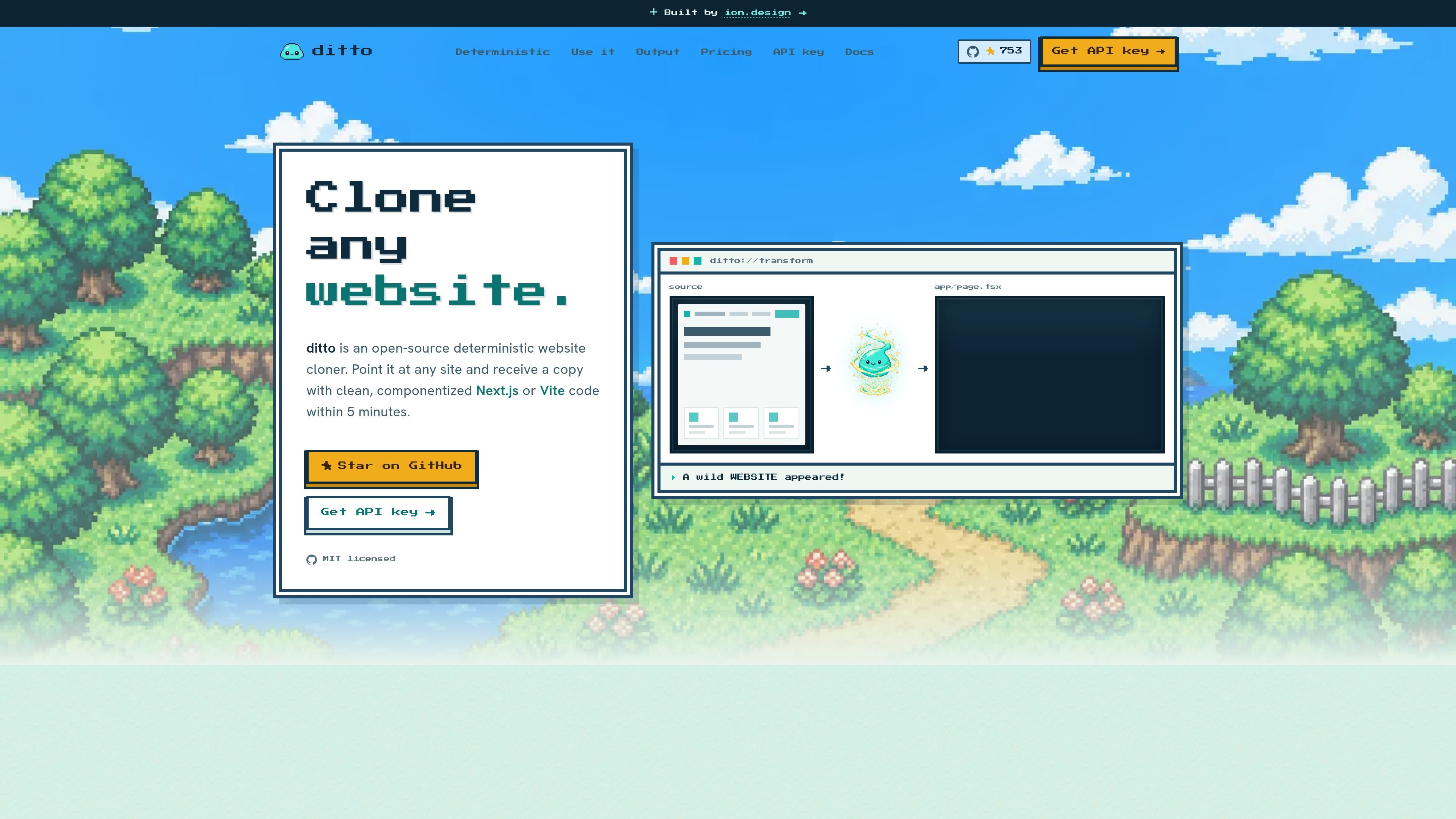
Ditto is an open-source website cloner that takes a public URL and turns it into a byte-stable codebase. The product is positioned around deterministic reconstruction: instead of asking an LLM to guess at the layout, it aims to produce stable, componentized Next.js or Vite output that preserves the original site’s structure and fidelity.
The homepage describes Ditto as useful for getting a faithful starting point for AI app builders, teams rebuilding pages, and developers who want a maintainable project rather than a flat export. It also says the pipeline extracts design systems, tokens, fonts, interactions, motion, breakpoints, sections, and editable content into real project files.
Point Ditto at a public URL and it returns a byte-stable copy intended to preserve fidelity rather than improvise missing pieces.
The output is described as clean, componentized Next.js or Vite code, so the result is a real project structure instead of one large generated file.
The site says Ditto extracts design systems, tokens, fonts, interactions, motion, breakpoints, and sections from the source page.
The hosted API supports a simple POST-and-poll workflow, with job events available while capture, generation, and verification run.
An MCP server is documented for agent workflows, with an example that can be wired into tools such as Claude or Cursor.
The project is MIT licensed and open source, and the homepage also shows a self-hosted command-line workflow.
Use Ditto when you need a faithful starting point for a new app or landing page and want to preserve the source site’s visual structure in real code.
Teams rebuilding or modernizing a public site can use the componentized output to separate sections, tokens, and reusable UI instead of copying HTML by hand.
Builders using agents or internal tools can connect the MCP server so an assistant can trigger cloning as part of a broader build loop.
Developers who prefer to run their own infrastructure can self-host the pipeline, inspect the code, and adapt it for local use or contributions.
If you only need a managed workflow, the hosted REST API lets you submit a URL, track the job, and retrieve the generated project without running the cloner yourself.
Ditto can be used either as an open-source self-hosted cloner or through the hosted REST API. The site also documents an MCP server for agent workflows.
The homepage says Ditto accepts a public URL and produces clean, componentized Next.js or Vite code. It is described as deterministic rather than LLM-driven.
The source shown on the site highlights Next.js and Vite, with Tailwind v4 and CSS mentioned in the reconstructed output. The hosted API example also shows a Next.js and Tailwind configuration.
The pricing page URL returns a 404 in the collected evidence, so the site does not clearly document pricing on that page. The homepage says Ditto is MIT-licensed and open source, and also offers a hosted API with an API key flow.
The site says Ditto is designed for public URLs and can extract design systems, tokens, fonts, interactions, motion, breakpoints, and sections. It is positioned for faithful code generation rather than loose visual approximation.

ByteAsk is a terminal-first AI coding agent for C and C++ that edits repos and verifies changes with compilers, debuggers, sanitizers, and tests.

CreateOS Sandbox is an isolated compute environment for running code and agent workloads in Firecracker micro-VMs with private networking and SDK, CLI, or MCP control.

hob is an independent workspace for coding agents, with local control over sessions, terminals, history, routing, and follow-up work.

Manta AI is an autonomous web app testing tool that maps app behavior, catches regressions, and generates tests from a URL, no scripts or selectors needed.

SonOf connects to your repo and PM tool, audits your codebase, and turns approved work into shipped tickets with senior engineering review.

Ghost is a terminal-based AI assistant for chatting, code generation, and CLI tasks. Includes free models, supports Linux, macOS, Windows, and is open source.