
Hosted docs publishing
Create and maintain a hosted documentation site for quickstarts, guides, API references, and support flows. The site includes clean navigation and stable anchors so the docs can serve as a readable source of truth.

DocsAlot is an AI-readable documentation platform for startups and SaaS teams to publish hosted docs, llms.txt, skill.md, and hosted MCP from one source.
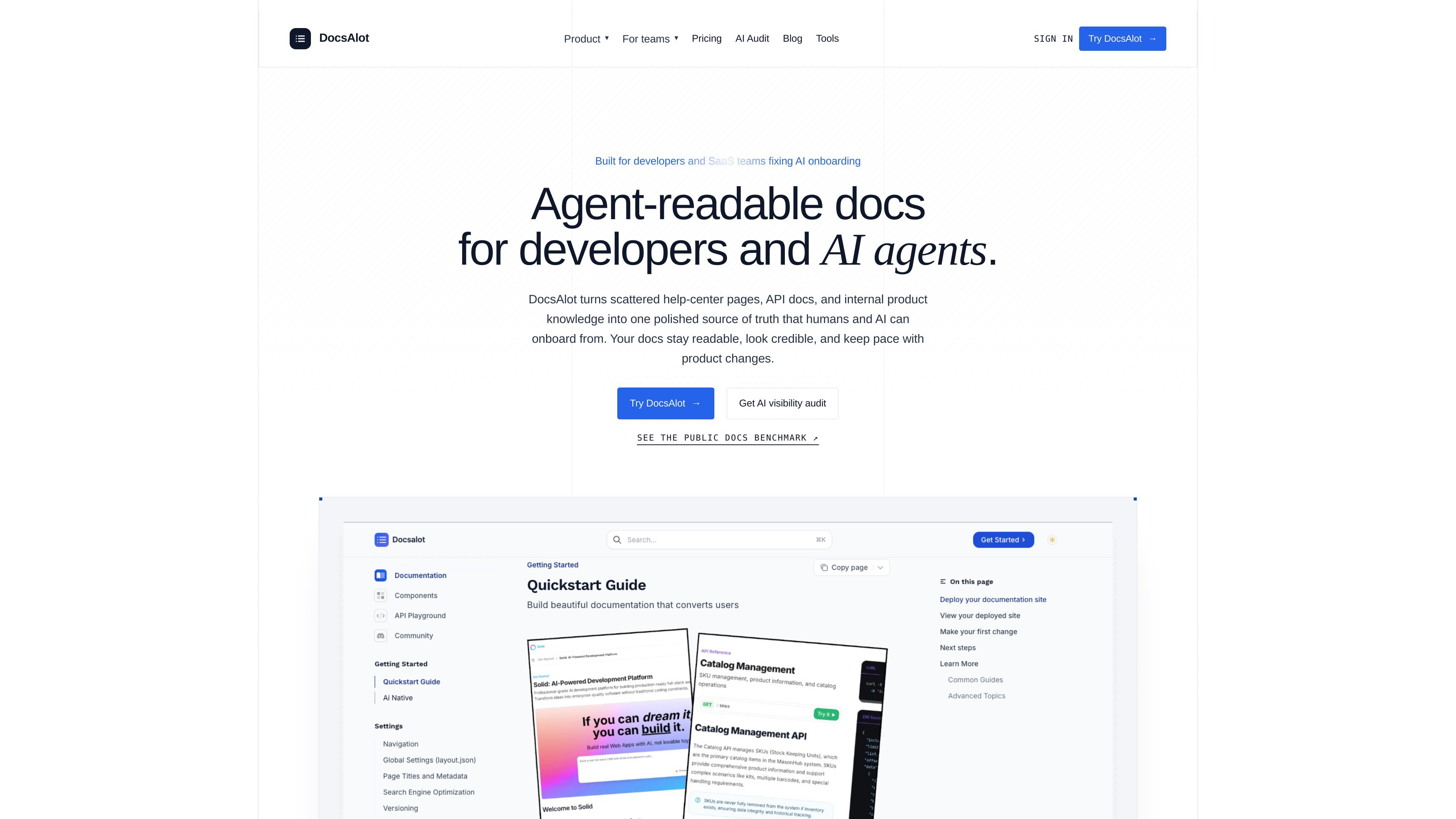
DocsAlot is an AI-readable documentation platform for startups, SaaS teams, and developers who want one maintained source of truth for help centers, developer docs, and agent-facing documentation. It turns scattered product knowledge into hosted docs plus machine-readable outputs such as llms.txt, skill.md, and MCP-ready content.
The product is built around a publish-and-audit workflow: connect source material, package it for humans and AI tools, publish a docs site, and check what agents can actually find before onboarding breaks. The site also positions DocsAlot as useful for teams that need private docs, custom domains, rollout support, or visibility into how documentation performs in AI workflows.
Create and maintain a hosted documentation site for quickstarts, guides, API references, and support flows. The site includes clean navigation and stable anchors so the docs can serve as a readable source of truth.
Generate machine-readable documentation outputs from the same source, including llms.txt, skill.md, markdown parity, and MCP-ready chunks. These outputs are intended to make docs easier for AI tools to route through and cite.
Connect product knowledge from GitHub docs, help-center HTML, OpenAPI references, READMEs, changelogs, product notes, and Notion. The product then maps and packages those sources into one docs layer.
Review what changed before publishing and inspect what AI tools can actually see. The site highlights review diffs, benchmark reports, and AI visibility audits as part of the workflow.
Support a hosted MCP endpoint for agent workflows without forcing teams to wire up separate infrastructure. The product page presents it as part of the documentation stack alongside hosted docs and AI-readable files.
Offer plan-based deployment options for public docs, custom domains, subfolder hosting, private docs, and authenticated help centers. Enterprise adds governance-oriented support such as SSO, SCIM, analytics, and custom integrations.
A startup can launch one public documentation site with AI-ready docs, hosted MCP, and basic source integrations, then expand later if it needs private surfaces or more AI capacity.
A SaaS team can keep developer docs, help-center content, and API references in sync while publishing the same content for humans and agents.
Teams building for AI-assisted onboarding can use the visibility audit and benchmark surfaces to see which answers agents cite, where they drift, and which pages still need cleanup.
Organizations that need private surfaces can use the Team or Enterprise plans for authenticated help centers, internal docs, and rollout support.
Teams with existing sources can import from help centers, docs tools, or Markdown repositories and use add-on support for migration and launch assistance.
DocsAlot provides hosted docs, AI-readable outputs, and publishing workflows so teams can create and maintain documentation from a single source. The site also mentions hosted MCP, llms.txt, skill.md, and audit surfaces for AI visibility.
The pricing page shows self-serve Startup and Team plans, plus a custom Enterprise option. It also mentions add-ons such as Docs Pack and AI Visibility Pack for migration, setup, and visibility work.
DocsAlot says you can connect sources such as GitHub docs, help-center articles, API references, READMEs, changelogs, product notes, and Notion. The collected sources also mention imports from help centers, docs tools, or Markdown repos.
The product pages mention hosted docs, llms.txt, skill.md, and hosted MCP. The site also references review diffs, benchmark reports, and AI visibility audits as part of the publishing and evaluation workflow.
Yes. The pricing page states that Team includes private docs and authenticated help centers, and Enterprise includes internal docs and authenticated rollout support. The FAQ also explicitly asks about private docs and SSO.

Falconer is an AI-powered company brain that keeps internal docs accurate, searchable, and up to date by syncing with GitHub, Slack, and Linear.

Theneo is a developer portal and API documentation platform for publishing references, guides, changelogs, and private customer portals with collaborative editing and AI-ready docs.

Memoriq is a private AI memory vault for archiving, searching, and protecting chats from ChatGPT, Claude, Gemini, and Grok. Hosted or self-hosted.

Dify is an agentic workflow builder to create, deploy, and manage AI apps, agents, and RAG pipelines in cloud or self-hosted setups.

MoveFast is a production-ready Next.js SaaS starter with auth, billing, email, database, admin, and launch pages for founders, agencies, and product teams.

OzBrain is a hosted shared knowledge base for AI agents and teams to manage consistent, versioned decisions, research, plans, and context.