
One-click capture and import
Capture conversations from ChatGPT, Claude, Gemini, and Grok through a Chrome extension, or import conversation exports manually when you already have saved files.

Memoriq is a private AI memory vault for archiving, searching, and protecting chats from ChatGPT, Claude, Gemini, and Grok. Hosted or self-hosted.
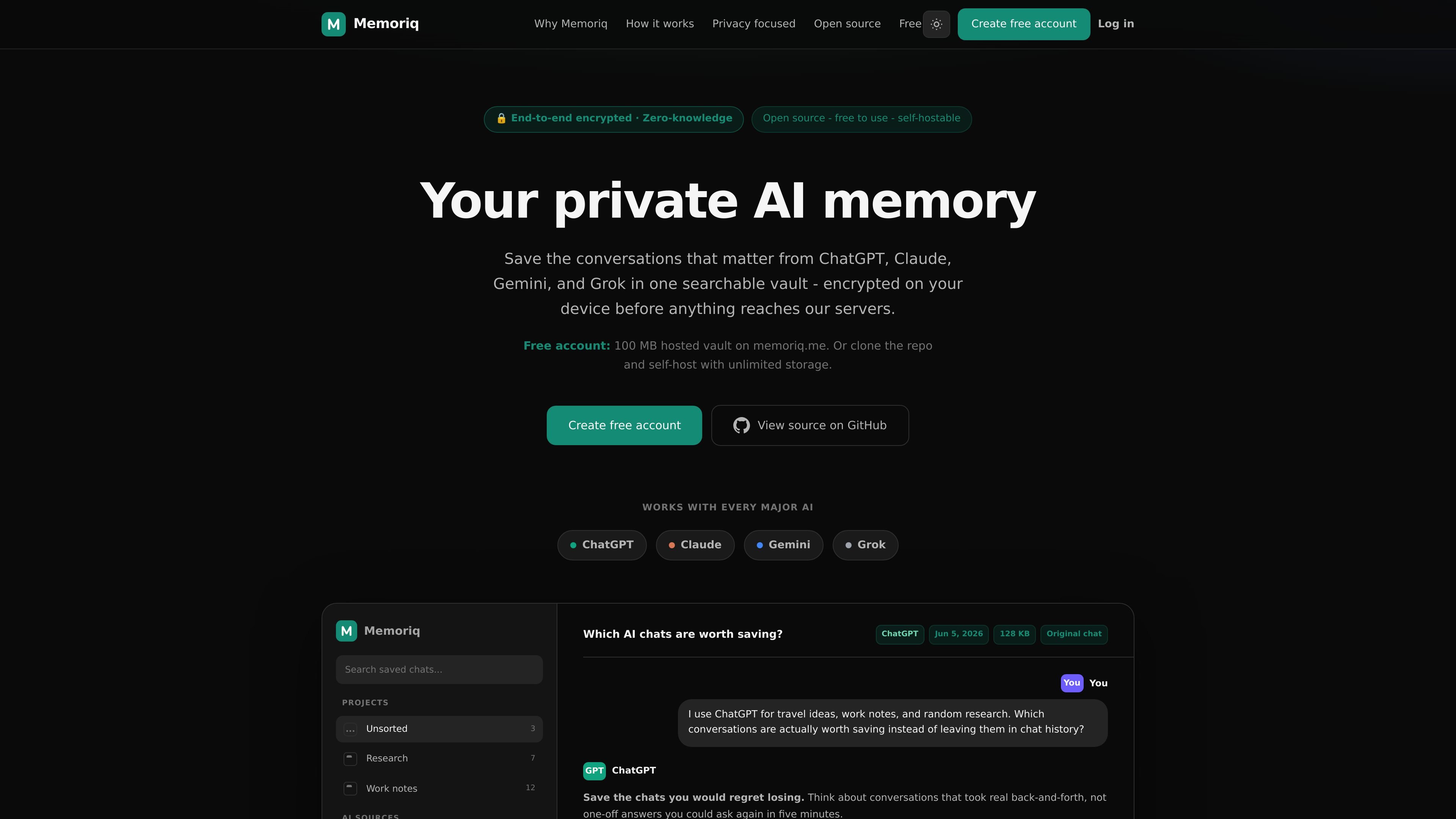
Memoriq is a private AI memory vault for saving, organizing, searching, exporting, and deleting your own conversations with AI assistants. The site positions it as a way to keep chats from ChatGPT, Claude, Gemini, and Grok in one encrypted archive instead of leaving them spread across separate provider accounts.
The hosted version runs at memoriq.me and includes a Chrome extension for one-click capture, plus manual import support for conversation exports. Memoriq encrypts data in the browser before it leaves the device, stores ciphertext, and presents the archive as something the user can search, browse, export, or delete under their own control.
The product is also available as self-hosted software. The terms say the app and extension are open source under the GNU AGPL v3.0 only, and that independent deployments can be run privately on a user's own server.
Capture conversations from ChatGPT, Claude, Gemini, and Grok through a Chrome extension, or import conversation exports manually when you already have saved files.
Store chats in a searchable vault that keeps source, date, projects, and tags so conversations are easier to sort and revisit later.
Search and filter across saved threads in one place instead of switching between provider-specific chat histories.
Encrypt data in the browser before it leaves the device, with AES-256 and ciphertext storage on the service side.
Keep conversations portable by exporting or deleting them at any time, including when accounts, limits, or provider interfaces change.
Run the same app on your own server if you want a self-hosted deployment with storage and backups on your hardware.
Save important discussions from different AI tools in one place so you can find prior prompts, answers, and decisions without checking each provider separately.
Archive long research, planning, or drafting sessions and return to them later with search, tags, and source metadata intact.
Keep a local or self-hosted copy of sensitive conversations when you want more control over storage, backups, and access.
Import existing conversation exports when you want to preserve older chats that were created before installing the extension.
Memoriq captures conversations from supported AI provider pages and can also import conversation exports manually. It stores the archived content in a searchable vault.
The hosted service runs at memoriq.me and includes a Chrome extension for one-click capture. The same app can also be self-hosted on your own server.
Memoriq is designed around end-to-end encryption, with AES-256 running in the browser before data leaves the device. The service stores ciphertext and says it cannot read the archive contents.
The terms say the Chrome extension uses best-effort extraction from supported AI provider pages. If provider interfaces change, capture may miss content, duplicate content, or stop working until updated.

Falconer is an AI-powered company brain that keeps internal docs accurate, searchable, and up to date by syncing with GitHub, Slack, and Linear.

Goldfish is an AI memory app for macOS that helps you reply, write, summarize, and continue with context already on your Mac. It stores memory locally and writes in your tone.

Lasso is an ecommerce product data platform for enriching catalog records, processing supplier files, generating product content, and tracking competitors. It includes a web app, REST API, SDK, and MCP server.

ArtDeck is a visual reference board app for iPhone, iPad, and Mac. Collect mixed references on one canvas and study them with ToolBox lenses. Offline, optional iCloud sync, one-time purchase.

Struere turns spreadsheet data into structured operational software with dashboards, alerts, and automations for teams replacing manual spreadsheet workflows.

garden-md is an open-source Node.js CLI that turns meeting transcripts into a local company wiki, linking entities and preserving the original text.