
Drag-and-drop deployment input
Upload a file, a folder, or a `.zip` archive by dragging it into the page. A file-picker option is also available for the same inputs.

Drop to Deploy is a Vercel workflow for publishing a site from a file, folder, or .zip upload. No configuration, instant deployment.
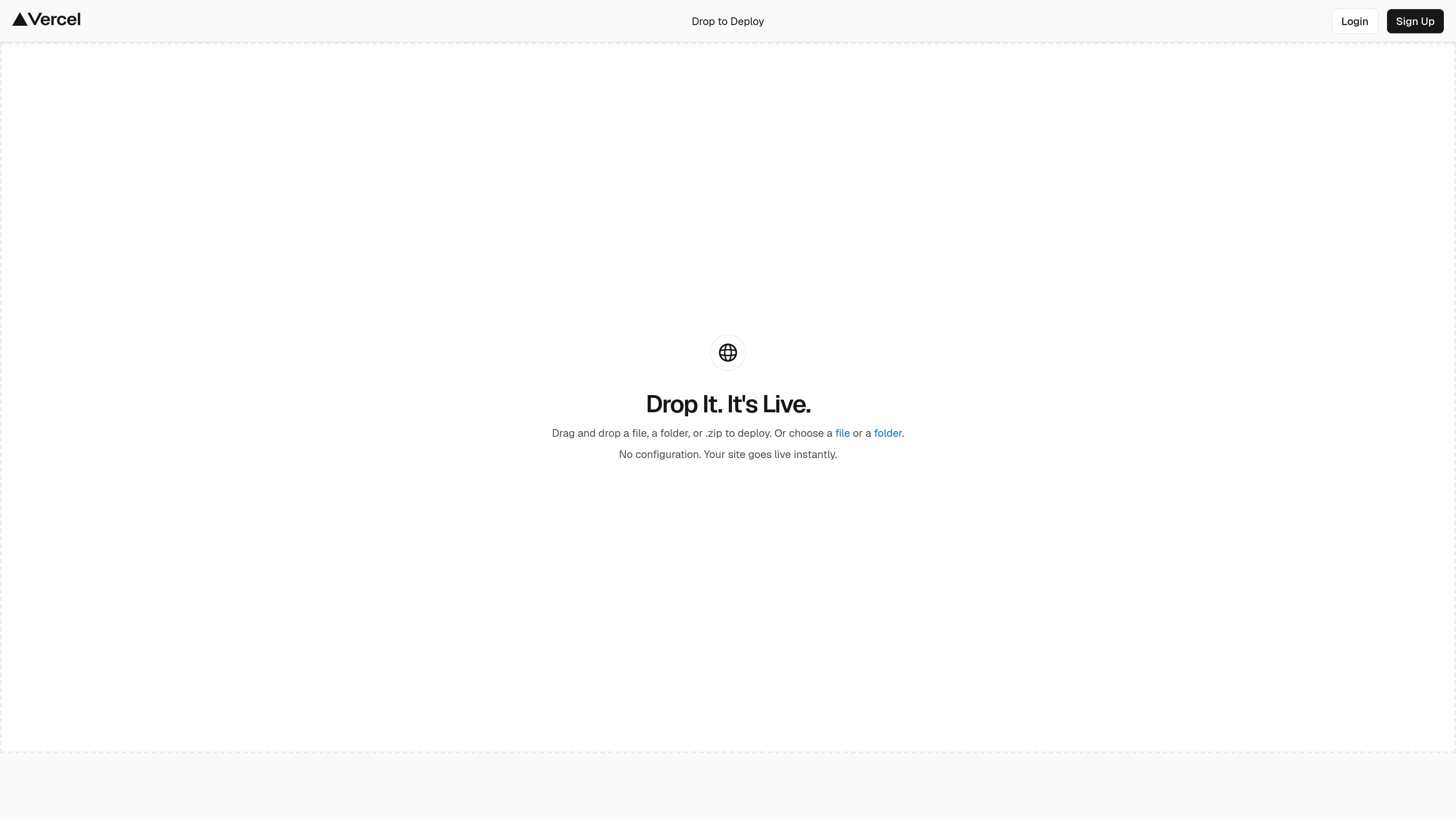
Drop to Deploy is a Vercel deployment entry point for quickly publishing a site from local source files. The page says you can drag and drop a file, a folder, or a `.zip` file, or choose a file or folder directly.
Its core purpose is to remove setup friction for a quick deployment. The page explicitly says there is no configuration and that the site goes live instantly, making it useful when you want to turn a simple source bundle into a live Vercel site with minimal steps.
Upload a file, a folder, or a `.zip` archive by dragging it into the page. A file-picker option is also available for the same inputs.
The page states that no configuration is required before publishing. The site goes live immediately after the input is provided.
Supports both direct drag-and-drop and a manual selection path, which gives users a fallback when they do not want to drag files into the browser.
Designed for a simple one-step workflow on the Vercel platform, rather than a setup wizard or multi-screen deployment process.
Connects the action to Vercel's broader deployment platform, which on the pricing page includes automatic CI/CD, global CDN, and managed infrastructure features.
Use it when you have a small site or project packaged as a file, folder, or zip and want to publish it without building a more complex deployment pipeline.
Use it when you want to share a local prototype or static site and prefer a browser-based upload flow over connecting a repo first.
Use it when you need a low-friction way to get something online fast and do not need to describe configuration settings before launch.
Use it when you are already working inside the Vercel ecosystem and want to hand off a deployable bundle directly into Vercel's platform.
It lets you drag and drop a single file, a folder, or a `.zip` file to deploy a site. The page also offers a button to choose a file or folder instead of dragging and dropping.
The page says, 'No configuration. Your site goes live instantly,' so the workflow is designed to publish a site immediately after the upload step rather than through a manual setup flow.
The source does not list detailed output artifacts, only that the site goes live instantly after the file or folder is dropped or selected.
The page does not describe hard file-size or project-size limits. It only confirms support for a file, a folder, or a `.zip` input.
The page does not describe team workflow features for Drop to Deploy itself. Vercel's pricing page does show team collaboration and viewer seats on Pro plans, but that is platform-level information rather than a specific feature of this page.

Fronty is an AI-powered web app that converts screenshots and image files into HTML and CSS, with no-code editing and hosting to refine and publish your site.

Make Real is a Next.js app that turns hand-drawn wireframes into working HTML prototypes using the tldraw SDK and AI models. It helps users sketch on a canvas, generate code, and review the result in an embedded preview.

ClawTick is an AI agent automation platform for scheduling jobs from the CLI, dashboard, or REST API. It is aimed at developers and teams running LangChain, CrewAI, webhook, or custom agent workflows that need monitoring, alerts, and logs.

Falconer is an AI-powered company brain that keeps internal documentation accurate, searchable, and up to date by syncing with tools like GitHub, Slack, and Linear. It helps engineering and cross-functional teams centralize knowledge and answer questions from a shared source of truth.

OpenFlags is an open-source, self-hosted feature flag platform for modern JavaScript teams. It supports local evaluation, targeted rollouts, and controlled launches while keeping flag data in your own infrastructure.

Skills Janitor is a GitHub-hosted set of slash commands for auditing, tracking, and managing Claude Code and OpenAI Codex skills. It helps users find duplicates, broken links, and unused skills, then clean them up with self-contained commands.