
Automatic saving
Drawings are saved automatically, providing persistent storage for work created in the browser.

ExcaliClaw is a browser workspace for creating, organizing, searching, and sharing hand-drawn diagrams, with real-time collaboration, JSON import/export, and MCP connections for AI tools.
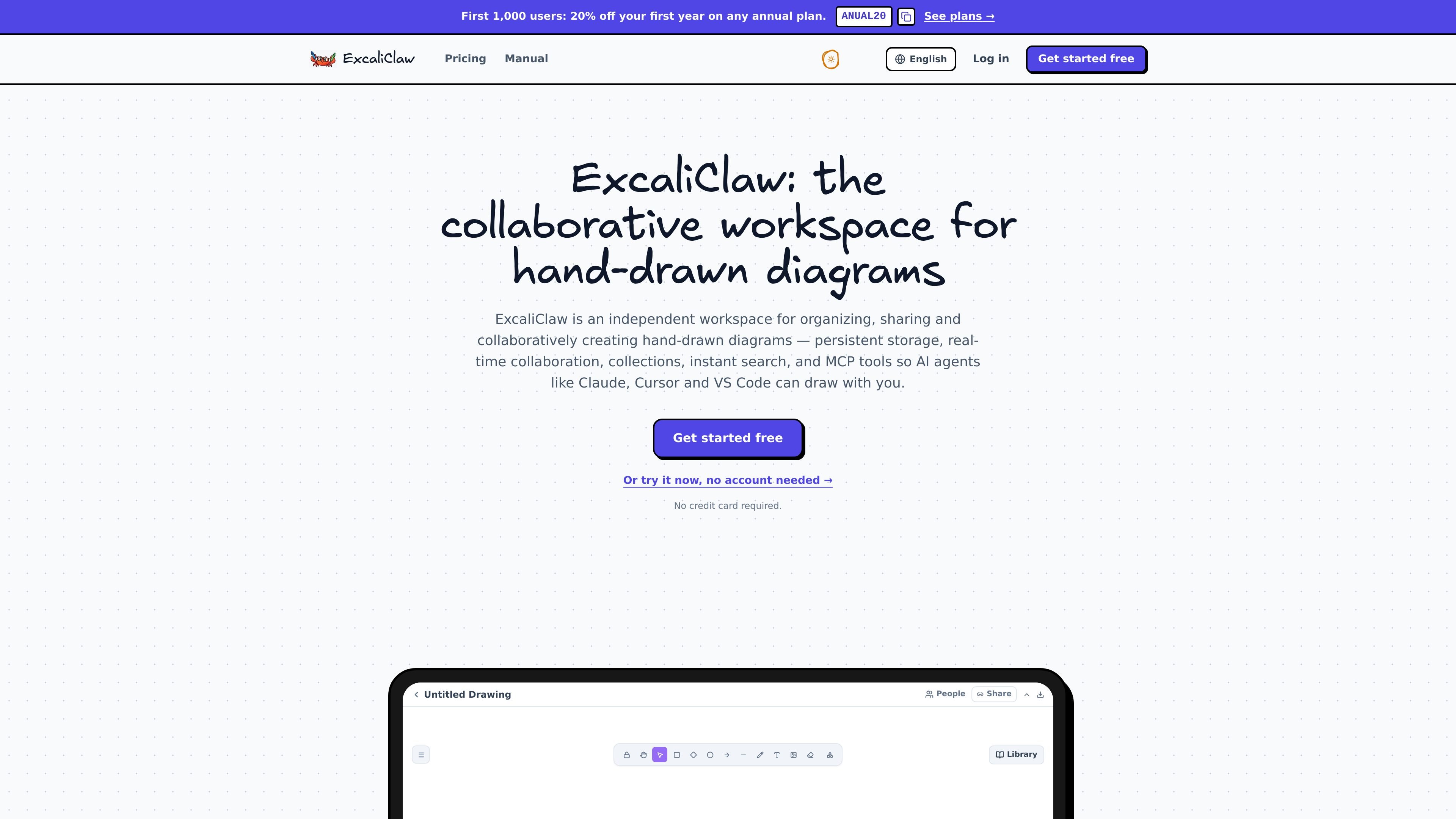
ExcaliClaw is a browser-based collaborative workspace for creating, organizing, and sharing hand-drawn diagrams. It is designed for solo creators and teams that need persistent diagram storage alongside real-time editing and sharing.
The workspace combines automatically saved drawings, collections, cross-collection search, and JSON import/export with MCP tools for AI-assisted diagram creation. Users can work without installing software, collaborate through shared links, and connect diagram workflows with Claude, Cursor, or VS Code.
Drawings are saved automatically, providing persistent storage for work created in the browser.
Place drawings in folders and search across collections to locate diagrams quickly.
Share a link, draw with other people in real time, and see collaborators’ live cursors.
Give others access through a public link or a username-based share.
Export drawings to JSON and import diagrams from other tools, including Miro.
Use MCP tools to let AI agents such as Claude, Cursor, and VS Code create diagrams with you.
Create and maintain flowcharts, architecture sketches, and other shared diagrams while teammates review changes through live cursors.
Keep multiple diagrams in folders, then use search to retrieve a specific board when working across projects or topics.
Work with Claude, Cursor, or VS Code through MCP tools to generate or modify diagrams as part of an AI-assisted development workflow.
Publish a diagram for clients, teammates, or other viewers using a public link or username-based sharing instead of sending files manually.
Move diagrams between ExcaliClaw and other diagram tools by importing supported drawings and exporting workspace data as JSON.
ExcaliClaw runs in a web browser, and the site says there is nothing to install. A free online whiteboard is also available without an account.
Yes. You can share a link, draw together in real time, see live cursors, and share drawings by public link or username.
ExcaliClaw provides MCP tools for AI agents including Claude, Cursor, and VS Code. The pricing information states that MCP and AI are unlimited on every plan.
Drawings are saved automatically, can be organized into collections, and can be exported to JSON. The site also says drawings can be imported from other tools such as Miro.
There is a Free plan at €0, Starter at €9 per month for up to 5 members, Pro at €29 per month for up to 20 members, and Enterprise pricing by request. Annual prices listed are €90 for Starter and €290 for Pro; extra Pro members cost €3 per month.

Biji is a versatile platform designed to enhance productivity through innovative tools and features.

hob is an independent workspace for coding agents, with local control over sessions, terminals, history, routing, and follow-up work.

Dcyde is a shared decision log for product teams to capture what was decided, why, and the source, with searchable records from Slack, Figma, or Dcyde.

runevr is a connected workspace for creative teams, bringing boards, media review, chat, recordings, drive, calls, and AI agents into one room-based environment.

Lucid Train is a local-first AI coding harness that turns repo code into architecture diagrams for coding agents. Desktop app and Rust CLI, local models or API keys.

Carbon Voice is an async voice messaging app for teams and individuals, with transcripts, AI catch-up, and cross-device access.