
Repository audit
The CLI and coding agent inspect manifests and source code, identify application components, and list Cloud Run-related issues with file and line references.

Exodus is a free developer tool that audits repositories, compares deployments with Google Cloud Run, and creates migration plans with architecture and cost estimates.
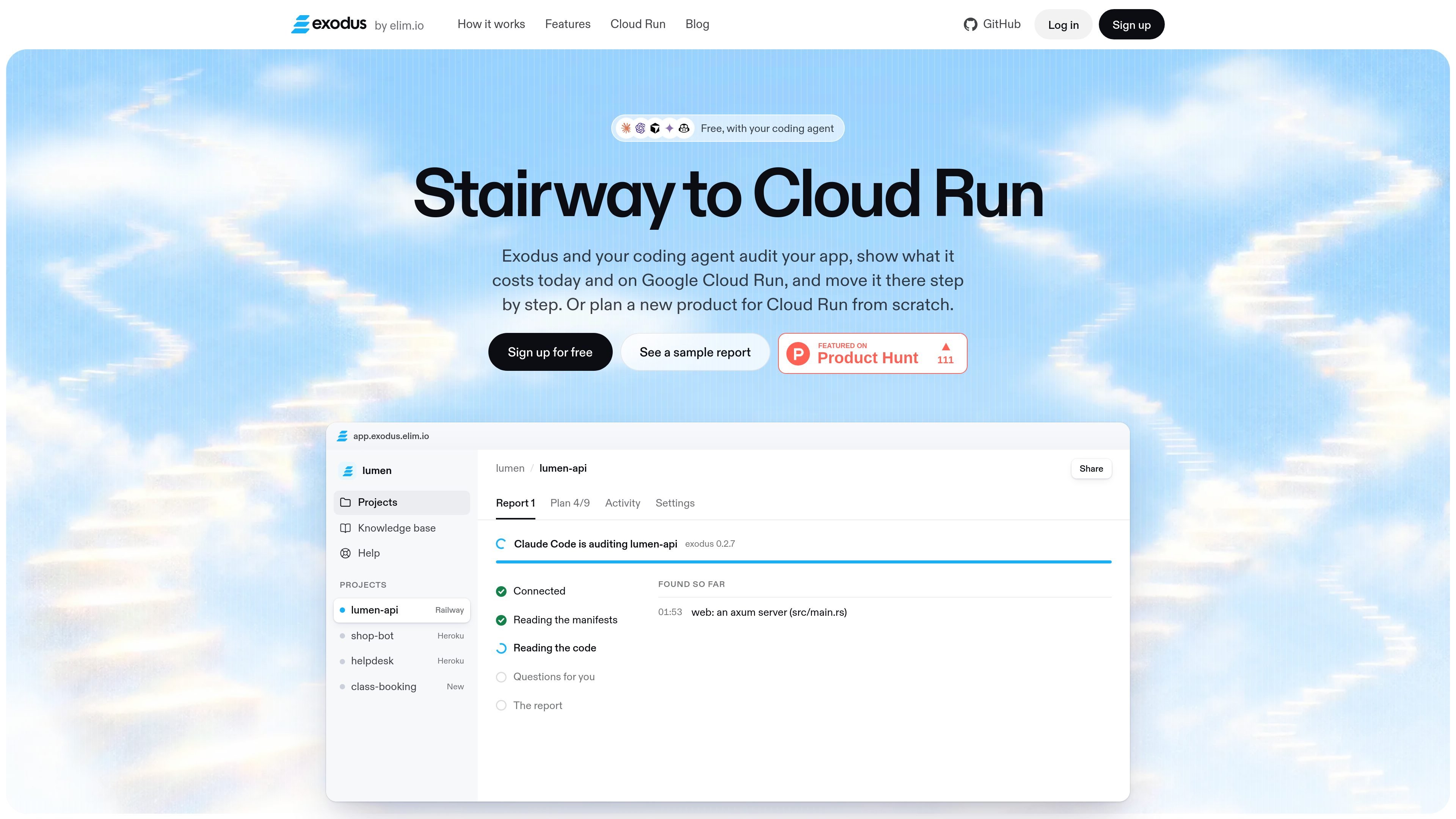
Exodus is a developer tool for auditing applications and planning or carrying out moves to Google Cloud Run with a coding agent. It examines a repository on the developer's machine, identifies patterns that do not fit Cloud Run's request-based model, and produces a report covering the current architecture, required changes, and estimated costs.
The workflow is designed for both existing applications and new products. For an existing app, Exodus can compare a current deployment on platforms such as Heroku, Railway, Render, Fly.io, Vercel, or a private server with a Cloud Run design. For a new idea, it can propose services, a database, the technology stack, and an estimated launch bill. The coding agent performs the code work and Google Cloud commands; Exodus provides the audit, checks, plan, and report.
The CLI and coding agent inspect manifests and source code, identify application components, and list Cloud Run-related issues with file and line references.
Reports compare the current bill with an estimate for Cloud Run, including an example breakdown for services, Cloud SQL, traffic, secrets, and images.
The product turns findings into an ordered migration plan, such as moving workers to Cloud Tasks, timers to Cloud Scheduler, files to Cloud Storage, and sessions to signed cookies.
A coding agent can use Exodus commands and checks to implement the changes, while the report records progress and shows when the app is ready to move.
Reports can be shared as read-only links, exported as Markdown or JSON, and kept as versions so later reports show what changed.
Run an audit on an application currently hosted on Heroku, Railway, Render, Fly.io, Vercel, or a self-managed server. The report maps processes and managed services to Cloud Run equivalents and identifies changes before cutover.
Use the report to refactor Cloud Run-incompatible patterns, such as in-process timers, queue workers that wait on Redis, local file uploads, and sessions stored in Redis. The coding agent can apply the changes in the repository.
Give the coding agent an idea for a new product and receive a proposed Cloud Run architecture covering services, data storage, technology choices, and an estimated launch cost.
Share a read-only report with teammates, an agent, or a repository workflow in Markdown or JSON. Keep report versions to review findings and progress between audits.
Exodus is free, and its CLI is open source under the Apache-2.0 license. The provided pages do not describe paid plans, usage limits, or team pricing.
Install the CLI once per machine with the command shown on the site, then sign in, copy the generated prompt into the coding agent you already use, and run the audit commands in the repository. The agent reads the code locally and sends findings to Exodus.
The coding agent reads the repository and writes code changes. Exodus supplies commands, checks, migration guidance, and a report; it does not run its own AI model.
No. The CLI reads the repository on your machine, and the site states that source code is never uploaded. Findings are sent to your Exodus cabinet so a report can be generated.
Exodus does not sign in to Google Cloud for you. Your coding agent runs Google's tools on your machine under your account, so you remain responsible for the resulting cloud resources and configuration.

ByteAsk is a terminal-first AI coding agent for C and C++ that edits repos and verifies changes with compilers, debuggers, sanitizers, and tests.

Epherem scans web apps built with Lovable, Bolt, v0, Replit, Cursor, and Claude Code for security flaws in source code and dependencies, without running the app.

CreateOS Sandbox is an isolated compute environment for running code and agent workloads in Firecracker micro-VMs with private networking and SDK, CLI, or MCP control.

GitBot is a local browser workspace for reusable coding bots powered by Claude Code, Codex, or OpenCode, with persistent threads and configurable permissions.

hob is an independent workspace for coding agents, with local control over sessions, terminals, history, routing, and follow-up work.

Ably Chat is a chat API platform for custom realtime chat apps, with rooms, typing indicators, presence, reactions, message updates and usage-based pricing.