
Browser-based processing
Convert, edit, optimize, inspect, and protect files from the browser rather than a server-based queue. The site describes this as browser processing with no server uploads for supported tools.

Files Converter is a browser-based file conversion and editing toolkit for PDFs, images, video and audio—process files locally without installing software.
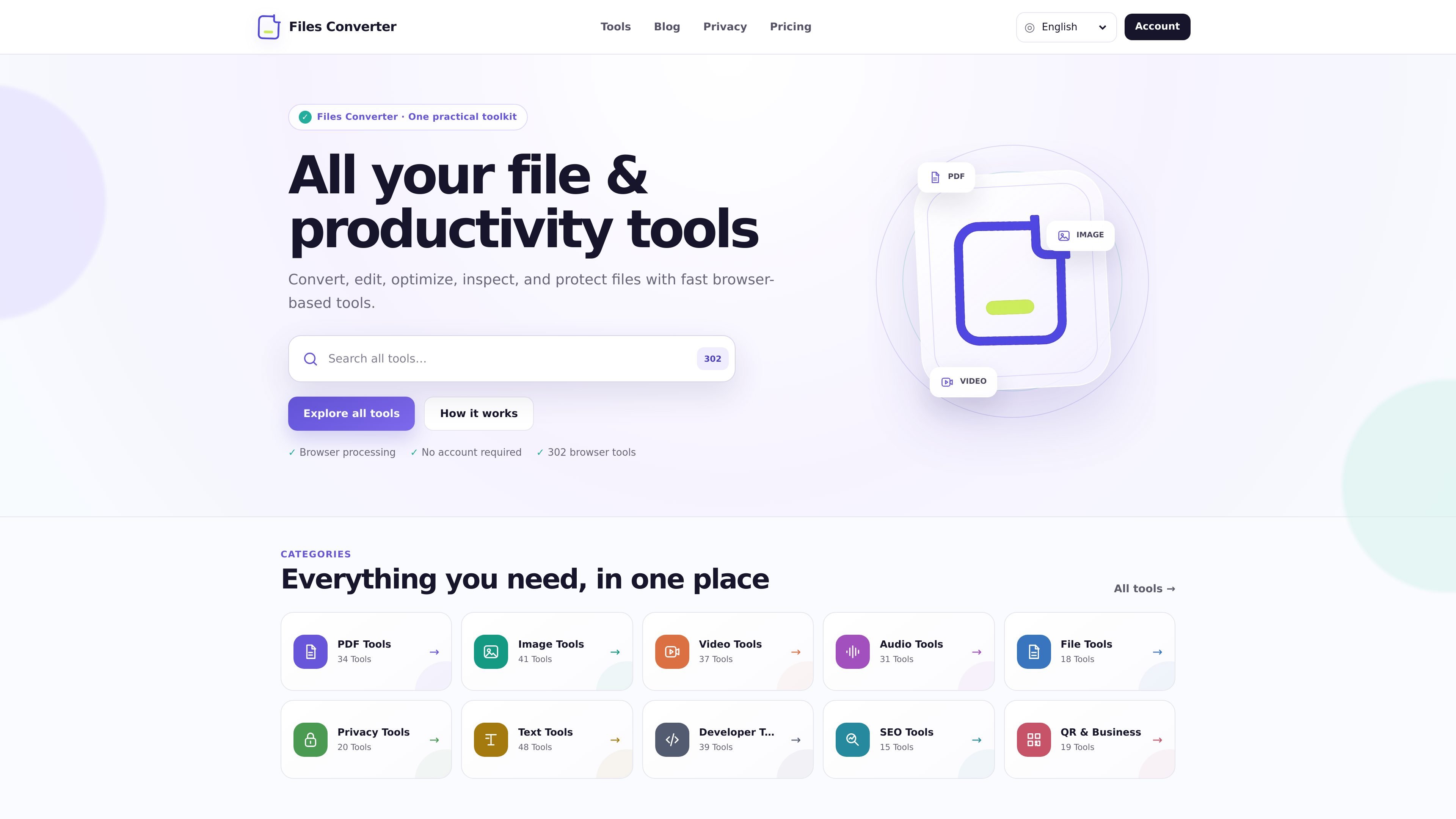
Files Converter is a browser-based collection of file conversion and editing tools. The site presents it as a practical toolkit for working with PDFs, images, video, audio, text, and other file types without installing desktop software.
Supported tools process content directly in the browser, and the site repeatedly states that files are not uploaded to its servers for these workflows. That makes it suitable for quick one-off tasks such as merging PDFs, converting formats, resizing images, inspecting metadata, or cleaning up file outputs before sharing them.
Convert, edit, optimize, inspect, and protect files from the browser rather than a server-based queue. The site describes this as browser processing with no server uploads for supported tools.
The tool directory groups work into PDF, image, video, audio, file, privacy, text, developer, SEO, and QR/business categories, giving the site broad coverage across common document and media tasks.
PDF tools include merge, split, rotate, watermark, images to PDF, PDF to images, extract pages, delete pages, reorder pages, duplicate pages, crop pages, flatten, metadata editing, page numbers, page count, file inspection, blank PDF creation, and format conversions.
Image tools cover compression, resize, format conversion, watermarking, rotate/flip, crop, grayscale, sepia, blur, brightness and contrast, sharpen, color picking, favicon generation, and metadata viewing/removal.
The site includes utilities that inspect or remove metadata, compare files, flatten PDFs, and convert documents to and from formats such as DOCX, HTML, Markdown, Text, CSV, XML, and JSON.
A security page explains the site uses HTTPS, browser security headers, request validation, rate limits, and separated public and account functions, and it provides guidance for responsible vulnerability disclosure.
Combine multiple PDF files into one document, or split, reorder, rotate, crop, and paginate pages when preparing a final version for review or delivery.
Convert between common image formats, resize pictures to exact dimensions, compress large files, or remove metadata before sharing images online.
Work with browser-based conversions for formats such as PDF to DOCX, HTML, Markdown, Text, CSV, XML, or JSON when you need a lighter editing or exchange format.
Inspect file details such as page count, metadata, page sizes, or content comparisons before publishing, archiving, or handing files to another system.
Use the privacy and security guidance to handle sensitive files more carefully, including checking the domain, keeping an original copy, and verifying the result before sharing.
No. The site states that supported file processing runs in your browser and that files are not uploaded to its servers for the conversion itself. The security page also notes that normal page requests and anonymous measurements may still be recorded.
No installation is required. The tools are designed to run in a current web browser.
It is built for browser-based file workflows, especially PDF, image, video, audio, file, privacy, text, developer, SEO, and QR/business tools. The tool directory shows 302 tools across these categories.
The site says output files can be downloaded after processing, and some tools may let you copy the result immediately. The merge PDF page also shows a local preview or result before download.
The security page says local processing reduces exposure, but users should still review metadata, confirm the official domain, keep originals, and follow their organization’s security and retention rules for sensitive work.

PDFTools is a browser-based suite of free and premium PDF tools for editing, conversion, and document handling—process PDFs locally without uploading files.

ArtDeck is a visual reference board app for iPhone, iPad, and Mac. Collect mixed references on one canvas and study them with ToolBox lenses. Offline, optional iCloud sync, one-time purchase.

Codex Plugins bundle reusable skills, app integrations, and MCP servers into workflows you can install in the Codex app or use from Codex CLI.

An AI-powered tool that summarizes PDF documents quickly and efficiently, providing clear insights and allowing users to interact with the content.

Pixelcut is an AI photo editor for product images, social content and video assets. Free and paid plans; mobile app and browser access for individuals and teams.

Petalica Paint is a web service for automatic line-art coloring and tracing drawings from photos, with commercial use allowed under stated terms.