
Dual-timeline editing
Edit with a dual-timeline workflow that lets you preview source and sequence together, making it easier to compare, cut, and sync clips.

Wondershare Filmora is a video editing app for desktop and mobile with AI tools, creative assets, and export options for easier polished videos.
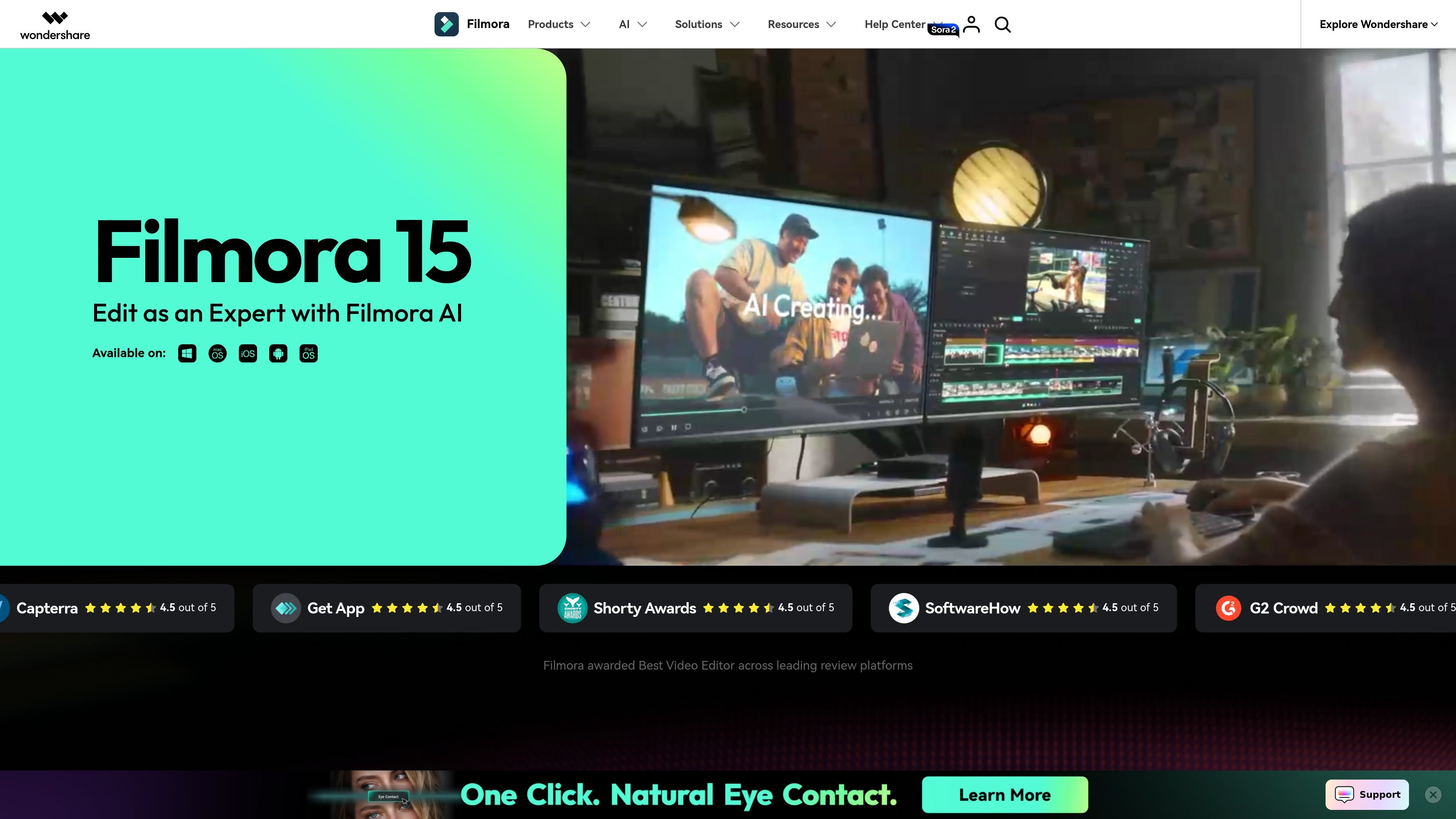
Wondershare Filmora is a video editing application for desktop and mobile that combines traditional timeline editing with a growing set of AI-assisted tools. It is positioned for creators who want an approachable editor that still includes features such as dual-timeline editing, keyframes, motion controls, and multi-camera workflows.
The site highlights both creative editing and production support: users can generate or extend video with AI, add captions and charts, remove unwanted objects, work with templates and effects, and access a large library of royalty-free assets. The official shop also shows free, subscription, and perpetual purchase options, along with export without watermark on paid plans.
Edit with a dual-timeline workflow that lets you preview source and sequence together, making it easier to compare, cut, and sync clips.
Use AI tools to extend footage, remove objects, cut out backgrounds, enhance clarity, and generate or transform video from prompts, text, audio, images, or ideas.
Draw motion paths, set keyframes, and use planar tracking to place text or graphics on moving surfaces with more control over timing and motion.
Add dynamic captions, animated charts, templates, transitions, titles, effects, music, and other creative assets from the built-in library.
Work across desktop, mobile, tablet, and web-connected workflows, with cloud storage included in paid plans and export options for common video outputs.
Import subprojects and use multi-camera editing to combine footage from different angles or cameras in one project.
Create social posts, explainers, or branded clips using templates, animated text, transitions, and the built-in creative asset library.
Refine footage with keyframes, motion paths, planar tracking, and dual-timeline editing when you need more control over timing and composition.
Turn prompts, scripts, audio, images, or ideas into video segments with Filmora’s AI tools when you need a faster first draft or a starting point.
Combine angles from different cameras on a single timeline and import subprojects when a project is assembled from multiple shoots or scenes.
Improve polish on recorded or rough footage by using object removal, background cutting, video enhancement, and captions to make the final edit clearer.
Filmora can be used on desktop and mobile, and the site also offers a get-started-for-free path for trying the product before purchase.
The source states that Filmora supports Windows 7 or later and macOS 10.15 or later.
The official shop describes Basic and Advanced as subscription plans and Perpetual as a one-time purchase. The free edition exports videos with watermarks.
The site says activation is done by logging in with a Wondershare ID when you open Filmora for the first time.
The official shop says one license is good for both Mac and Windows for Basic and Advanced plans, while Perpetual is device-specific.

SkyReels is an AI video generation platform with a web creative studio and API access for text-to-video, image-to-video, and reference-based workflows.

Video Effects SDK adds real-time webcam effects like background blur, replacement or removal, denoising, framing, beautification, and color grading for live video apps.

DeepMotion is a web-based AI motion capture and 3D animation platform with Animate 3D for video-to-animation and SayMotion for text-to-animation.

Agentic video understanding with Gemini enables selective video analysis for better accuracy and lower token usage via the Gemini API in Google AI Studio and Gemini Enterprise Agent Platform.

optimo is a free, open-source CLI for optimizing and converting images and videos with ImageMagick and FFmpeg, built for web assets and batch compression.

Let's Enhance is an online AI image app for enhancing, upscaling, and restoring photos. Clean up images and boost resolution with free credits or paid plans.