

Fireflies
Fireflies is an AI meeting notetaker that records and transcribes calls, then creates searchable transcripts and summaries with conversation insights.
What is Fireflies?
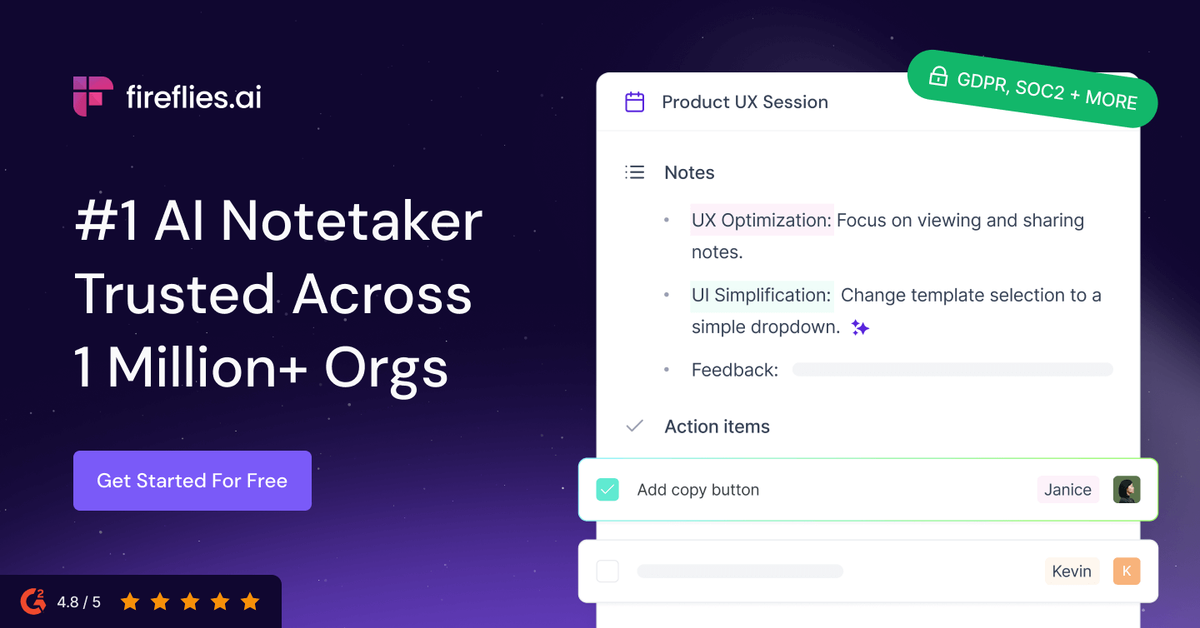
Fireflies is an AI meeting notetaker that records and turns meeting audio and video into searchable transcripts, summaries, and conversation insights. It’s designed to help teams capture what was discussed across calls and quickly find relevant details later.
The core purpose of Fireflies is to support meeting follow-through—by generating notes (including action items), identifying speakers, and enabling search down to specific sentences and timestamps—while also offering additional analysis and workflow features through skills and integrations.
Key Features
- Meeting transcription and recording: Automatically transcribe meetings and support recording across video conferencing platforms.
- Speaker recognition: Identify different speakers in meeting audio files to help interpret transcripts.
- Auto-language detection: Switch languages between meetings without manual changes.
- Comprehensive AI summaries: Produce detailed notes, action items, and customized summaries after meetings.
- AI-powered meeting search: Search conversations by specific sentences and timestamps for quick retrieval of past discussions.
- Live Assist for real-time guidance: Provide real-time suggestions, coaching, and answers during meetings (as described on the site).
- Conversation intelligence and analytics: Offer analytics such as speaker talk-time tracking and additional insights using AI filters and topic tracking.
- AI Skills (200+): Extract key details and generate follow-up emails, score candidates, and other meeting-based insights via AI Skills.
- Integrations for work workflows: Connect with CRM, project management, ATS, and collaboration tools, including Slack; also supports an MCP server for bringing meeting insights into AI tools.
- File and channel support: Transcribe audio/video files (MP3, MP4, WAV, M4A) and organize meetings into channels; supports downloads of transcripts, audio/video, and summaries.
How to Use Fireflies
Start by using one of the capture methods described on the site—such as a Chrome extension for Google Meet, a mobile app for in-person conversations, a desktop app for calls, or joining via an invite link/email to record a meeting and produce transcripts and summaries. After a meeting is captured, review the generated transcript and summary.
Next, use Fireflies search to locate specific moments by sentence and timestamp, and follow up using outputs like action items, downloadable transcripts, and clipped soundbites when needed. For team workflows, organize meetings into channels and use integrations (e.g., to populate CRM fields or send notes and transcripts to other tools) when enabled.
Use Cases
- Sales follow-up and pipeline updates: After a customer call, use meeting summaries and action items to prepare follow-up work and populate CRM notes and call logs.
- Recruiting and candidate review: Capture recruiter–candidate conversations, then use AI Skills to extract details and support tasks such as scoring candidates; optionally send transcripts or notes to an ATS.
- Project planning and internal alignment: Turn meeting discussions into tasks automatically after each meeting (via project management integrations) and coordinate across teams using channels.
- Customer support and reduced repeat calls: Use sentence- and timestamp-level search to quickly retrieve what was discussed in earlier calls, helping teams avoid scheduling additional meetings to recap.
- Healthcare or regulated documentation workflows: Record and transcribe relevant meetings and use the resulting transcripts and summaries for documentation workflows (subject to your organization’s compliance processes).
FAQ
Does Fireflies work only with live video calls? No. The site also describes transcribing audio and video files (MP3, MP4, WAV, M4A) with AI meeting summaries.
Can Fireflies handle multiple languages automatically? Yes. It includes auto-language detection that can switch languages from meeting to meeting.
What kinds of outputs does Fireflies produce after a meeting? Fireflies generates transcripts, comprehensive AI summaries (including action items and customized summaries), and supports downloadable meeting materials such as transcripts, summaries, and audio/video.
How can teams find specific parts of past meetings? The site describes AI-powered meeting search that can find relevant content down to the specific sentence and timestamp.
What security and compliance options are mentioned? The page lists SOC 2 Type II, GDPR, and HIPAA compliance, along with claims such as zero data retention and that customer data is used only for direct business needs (as stated on the site). For exact terms and scope, review the applicable policy and documentation.
Alternatives
- Transcription + manual note-taking tools: General-purpose meeting transcription tools paired with separate document tools can produce transcripts, but may require more manual summarization and less integrated meeting search.
- Meeting intelligence platforms focused on analytics: Some platforms emphasize conversation analytics and dashboards; these may differ by offering less robust action-item generation or different approaches to real-time assistance.
- AI assistants with meeting-capable recording: AI chat tools with meeting upload or integration workflows can summarize content, but may not provide the same sentence/timestamp search and dedicated meeting organization (channels) described for Fireflies.
- Work-tool automation platforms: Zapier-like workflow automation can connect calls and notes to CRM/project tools, but typically won’t provide native meeting transcription, speaker recognition, or built-in meeting summaries without additional components.
Alternatives

Tactiq
Tactiq is an AI meeting assistant that provides live transcription, AI summaries, action items, and custom AI prompts for Google Meet, Zoom, and Teams.

Scripta
Scripta is a privacy-first AI notetaker that records, transcribes, and summarizes your meetings directly on your device, without requiring bot access.

Pewbeam
Pewbeam listens as you preach, detects Bible verses in real time, and displays them instantly on screen—no typing or clicking for pastors.

LIAM
LIAM is an AI copilot that drafts email replies, organizes your inbox with auto-labels and prioritization, and schedules meetings from your calendar.

garden-md
Turn meeting transcripts into a structured, linked company wiki with local markdown and an HTML browser view. Sync from supported sources.

CAMB.AI
Turn a single live stream into a multilingual broadcast with real-time AI audio dubbing for YouTube, Twitch, X and more.