
Text-to-image generation
Creates images from text prompts with a focus on keeping the workflow simple rather than exposing many technical parameters.

Fooocus is an open-source image generation and editing tool for simple prompt-based workflows, focus selection, preset models, and commercial use under its license terms.
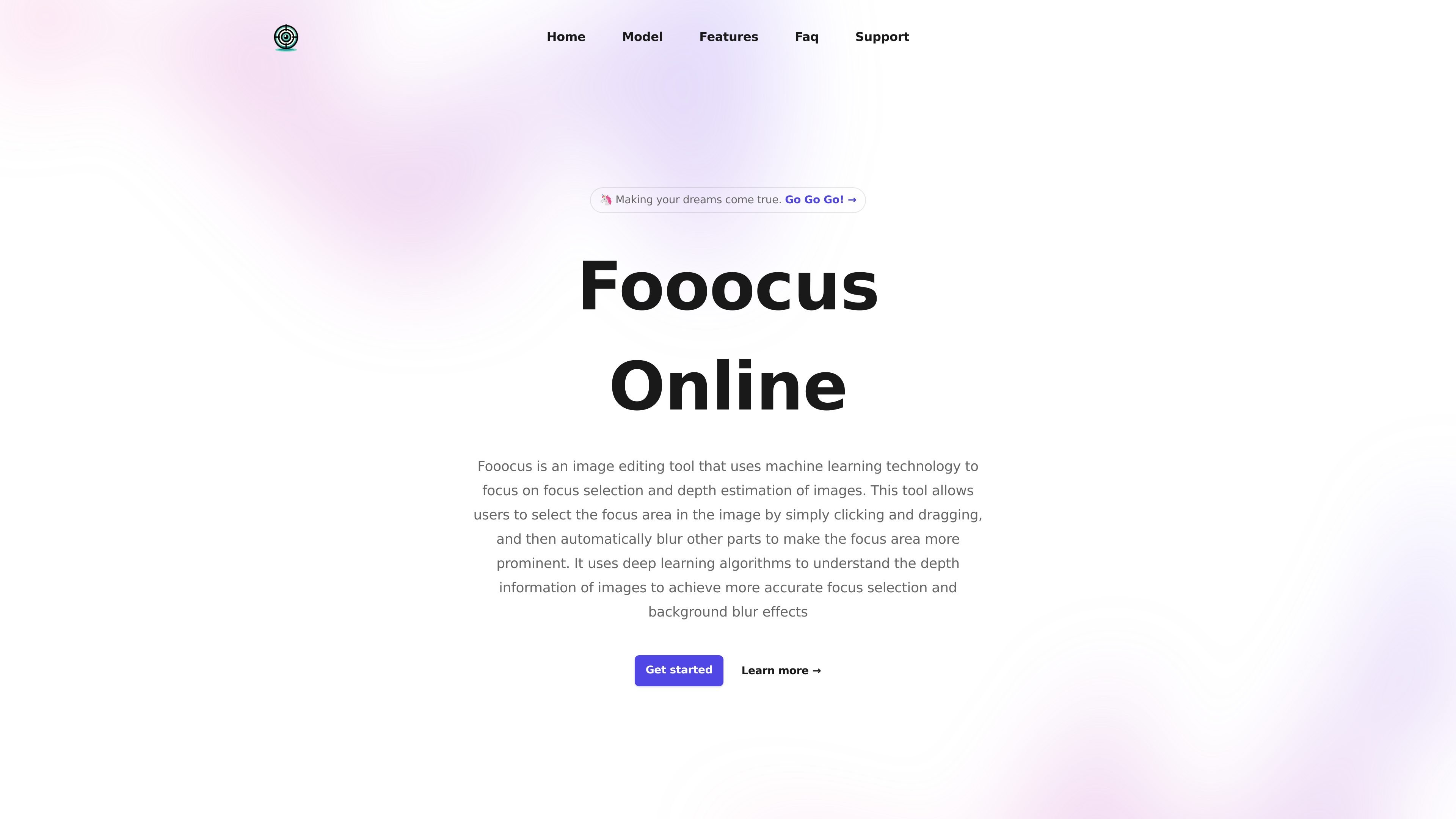
Fooocus is an open-source image generation and image editing product focused on ease of use. Its home page describes it as a text-to-image tool that combines elements of Stable Diffusion and Midjourney while minimizing the amount of manual parameter tuning required.
The site also describes a focus-selection and depth-estimation workflow for image editing: users can click and drag to define a focus area, and the system blurs the rest of the image to make that area stand out. The product’s model gallery shows quick-to-use preset models, and the FAQ says generated images can be downloaded, shared, and used commercially under the stated license terms.
Creates images from text prompts with a focus on keeping the workflow simple rather than exposing many technical parameters.
Provides an interface aimed at reducing manual tweaking so users can spend more time refining prompts and image ideas.
Supports focus-area selection and background blur using machine-learning-based depth estimation, according to the product description.
Presents a model gallery with quick-to-use models such as Fooocus-Base, Fooocus-Christmas, Fooocus-Realistic, and Fooocus-Anime.
Mentions related image-editing capabilities such as inpainting and outpainting in the FAQ explanation of how the system differs from other generators.
Use Fooocus when you want to turn a text prompt into a generated image without spending much time adjusting technical settings.
Use the focus-selection workflow when you need a subject or region to stand out and want the rest of the image blurred automatically.
Use the model gallery when you want to start from a preset style or domain-specific model instead of building from scratch.
Use the download and share flow when you need to export generated images to your computer or post them to social platforms.
Use the commercial-use guidance when you need images for business purposes and want a product that states permissive licensing support.
Yes. The site FAQ says Fooocus AI can be used free of cost on fooocus.cc.
Yes. The site says generated images can be downloaded to your computer and shared on social media platforms such as Facebook, Twitter, and Instagram.
The site describes Fooocus as an open-source image generator focused on ease of use, combining elements of Stable Diffusion and Midjourney with minimal manual tweaking. It also notes that SD can support inpainting and outpainting.
The site states that Fooocus-generated images may be used for commercial purposes and says the model has been released under a permissive license, while also noting that copyright rules for AI-generated images vary by jurisdiction.

Pixelcut is an AI photo editor for product images, social content and video assets. Free and paid plans; mobile app and browser access for individuals and teams.

Upscale.media is an AI image upscaling and enhancement tool by Pixelbin that sharpens low-resolution images in the browser, with bulk processing and API support.

Free browser-based AI image enlarger by PhotoAid for upscaling JPEG, WEBP, and PNG photos, especially portraits, without heavy blur.

Airbrush is an AI photo and portrait editor for web, desktop, and mobile. Retouch portraits, remove backgrounds, and enhance images with credit-based AI tools.

Aaavatar is a macOS portrait editor for teams. Remove backgrounds, apply brand colors or presets, and export consistent staff photos to LinkedIn, Slack, and email.

Petalica Paint is a web service for automatic line-art coloring and tracing drawings from photos, with commercial use allowed under stated terms.