
Automatic background removal
Remove backgrounds from imported team-member photos automatically after a single drop, so portraits start from a consistent base without manual masking.

Aaavatar is a macOS portrait editor for teams. Remove backgrounds, apply brand colors or presets, and export consistent staff photos to LinkedIn, Slack, and email.
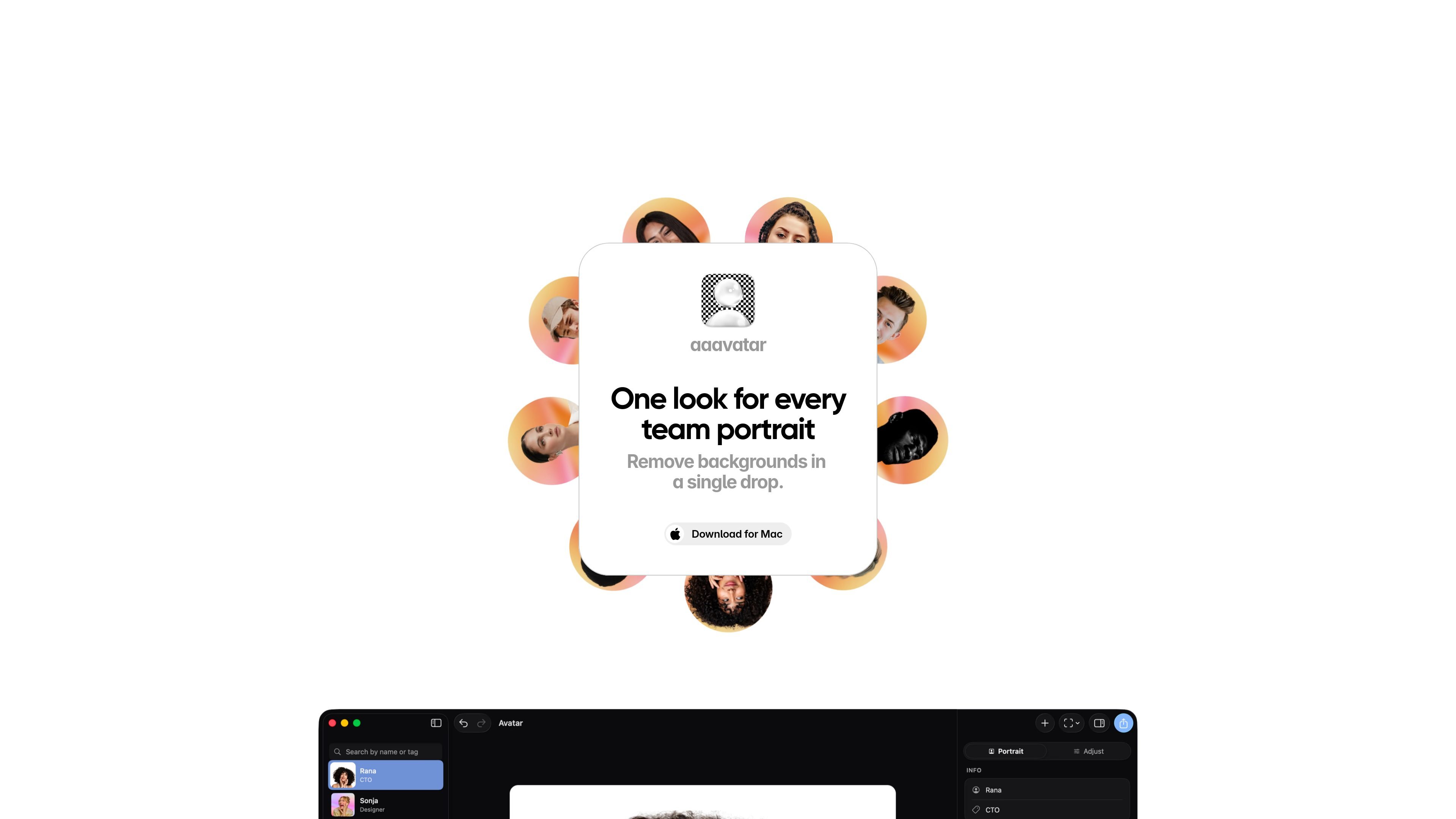
Aaavatar is a macOS portrait editor for teams that need a consistent look across staff photos. Its homepage positions the app around a simple workflow: drop in team photos, remove backgrounds automatically, choose a background, and retouch the result in a few clicks.
The product is built to keep portrait editing local on your Mac, with an optional Google Drive-based workspace for sharing portrait libraries with collaborators. That makes it suited to teams that want a repeatable way to prepare profile photos for tools and channels such as LinkedIn, Slack, and email without moving into a full cloud editing platform.
Remove backgrounds from imported team-member photos automatically after a single drop, so portraits start from a consistent base without manual masking.
Choose from preset backgrounds, match a brand color, or upload your own background to keep portraits aligned with a team or company style.
Fill in missing shoulders, auto-align faces, and polish each shot with one click to make a batch of portraits look more uniform.
Export finished portraits to LinkedIn, Slack, email, and more, making the output usable in common professional channels.
Run the app locally on macOS and optionally sync portrait libraries to your own Google Drive for shared workspaces.
Prepare a set of employee headshots with the same background treatment and retouching so team pages and directories look consistent.
Drop in photos from different sources, remove the backgrounds automatically, and apply a brand color or preset background before exporting.
Set up a shared workspace in Google Drive when several collaborators need access to the same portrait library and background assets.
Export finished portraits to LinkedIn, Slack, or email when the team needs images for public profiles, internal messaging, or day-to-day communication.
Avatar runs on macOS and is designed for local portrait editing. The homepage shows a download for Mac, and the terms describe it as a desktop application that runs locally on your Mac.
The terms say the current version is provided free of charge. They also note that paid features or subscription tiers may be introduced in the future, but no pricing details are published on the site.
Avatar can export polished portraits to LinkedIn, Slack, email, and other destinations mentioned on the homepage. The site does not document any broader integration list beyond those outputs and Google Drive-based sharing.
No. The privacy policy says Avatar does not run a backend or collect your data on Square One's servers. Local portraits and backgrounds stay on your Mac unless you enable a Google Drive workspace or export a library archive.
Yes, if you choose to use a shared workspace. Avatar can sync portrait libraries to your own Google Drive and lets collaborators access the workspace through Google Drive and Google Sign-In.

Pixelcut is an AI photo editor for product images, social content and video assets. Free and paid plans; mobile app and browser access for individuals and teams.

Airbrush is an AI photo and portrait editor for web, desktop, and mobile. Retouch portraits, remove backgrounds, and enhance images with credit-based AI tools.

Upscale.media is an AI image upscaling and enhancement tool by Pixelbin that sharpens low-resolution images in the browser, with bulk processing and API support.

Free browser-based AI image enlarger by PhotoAid for upscaling JPEG, WEBP, and PNG photos, especially portraits, without heavy blur.
BgSub is a browser-based AI tool for removing or replacing image backgrounds. Fast cutouts, background replacement, and color adjustment for product images, photos, and web visuals.

Slazzer is an AI photo editor for automatic background removal, with web app, API, desktop software and plugins, plus upscaling and restoration tools.