
AI image upscaling
Enlarges an uploaded image using artificial intelligence rather than a basic resize, with the stated goal of preserving visual quality.

Free browser-based AI image enlarger by PhotoAid for upscaling JPEG, WEBP, and PNG photos, especially portraits, without heavy blur.
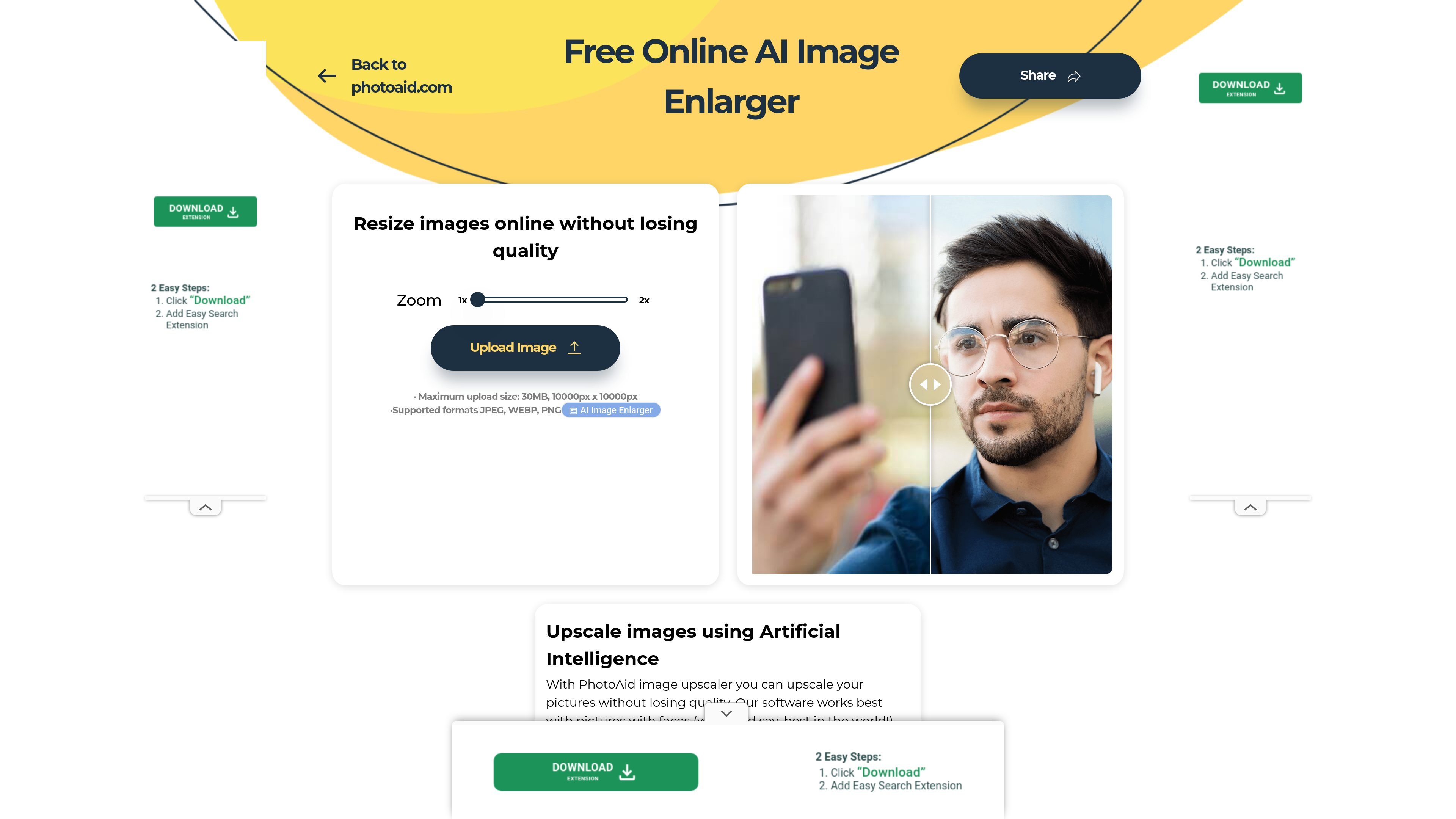
PhotoAid’s AI Image Enlarger is a browser-based tool for increasing image size without a standard blur-heavy resize. The page says it uses artificial intelligence to upscale photos and preserve a smoother result than a conventional enlargement.
The tool is positioned as useful for photos with faces, while still supporting other image types. Users upload a file, choose the zoom level shown on the page, and get an enlarged version directly in the browser without installing software.
Enlarges an uploaded image using artificial intelligence rather than a basic resize, with the stated goal of preserving visual quality.
Doubles image dimensions according to the page example, such as turning 1000 × 1000 px into 2000 × 2000 px.
Accepts JPEG, WEBP, and PNG files.
Supports uploads up to 30 MB and images as large as 10,000 px by 10,000 px.
Runs in the browser, so no software installation is required.
Enlarge portraits or selfies where the page’s AI upscaling is meant to keep edges smoother than a basic resize.
Prepare a larger version of a photo for general sharing or reuse when you want the image enlarged directly in the browser.
Resize JPEG, WEBP, or PNG files that fit within the stated upload limits.
Increase the dimensions of an image that is already in acceptable quality but needs a larger output size for another workflow.
Yes. The tool is presented as a free online image enlarger, and the page says you can use it without downloading software.
The page states that you upload an image and the algorithm doubles its size, for example from 1000 × 1000 px to 2000 × 2000 px.
It supports JPEG, WEBP, and PNG uploads, with a maximum upload size of 30 MB and a maximum dimension of 10,000 px by 10,000 px.
The page says the tool works best with images that contain faces, but it also works for other types of images.
Yes. The page says your browser is everything you need, so the tool runs online without installed software.

Pixelcut is an AI photo editor for product images, social content and video assets. Free and paid plans; mobile app and browser access for individuals and teams.

Upscale.media is an AI image upscaling and enhancement tool by Pixelbin that sharpens low-resolution images in the browser, with bulk processing and API support.

Airbrush is an AI photo and portrait editor for web, desktop, and mobile. Retouch portraits, remove backgrounds, and enhance images with credit-based AI tools.

Aaavatar is a macOS portrait editor for teams. Remove backgrounds, apply brand colors or presets, and export consistent staff photos to LinkedIn, Slack, and email.

Petalica Paint is a web service for automatic line-art coloring and tracing drawings from photos, with commercial use allowed under stated terms.

Wearvue AI generates personalized outfit previews from a photo, refines styles for any occasion, and shows similar real products to shop.