
Push-to-talk dictation
Hold Control to speak, then release to transcribe and paste text directly into the active text field. The page says it works across apps.

Ghost Pepper is a macOS dictation and meeting transcription app that runs entirely on-device. It helps users capture speech, clean it up, and save transcripts locally without sending data to the cloud.
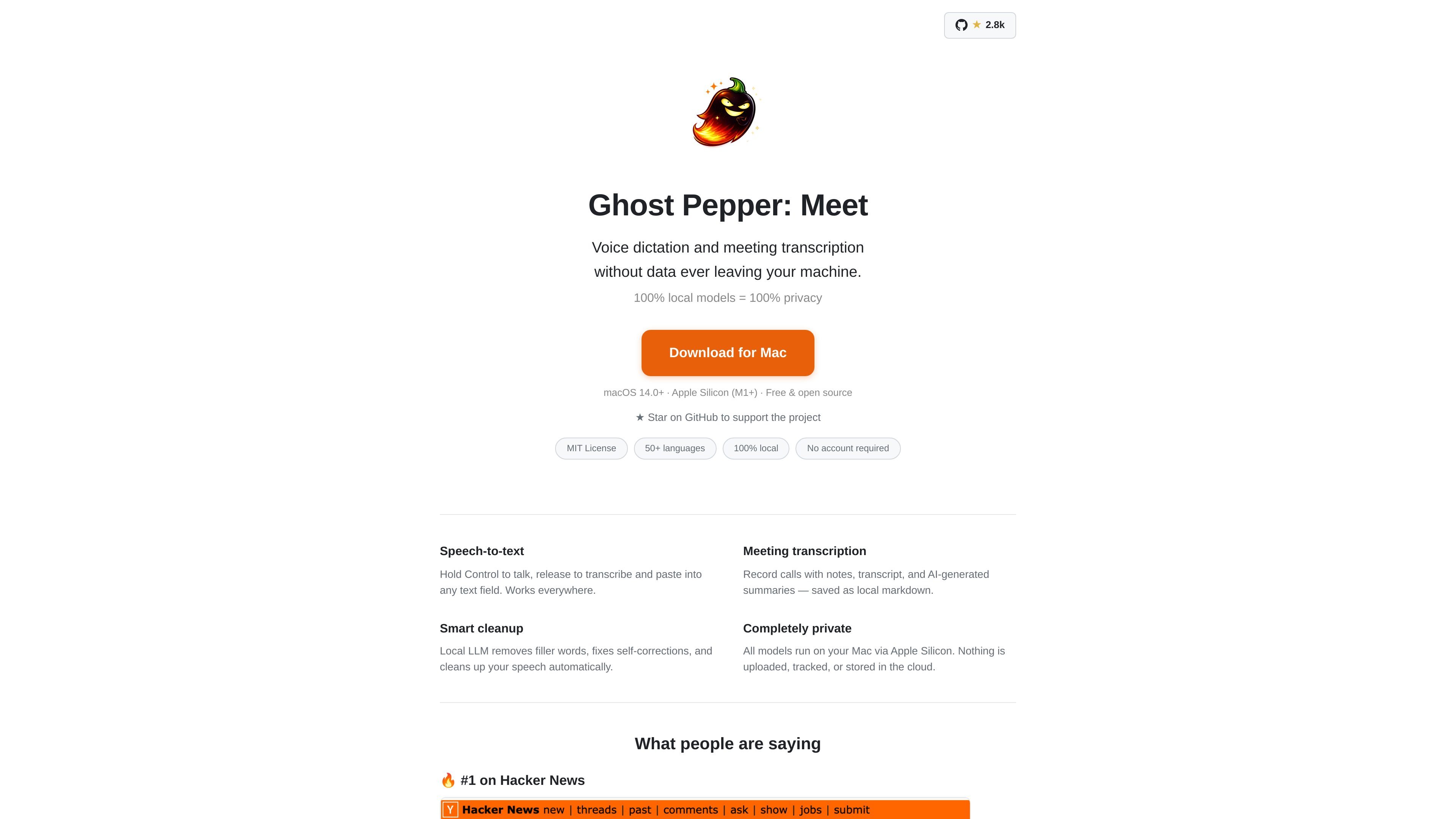
Ghost Pepper is a macOS voice dictation and meeting transcription app built around local inference. It lets you dictate into any text field, capture meetings with notes and transcripts, and generate cleanup and summary output without sending data off the machine.
The product is positioned as a privacy-focused Mac app: the site says all models run locally on Apple Silicon, no account is required, and output is stored on the user’s Mac. It supports macOS 14.0+ on Apple Silicon (M1+) and is presented as free and open source.
Hold Control to speak, then release to transcribe and paste text directly into the active text field. The page says it works across apps.
Record calls with notes, transcripts, and AI-generated summaries that are saved locally as Markdown files.
A local LLM removes filler words, fixes self-corrections, and cleans up speech before it is pasted or saved.
The page says speech-to-text, cleanup, and transcription all run on your Mac, with no audio uploaded to cloud services.
The app supports multiple speech and cleanup models, including Whisper tiny.en, Whisper small.en, Parakeet v3, Qwen3-ASR 0.6B, and Qwen 3.5 cleanup models.
Dictate text into documents, chats, or forms from any app without switching to a separate editor. The control-key push-to-talk workflow is built for quick insertion into an active text field.
Capture a call, then review notes, transcripts, and AI-generated summaries stored locally as Markdown. This fits users who want a written record without depending on cloud transcription services.
Use the cleanup models to remove filler words and self-corrections before pasting speech into a document or message. That makes the app useful for drafting cleaner first-pass text from spoken input.
Choose different speech models based on speed, accuracy, language coverage, and machine constraints. The listed options range from smaller English-only models to larger multilingual models.
Work in environments where local processing and no account sign-in are preferred, such as privacy-sensitive personal machines or offline-friendly setups. The product emphasizes that data stays on the Mac.
It runs locally on macOS and is designed to work without an account. The source says you download the DMG, open it, drag the app to Applications, and grant Microphone and Accessibility permissions when prompted.
The product states that speech-to-text and meeting transcription are handled by local models on your Mac, and that nothing is uploaded, tracked, or stored in the cloud.
The source says meeting transcription can save notes, transcripts, and AI-generated summaries as local Markdown files on disk.
The page presents Ghost Pepper as a Mac app for macOS 14.0+ on Apple Silicon (M1+) and notes that some models, such as Qwen3-ASR 0.6B, require macOS 15+.
The page shows a single-user desktop workflow. It does not provide information about shared team accounts, centralized admin features, or collaboration features.

Speech to Text Converter is a browser-based transcription tool for live dictation and uploaded audio or video files. It offers a free tier for short tasks and a Pro plan for unlimited transcription, AI summaries, translation, speaker identification, and advanced exports.

Dictato is a Mac dictation app that transcribes speech into text in any app using an on-device, offline workflow. It supports multiple transcription engines, optional cleanup and translation, and a one-time purchase license.

Sanota is an app that turns spoken memories, reflections, and interviews into clear written stories. It supports personal storytelling, family history, and shared memories, with guided prompts and subscription pricing.

Carbon Voice is an asynchronous voice messaging app for teams and individuals, with transcripts, AI catch-up, and cross-device access. It helps people and agents communicate without needing a live call.

An OpenAI API guide for choosing the right speech architecture for live audio, translation, transcription, speech generation, and audio-capable chat. It helps developers map each speech application to the appropriate session type, endpoint, and connection method.

Pewbeam is a church presentation app that listens to sermons, detects Bible verse references in real time, and displays the matching passage on screen. It is built for pastors, projection teams, and church media volunteers who want to reduce manual slide control during live services.