
Repository connection and creation
Connect GitFig to an existing GitHub repository or create a new one from Figma, with starter files generated when needed.

GitFig syncs Figma design tokens and styles with GitHub in both directions, supporting repository files, branches, commits, and pull requests.
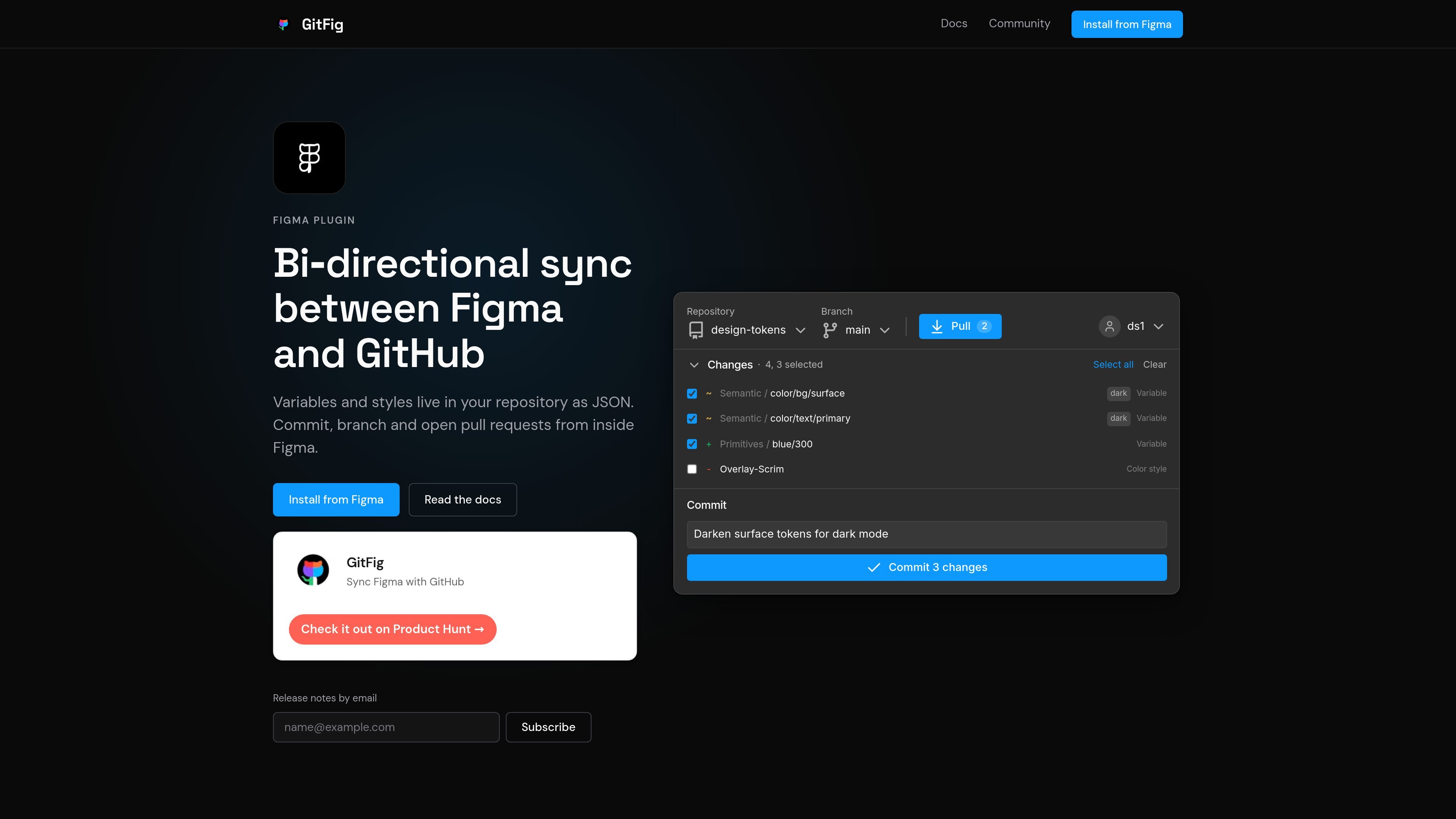
GitFig is a Figma plugin that syncs design tokens and styles between Figma and GitHub. It is built for teams that keep variables, styles, and related token files in a repository and want to edit them from inside Figma while preserving Git-based workflows such as branches, commits, and pull requests.
The product description on the site emphasizes bi-directional sync. GitFig can connect to or create a GitHub repository, map repository files to Figma collections or styles, and push or pull changes while showing what would be overwritten before anything is committed or applied.
Connect GitFig to an existing GitHub repository or create a new one from Figma, with starter files generated when needed.
Map repository files to specific Figma collections or style types, then choose whether to sync one mode or all modes.
Sync variables in both directions, including mode-keyed collections where light and dark values stay together and aliases round-trip intact.
Sync color and text styles alongside variables, with styles mapped to their own files in the repository.
Work with W3C Design Tokens, Style Dictionary, Tokens Studio, or custom JSON token formats.
Create branches, make commits, and open pull requests from within Figma, with overwrite checks before pushes or pulls replace work.
Design systems teams can keep variables and styles in sync with repository files so token updates are managed in the same workflow as code changes.
Designers working with Git-based review processes can create branches, commit changes, and open pull requests without switching out of Figma.
Teams managing light and dark themes can sync multi-mode collections so paired values stay together and aliases are preserved.
Teams that want a safer handoff between design and engineering can use overwrite checks to see what a push or pull will affect before confirming it.
Organizations with existing token file conventions can map repository files to W3C Design Tokens, Style Dictionary, Tokens Studio, or custom JSON formats.
GitFig connects to a GitHub repository from inside Figma. The source shows that a repository can be selected or created, and GitFig can add starter files when it creates a new repository.
Yes. The source says that branches and pull requests can be created in Figma without leaving the file.
GitFig syncs variables and styles to repository files, and the source says that it supports W3C Design Tokens, Style Dictionary, Tokens Studio, and custom JSON token formats.
The source says that changes to variables and styles appear within a few seconds, and GitFig shows what would be overwritten before a push or pull runs.
The pricing page notes that multi-mode collections require a paid Figma plan, while Figma Starter allows one mode per collection.

ByteAsk is a terminal-first AI coding agent for C and C++ that edits repos and verifies changes with compilers, debuggers, sanitizers, and tests.

Epherem scans web apps built with Lovable, Bolt, v0, Replit, Cursor, and Claude Code for security flaws in source code and dependencies, without running the app.

CreateOS Sandbox is an isolated compute environment for running code and agent workloads in Firecracker micro-VMs with private networking and SDK, CLI, or MCP control.

GitBot is a local browser workspace for reusable coding bots powered by Claude Code, Codex, or OpenCode, with persistent threads and configurable permissions.

hob is an independent workspace for coding agents, with local control over sessions, terminals, history, routing, and follow-up work.

Ably Chat is a chat API platform for custom realtime chat apps, with rooms, typing indicators, presence, reactions, message updates and usage-based pricing.