
Automatic zoom and pan
Glideo records your screen and uses the recorded click timeline to plan camera movement automatically, so you do not have to place keyframes by hand.

Glideo is a macOS screen recorder for product demos, developer tools, and tutorials. Auto-zooms from clicks; free for individuals, enterprise by contract.
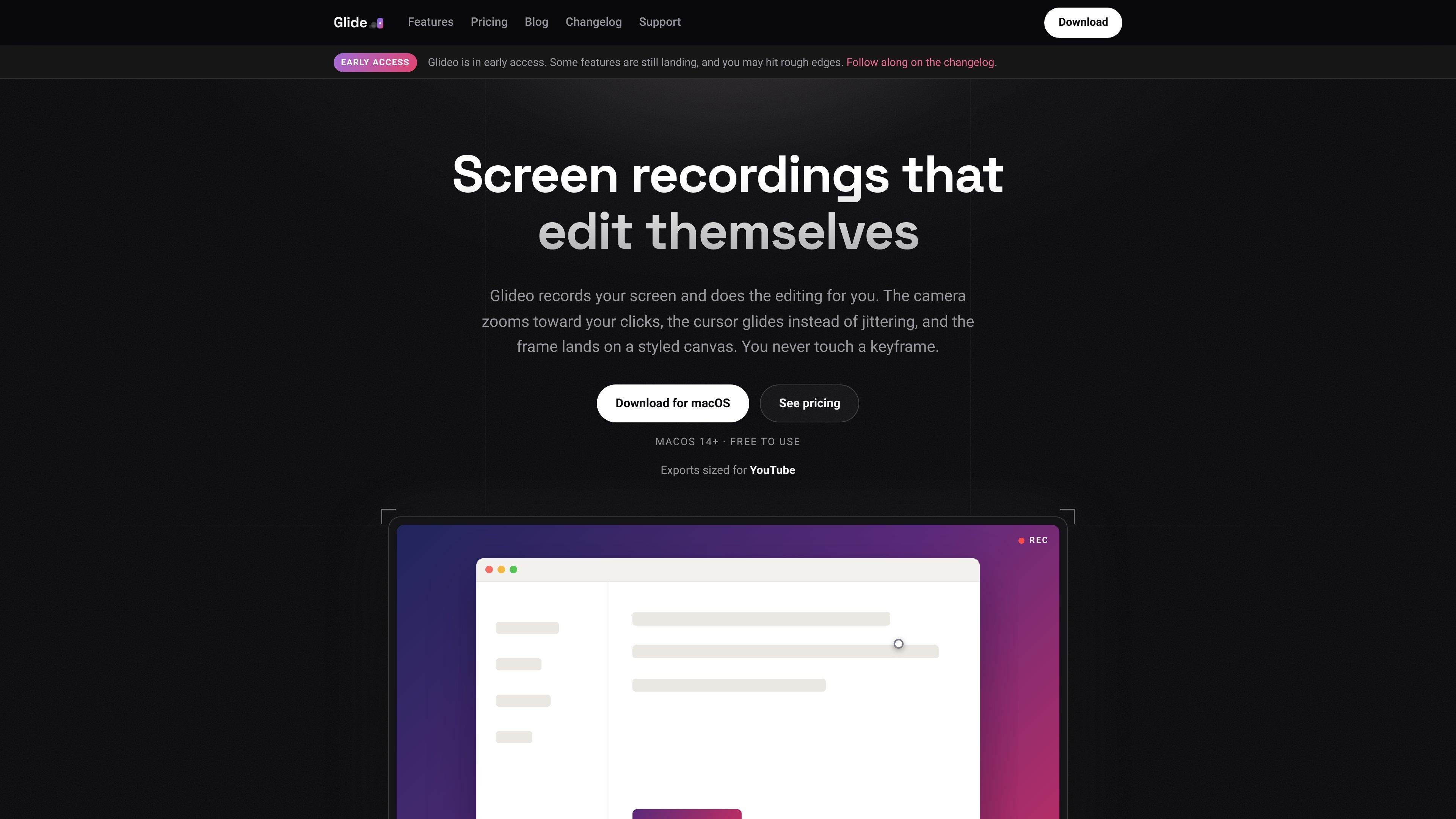
Glideo is a macOS screen recorder built for product demos, dev tools, and tutorial clips that need more than a plain capture. It records the screen, logs mouse movement and clicks, and then plans the camera movement for you so the finished video zooms toward what matters.
The workflow is split into recording and rendering, which means the motion can be adjusted after the fact instead of being locked in while you record. Glideo also keeps projects reopenable, runs locally on your Mac, and is described as free for individuals with no watermark, no account, and no trial clock.
Glideo records your screen and uses the recorded click timeline to plan camera movement automatically, so you do not have to place keyframes by hand.
A smoothed cursor replaces the twitchy system pointer so cursor motion looks more deliberate in the final video.
The recorded screen sits on a styled canvas with padding, rounded corners, a shadow, and a background such as a gradient or wallpaper.
You can adjust the motion after recording by retiming or resizing zoom segments, adding a zoom at the playhead, or resetting the plan.
Projects keep the raw capture and event timeline in an open .glideo folder, which lets you reopen and re-render later without recording again.
Exports are available in 16:9 or 9:16, with 4K output and no watermark for individuals.
Record a feature walkthrough or launch demo once, then let Glideo generate the camera movement so viewers are guided to the part of the interface you are discussing.
Capture CLI tools, IDE plugins, dashboards, or terminal work without requiring the audience to squint at small text, since the camera can zoom toward the relevant area.
Create short screen clips for docs, README files, or support replies, then reopen the project later if the UI changes and the clip needs a new export.
Use the app locally on a Mac when you want to keep the recording process on-device rather than uploading footage to a service.
Yes. The pricing page says Glideo is free and fully featured for individuals, with no watermark, no account, and no trial clock.
Glideo requires macOS 14 or later. The download page also says it asks for Screen Recording permission to capture the display and Input Monitoring permission to log clicks for automatic zoom.
For companies that want to standardize on Glideo, deploy it across a team, or use it in a professional setting, Glideo offers an enterprise contract with a commercial license, invoicing, and a signed license key.
Projects are stored in an open .glideo format, and exported videos are said to be free to use anywhere with no watermark.
The source pages explicitly mention exports for 16:9 and 9:16, up to 4K. The site also references GIF and transparent export in the changelog, but the main homepage does not present those as core page features.

ByteAsk is a terminal-first AI coding agent for C and C++ that edits repos and verifies changes with compilers, debuggers, sanitizers, and tests.

Epherem scans web apps built with Lovable, Bolt, v0, Replit, Cursor, and Claude Code for security flaws in source code and dependencies, without running the app.

CreateOS Sandbox is an isolated compute environment for running code and agent workloads in Firecracker micro-VMs with private networking and SDK, CLI, or MCP control.

GitBot is a local browser workspace for reusable coding bots powered by Claude Code, Codex, or OpenCode, with persistent threads and configurable permissions.

hob is an independent workspace for coding agents, with local control over sessions, terminals, history, routing, and follow-up work.

Ably Chat is a chat API platform for custom realtime chat apps, with rooms, typing indicators, presence, reactions, message updates and usage-based pricing.