
Chromium-based source rendering
Renders the uploaded source in Chromium first, then reconstructs it as a structured Figma design instead of a flat screenshot.

HTML to Figma: React & Next.js — Source → Design converts HTML and frontend ZIPs into editable Figma layers for web layout import, review, and handoff.
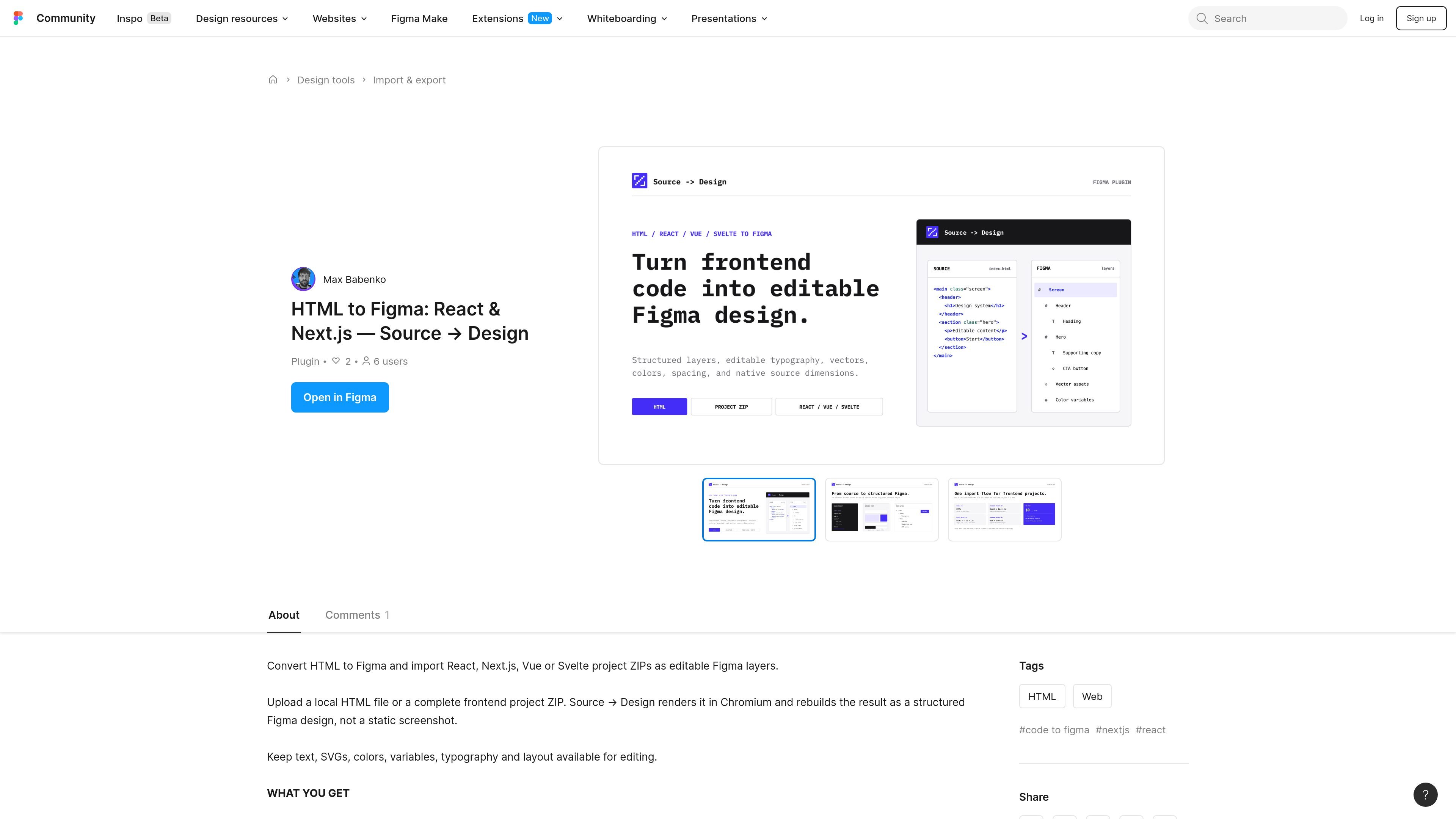
HTML to Figma: React & Next.js — Source → Design is a Figma Community plugin for converting front-end source files into editable Figma layers. It is designed for HTML files and project ZIPs, including React, Next.js, Vue, and Svelte projects.
Instead of capturing a screenshot, the plugin renders the source in Chromium and rebuilds the result as a structured design. That makes the output more useful for editing and design iteration because text, vectors, layout, and selected styling details remain separate Figma elements when the source is supported.
Renders the uploaded source in Chromium first, then reconstructs it as a structured Figma design instead of a flat screenshot.
Keeps text editable with detected font family, weight, style, size, line height, letter spacing, alignment, and measured line breaks.
Imports vector SVG assets and supported icons so graphical elements remain usable in Figma.
Rebuilds frames, fills, borders, corner radii, shadows, gradients, opacity, clipping, and transforms as editable design layers.
Extracts colors and reusable variables from the rendered interface to preserve design tokens where possible.
Supports native source dimensions or a selected mobile, tablet, or desktop viewport for output sizing.
Bring a static HTML page or a frontend project ZIP into Figma so the layout can be adjusted without rebuilding the design from scratch.
Convert a React, Next.js, Vue, or Svelte project ZIP into layered Figma content for design review and iteration.
Preserve editable typography, vectors, and layout when a team wants to compare rendered UI against a design file.
Choose a mobile, tablet, or desktop viewport when the same source needs to be imported at a specific frame size for presentation or handoff.
It runs inside a Figma Design file. You start the plugin, drop in a self-contained HTML file or a supported project ZIP, confirm the detected project and output size, and then start the import while the plugin remains open.
The source text lists self-contained .html files, static project ZIPs, and project ZIPs for React, Next.js, Vue, and Svelte.
The plugin rebuilds rendered output as editable Figma layers, including text, SVG assets, layout, colors, variables, typography, and common visual properties such as fills, borders, shadows, and gradients.
Browser-only output such as canvas, WebGL, active video, and some complex filters does not have a direct editable Figma equivalent. Those areas may fall back to local raster output.
The page says three successful imports are free. After that, Source → Design Pro is listed at $9/month for unlimited code-to-design imports.

ByteAsk is a terminal-first AI coding agent for C and C++ that edits repos and verifies changes with compilers, debuggers, sanitizers, and tests.

Epherem scans web apps built with Lovable, Bolt, v0, Replit, Cursor, and Claude Code for security flaws in source code and dependencies, without running the app.

CreateOS Sandbox is an isolated compute environment for running code and agent workloads in Firecracker micro-VMs with private networking and SDK, CLI, or MCP control.

GitBot is a local browser workspace for reusable coding bots powered by Claude Code, Codex, or OpenCode, with persistent threads and configurable permissions.

hob is an independent workspace for coding agents, with local control over sessions, terminals, history, routing, and follow-up work.

Ably Chat is a chat API platform for custom realtime chat apps, with rooms, typing indicators, presence, reactions, message updates and usage-based pricing.