
Preset-based illustration generation
Start from a preset style library that includes options such as 3D renders, vector, low poly, Pixar style, icon, and pixel art, then generate a new illustration from your prompt.

illostrationAI is a web-based AI illustration generator that creates images from text prompts and preset styles, with free sign-up and credit-based pricing.
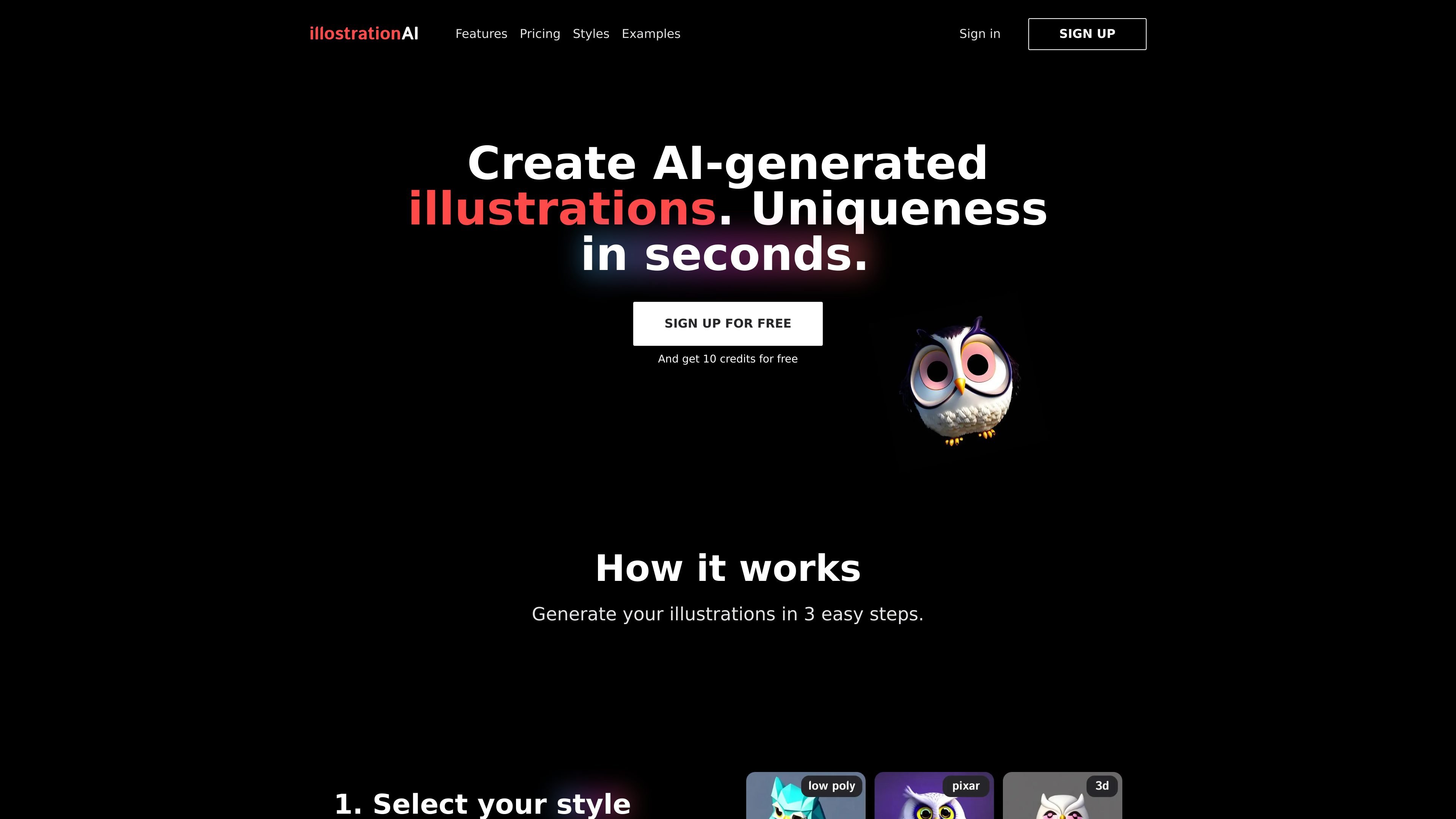
illostrationAI is a web-based tool for generating AI illustrations from text prompts. The homepage frames it as a way to create unique illustrations in seconds by choosing a style, describing an object or character, and then refining the result.
The product page emphasizes preset-driven illustration generation rather than open-ended image editing. It currently presents styles such as Pixar, vector, low poly, 3D render, logo, line art, pixel art, and airbrush, along with later-stage tools for upscaling, background changes, bulk creation, and a Figma plugin.
Start from a preset style library that includes options such as 3D renders, vector, low poly, Pixar style, icon, and pixel art, then generate a new illustration from your prompt.
Enter a character name or describe an object in a sentence, which keeps the input model focused on a specific subject instead of a broad design brief.
Refine outputs with AI upscaling, background removal, custom background placement, and selective editing so the image can be adjusted after generation.
Generate multiple illustrations from a CSV file of objects for batch workflows that need many related visuals at once.
Browse shared examples that show the preset and input text used for each image, which helps users understand how different prompts map to styles.
Use the listed Figma plugin path mentioned on the homepage to create illustrations from inside a design workflow, though the product page says this is coming later.
Choose a preset style and describe a subject to produce a single illustration for a concept, post, or mockup.
Use the examples gallery to compare how prompts and presets map to outputs before generating your own images.
Generate a set of related visuals from a CSV file when you need many illustrations based on a list of objects.
Improve a generated illustration with upscaling, background removal, or a custom background after the first pass.
Create illustrations inside a design workflow through the planned Figma plugin path mentioned on the homepage.
The site shows a free sign-up flow and a pricing page with credit-based plans. The homepage says you can sign up for free and get 10 credits, while paid plans add more monthly credits.
The homepage describes a simple workflow: choose a preset style, describe the object or character, then improve the result with tools like upscaling and background removal.
The examples page shows shared generated images with the input text and preset used, and the styles page lists available presets such as Pixar, Vector, Logo, Pixel Art, and 3D Render.
The homepage says you can improve results with AI upscaling, remove the background, add a custom background, edit parts of an illustration, generate in bulk from a CSV file, and use a Figma plugin later.
The site does not present public documentation for integrations, APIs, or platform support beyond the mention of a Figma plugin and the web-based product pages.

Petalica Paint is a web service for automatic line-art coloring and tracing drawings from photos, with commercial use allowed under stated terms.
Kitbitz is a public library of hand-drawn illustrations for games, maps, and playful scene design. Download SVG and PNG assets with CC0 licensing.

SVGs.app is an AI SVG generator and vector illustration library for on-brand graphics from text prompts, with free starter access and paid plans.

Ilus AI is an AI illustration generator for consistent, on-brand visuals in a specific style, with text prompts, custom fine-tuning, and PNG or SVG export.

Morphia is an AI asset generator for designers, creating icons, illustrations, portraits, and PNG assets from prompts with standard and HD options.

Vexy Lines turns photos, sketches, and AI images into scalable vector artwork on Mac and Windows, with layered fills, masks, mesh warps, and export support.