
Visual front-end editing
Edit text directly in the browser, move elements visually, or leave comments to guide changes.

Inspector is a visual front-end editor for React, Next.js and Vite, with AI coding agent support in Cursor, Claude Code and Codex on MacOS.
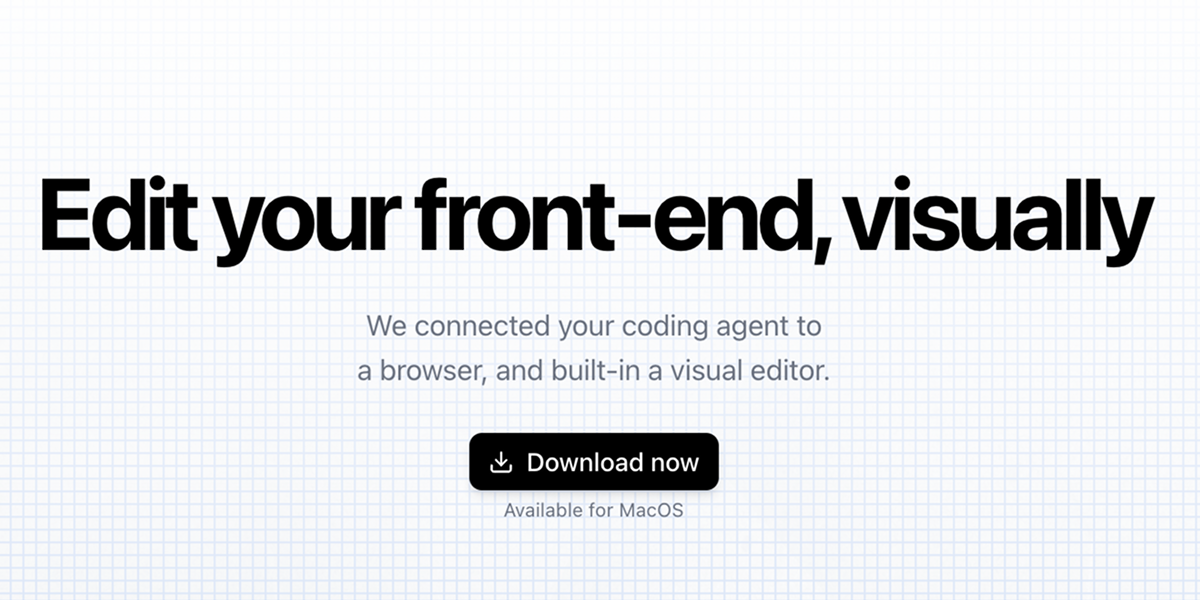
Inspector is a visual front-end editor for working on production web apps through an AI coding agent. The site describes it as a browser-connected editor that lets you click to edit text, drag elements, and apply changes back to your codebase.
It is positioned for local development workflows and names React, Next.js, and Vite as supported app types. The product also connects with Claude Code, Codex, and Cursor, so changes can move between the visual editor and the coding agent you already use.
Edit text directly in the browser, move elements visually, or leave comments to guide changes.
Connect Inspector to Claude Code, Codex, or Cursor so changes can flow into your coding workflow.
Inspector is described as completely local and connected to any local codebase, so edits happen against your own project files.
The product says it works with React, Next.js, and Vite apps.
The changelog shows a design panel for adjusting padding, margin, font size, typography, layout, stroke, gradients, background colors, and shadows.
Inspector also supports opening files in many editors, with the changelog listing Cursor, VS Code, JetBrains IDEs, Sublime Text, Xcode, Zed, Fleet, Windsurf, Trae, and terminal/file openers.
Use Inspector to change copy, adjust layout, and review the result visually before the update is written back to the codebase.
Use the design panel to refine spacing, typography, backgrounds, and shadows when you need more precise visual control than code-only edits.
Use the agent connection to bridge visual edits with your preferred coding assistant when building or refining app screens.
Use Inspector on a local React, Next.js, or Vite project when you want to edit front-end work without leaving your codebase.
Use the external editor and file-opening options to move quickly between Inspector and desktop development tools.
Inspector is a visual front-end editor that connects to AI coding agents. The source material names Cursor, Claude Code, and Codex as supported agent accounts.
The documentation says you can click to edit text, drag elements, and see changes applied to your codebase automatically.
The source material lists React, Next.js, and Vite apps as supported targets.
The home page says Inspector is available for MacOS.

ByteAsk is a terminal-first AI coding agent for C and C++ that edits repos and verifies changes with compilers, debuggers, sanitizers, and tests.

Ghost is a terminal-based AI assistant for chatting, code generation, and CLI tasks. Includes free models, supports Linux, macOS, Windows, and is open source.

Vi3ecode is a maintained development environment for AI coding agents, keeping project context, terminal, Git, memory, flows and review connected.

Devin is an AI coding agent and software engineer for planning and executing complex software tasks, with desktop, cloud, JetBrains, and CLI access.

图像大厨imgcook 是一款设计转代码工具,可将设计稿转换为前端代码,支持 Sketch、Photoshop、VS Code 和 CLI 工作流。

CreateOS Sandbox is an isolated compute environment for running code and agent workloads in Firecracker micro-VMs with private networking and SDK, CLI, or MCP control.