
Real inbox engagement
Mailwarm sends warmup traffic between your inbox and a large pool of aged real inboxes, aiming to create realistic engagement instead of simple automated activity.

Mailwarm is an email warmup tool for teams that improves sender reputation and inbox placement for Gmail, Outlook, Microsoft 365, and SMTP platforms.
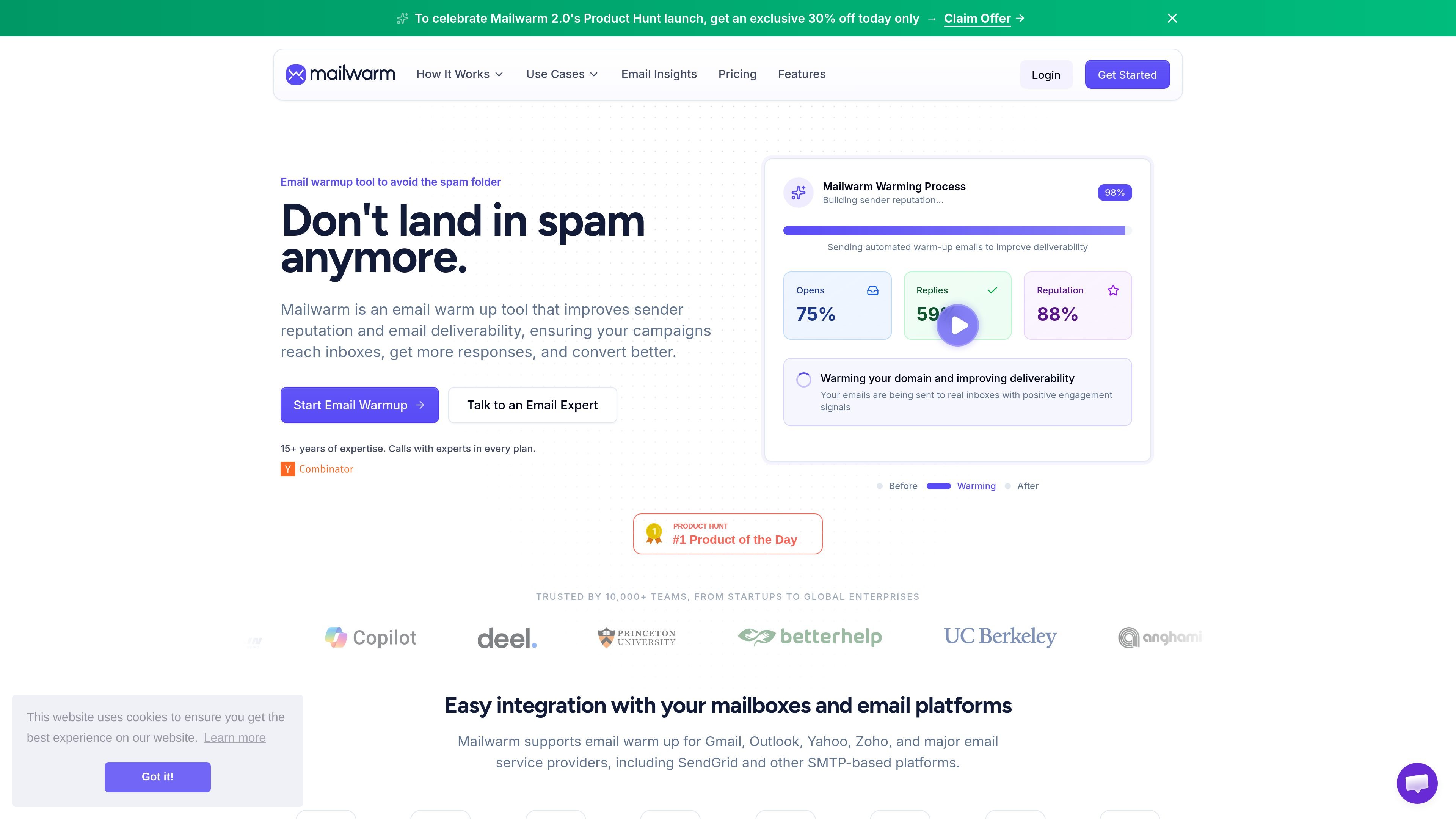
Mailwarm is an email warmup tool that helps improve sender reputation and inbox placement so emails are less likely to land in spam. It is positioned for people and teams that want their outbound messages to reach inboxes rather than rely on basic warmup activity alone.
According to the site, Mailwarm works by sending warmup emails to and from a large pool of real inboxes, generating signals such as opens, non-spam markings, importance flags, replies, and bounce-rate improvement. The product also includes inbox versus spam placement monitoring and deliverability guidance to help users spot problems and adjust their setup.
Mailwarm sends warmup traffic between your inbox and a large pool of aged real inboxes, aiming to create realistic engagement instead of simple automated activity.
The product tracks inbox versus spam placement and surfaces spam score and inbox placement signals so you can see how warming affects deliverability.
Users can choose warmup behavior by provider, with support described for Gmail, Outlook, Microsoft 365, Yahoo, and SMTP-based platforms.
The warmup process creates multiple positive signals per interaction, including opens, non-spam markings, importance flags, replies, and bounce-rate improvement.
Mailwarm states that invalid inboxes are automatically deactivated to reduce bounce risk during warmup.
Plans include access to deliverability expertise, and the site offers free audit calls to review sending setup and top fixes.
Teams launching cold email campaigns can use Mailwarm to build sender reputation before sending at scale, with the goal of reducing spam-folder placement.
Founders and sales teams can keep a live warmup running while they send regularly, helping maintain consistent deliverability over time.
Teams using Microsoft 365 or Outlook can focus on provider-specific warmup and monitor whether inbox placement changes for those mailboxes.
Companies with multiple domains or inboxes can connect more than one mailbox and use Mailwarm to track placement across them from a dashboard.
Teams that want a deeper review of their setup can book a deliverability audit and use the recommended fixes alongside warmup.
Mailwarm starts building inbox placement and sender reputation as soon as you connect an inbox. The site says there is no traditional free trial, and the warmup is intended for ongoing deliverability rather than short tests.
Yes. The pricing and homepage content say you can cancel your subscription at any time.
Mailwarm says it supports Gmail, Google Workspace, and Microsoft 365, and also works with Yahoo, Zoho, SendGrid, and other SMTP-based platforms.
The site says you can warm up multiple inboxes and multiple domains, but it does not publish detailed limits on the pages provided.
Mailwarm says every plan includes deliverability guidance and free audit calls are available, but the pages provided do not list a fully self-serve onboarding workflow beyond connecting an inbox and starting the warmup.

Volanea is an email platform for transactional email, campaigns, and lifecycle automation, with sending, tracking, and deliverability monitoring in one contact graph.

PromptScout tracks how ChatGPT, Gemini, Google AI Overviews, and Perplexity mention your brand or competitors, with source analysis and website audits.

SaveMRR is a Stripe retention tool for SaaS teams to scan churn and MRR leaks, then automate recovery with dunning, cancel-save offers, win-back emails, and onboarding nudges.

Hype is a web tool for finding trending YouTube topics by category, time range, and scoring mode. Spot emerging ideas and review source videos.

Liam is an AI copilot for inbox management, email replies, prioritizing messages, and scheduling meetings. Free for individuals; custom pricing for teams and enterprise.

Sleek Analytics is a privacy-friendly web analytics tool with real-time visitor tracking, Core Web Vitals, and revenue attribution.