
Browser-based cloud computer
Matrix provides a persistent cloud computer where files, apps, terminals, previews, and agent sessions live together in one workspace.

Matrix OS is a cloud computer and AI workspace for coding agents and development tasks in your browser or CLI, with persistent sessions and managed cloud or VPS setup.
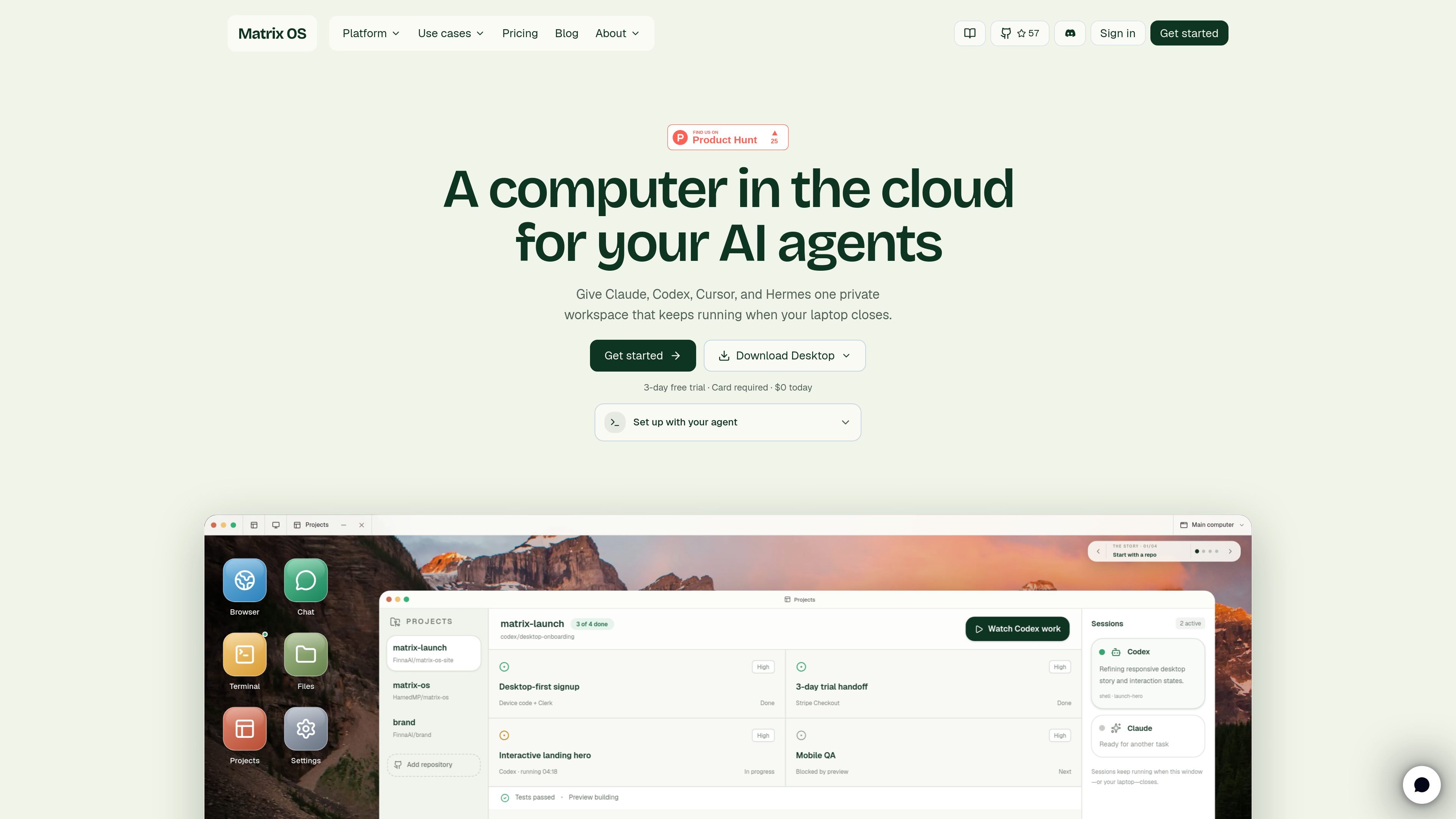
Matrix OS is a cloud computer and AI workspace built for background agents and persistent development work. It brings files, apps, terminals, previews, and agent sessions into one private workspace that you can open in a browser or attach to from the command line.
The product is positioned around work that continues after you close your laptop. Matrix can run coding agents side by side, keep sessions alive across disconnects and reboots, and provide a review workflow where you inspect the changes that survive before merging or moving on. The docs also describe Hermes, a Matrix-native agent for workflows, notifications, approvals, and everyday connected-tool tasks.
Matrix Cloud is the recommended managed setup for teams, pilots, and daily work, while a manual VPS install is available for users who want to operate the server themselves. The site also shows a web shell, a CLI, a native macOS app in progress, and mobile browser access already working.
Matrix provides a persistent cloud computer where files, apps, terminals, previews, and agent sessions live together in one workspace.
Tasks can run in the background while the laptop is closed, with sessions that survive disconnects, reboots, and lid closes.
The platform is built to work with coding agents already in use, including Claude Code, Codex, Cursor, OpenCode, Pi, and Gemini CLI.
Matrix includes a Matrix-native agent called Hermes for connected tools, scheduled workflows, notifications, approvals, and memory.
The product supports running multiple agents in parallel and tracking what each one is reading, editing, testing, previewing, and waiting on.
Matrix can be installed through a managed cloud flow or on your own Linux VPS, with different responsibilities depending on the path you choose.
Assign coding work to agents and let them continue while you are away, then review the diff, tests, and preview when the task is done.
Use Matrix Cloud for a managed setup when you want the platform to handle routing, auth, updates, backups, billing, and integrations.
Run a manual VPS installation when you want to control the server, DNS, TLS, backups, upgrades, and security yourself.
Move between browser, terminal, and agent sessions without losing context, especially when working from different devices or when a laptop sleeps.
Use Hermes and connected tools to schedule recurring workflows, route notifications, and handle approvals outside of pure coding tasks.
Matrix OS offers a managed cloud setup and a manual VPS install. The quickstart recommends the managed path for daily work, teams, and pilots, while the manual path is for operators who want to control their own Linux server.
The source documents the CLI, web shell, and a native macOS app in progress. The web shell works in any browser, and the CLI can attach from a terminal session; mobile web access is already available.
Matrix OS is designed to keep work running in a cloud computer that persists after you close your laptop. It supports persistent sessions, background agents, and review of changes after the task is complete.
The docs describe Matrix Cloud as the recommended option because Matrix handles routing, auth, updates, backups, billing, and integrations. The manual VPS path is available if you want to manage those parts yourself.
The source shows a 3-day free trial for the first primary computer, with a card required at checkout. The pricing page itself was not available, so plan details beyond the trial and the starter plan on the homepage should be treated as limited evidence.

ByteAsk is a terminal-first AI coding agent for C and C++ that edits repos and verifies changes with compilers, debuggers, sanitizers, and tests.

CreateOS Sandbox is an isolated compute environment for running code and agent workloads in Firecracker micro-VMs with private networking and SDK, CLI, or MCP control.

hob is an independent workspace for coding agents, with local control over sessions, terminals, history, routing, and follow-up work.

Manta AI is an autonomous web app testing tool that maps app behavior, catches regressions, and generates tests from a URL, no scripts or selectors needed.

SonOf connects to your repo and PM tool, audits your codebase, and turns approved work into shipped tickets with senior engineering review.

Ghost is a terminal-based AI assistant for chatting, code generation, and CLI tasks. Includes free models, supports Linux, macOS, Windows, and is open source.