
Create diagrams with AI
Turn natural-language prompts into diagrams that are described as instant and customizable, so users can move from notes to visuals without drawing from scratch.

Mermaid is an AI-powered diagramming tool for flowcharts, sequence diagrams, ER diagrams and more, with editable diagrams you can share and keep in sync.
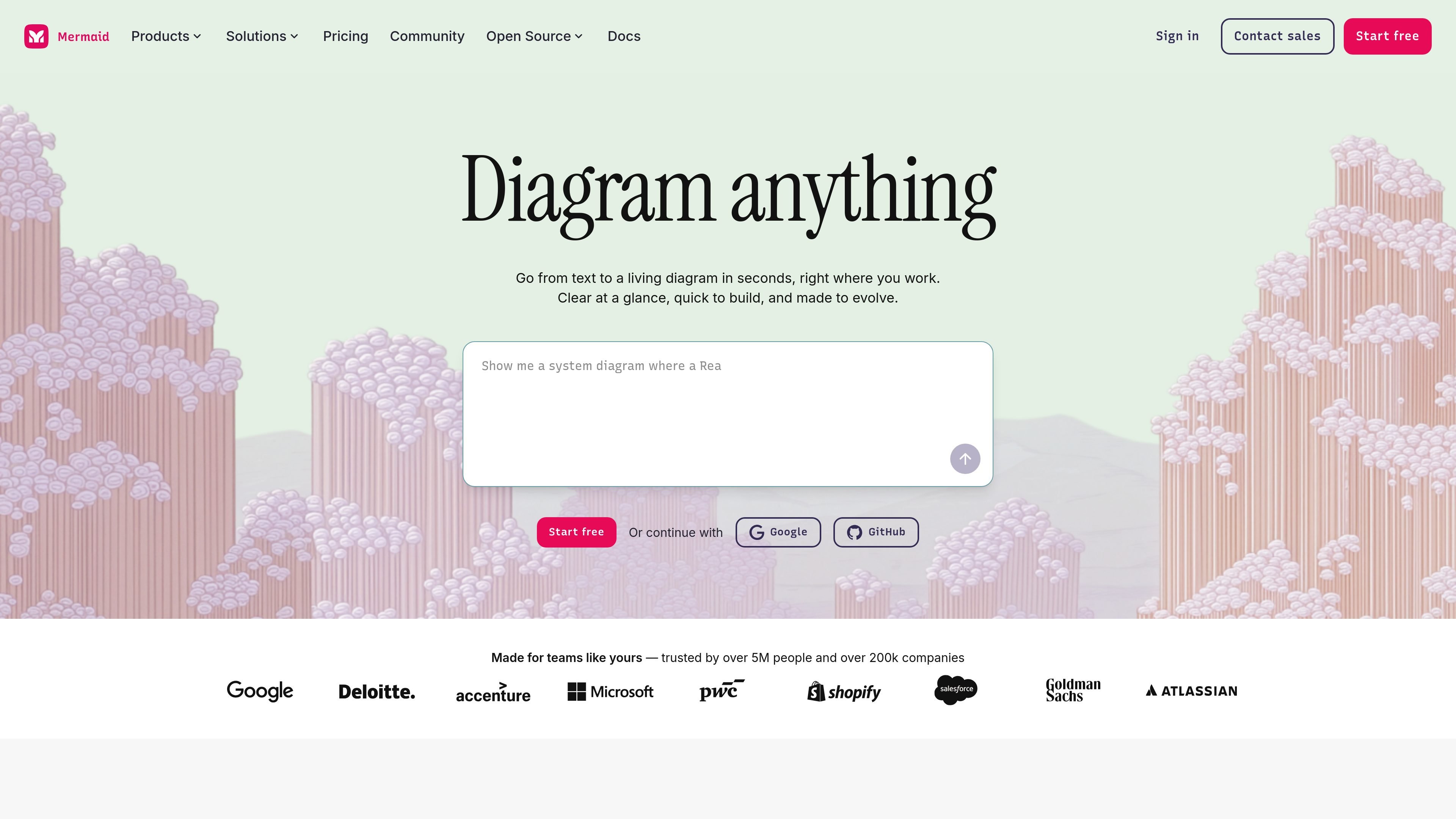
Mermaid is an AI-powered diagramming tool that turns text, code, or prompts into editable diagrams. The site positions it as a way to go from notes to a living diagram quickly, with options to start in AI, use Mermaid syntax, or refine visuals with a drag-and-drop editor.
It supports common diagram types such as flowcharts, sequence diagrams, ER diagrams, timelines, mind maps, org charts, state diagrams, class diagrams, Gantt charts, Git graphs, and architecture-style diagrams. The product is aimed at people and teams that need to create, edit, share, and maintain diagrams where they already work, including code, docs, and collaboration tools.
Turn natural-language prompts into diagrams that are described as instant and customizable, so users can move from notes to visuals without drawing from scratch.
Write diagrams in Mermaid syntax and let the layout render automatically, with support for editing in text-first workflows and version control in Git.
Adjust nodes, labels, edges, shapes, and colors by clicking or dragging, while the underlying code updates automatically.
Embed Mermaid in tools such as GitHub Copilot and Confluence, and use VS Code support to work directly from a codebase.
Collaborate on a shared canvas, share feedback live or asynchronously, and keep diagrams updated across a team.
Create, share, and present diagrams from the same workspace without switching to a separate presentation tool.
Map product logic, systems, dependencies, and implementation steps as you build, using either text or code as the starting point.
Document processes, data models, and code relationships in a form that can live alongside repos, READMEs, and technical documentation.
Turn rough notes into diagrams for presentations, planning sessions, and stakeholder updates without moving to a separate design tool.
Collaborate on diagrams in a shared workspace when feedback needs to happen live or across time zones.
Create diagrams for teaching concepts such as workflows, sequences, and structures in a format that can be edited and reused.
Mermaid is a diagramming tool that turns text into editable diagrams. It supports creating diagrams with AI, Mermaid syntax, or a visual editor, and it is designed for use in workflows such as docs, code, and collaboration.
The source pages describe Mermaid as supporting Mermaid syntax and a visual editor, and they also say you can start with AI, refine with clicks, or switch between workflows. The exact mix of code-only and no-code usage depends on the task and editor you choose.
Mermaid can be used for flowcharts, sequence diagrams, ER diagrams, timelines, mind maps, org charts, state diagrams, class diagrams, Gantt charts, Git graphs, and more. The product pages also call out C4 and architecture diagrams.
The pricing page shows a free Basic plan, with paid Plus, Premium, and Enterprise plans. It also notes collaboration, SSO, and higher AI credit allowances on higher tiers.
The source pages mention plugins, VS Code integration, and embed support for tools such as GitHub Copilot and Confluence. They also describe diagrams that can be created, edited, shared, and presented from the workspace.

Lucid Train is a local-first AI coding harness that turns repo code into architecture diagrams for coding agents. Desktop app and Rust CLI, local models or API keys.

Cherry Blossom is a browser-based PCB editor that turns plain-English prompts into editable schematics, PCB layouts, and fabrication files with AI checks and open exports.

Napkin AI turns text into editable visuals for presentations, documents, and shareable content. Text-first generation, collaboration, and export to PPT, PNG, SVG, or PDF.

Beauty Diagram is an online Mermaid and PlantUML editor that live-previews diagrams, beautifies layouts, and exports SVG or PNG.

ProtoFlow is an AI-powered PCB design tool for early schematic drafting, part setup, cleanup, and export on Windows, macOS, and Linux.

OnePageCanvas is a free browser-based strategy canvas maker for business modeling, market analysis, and planning frameworks, with guided editors and export options.