
AI schematic generation
Describe a circuit in plain language and have ProtoFlow assemble an editable first pass instead of starting from a blank schematic.

ProtoFlow is an AI-powered PCB design tool for early schematic drafting, part setup, cleanup, and export on Windows, macOS, and Linux.
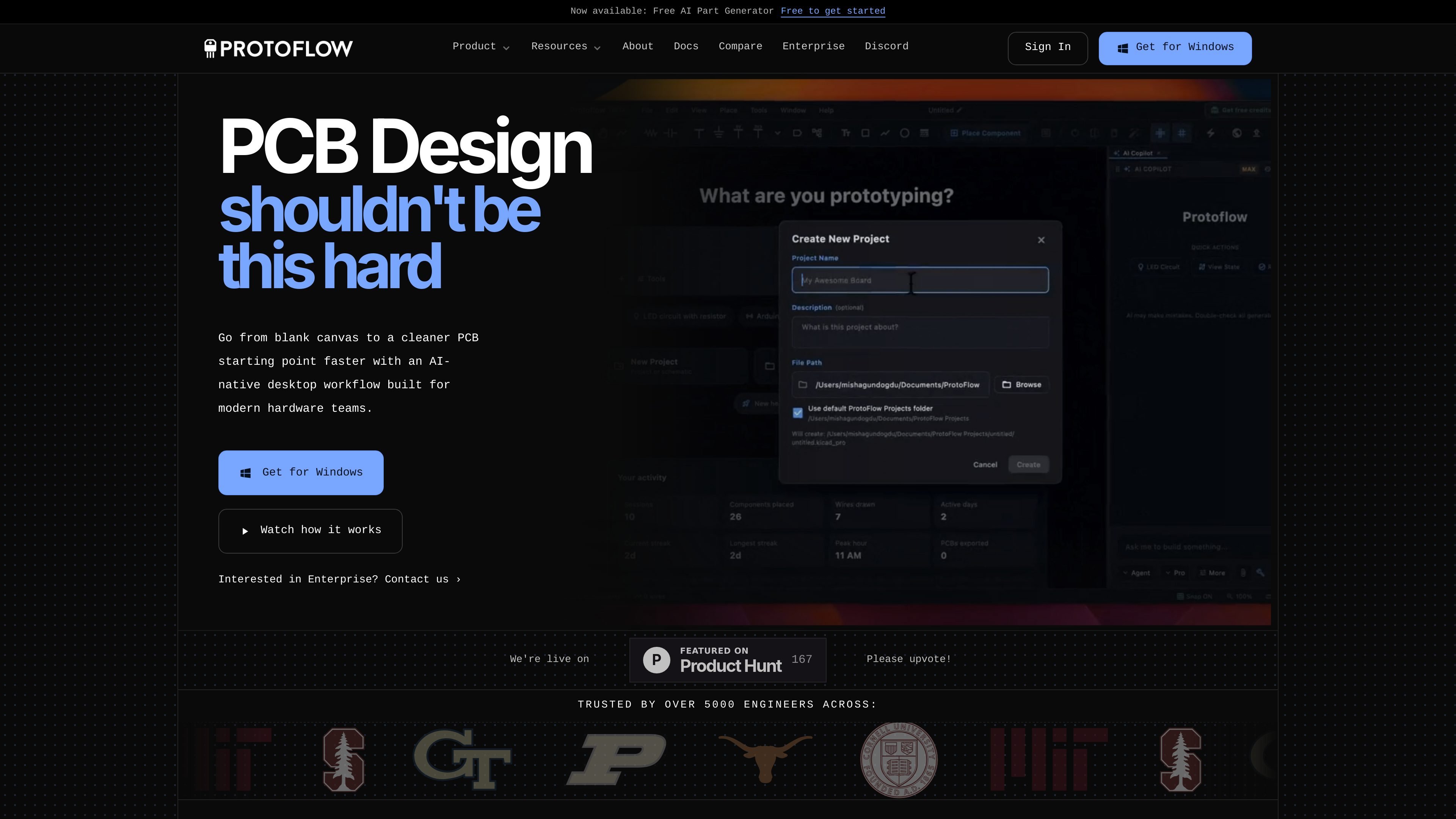
ProtoFlow is an AI-powered PCB design tool that helps hardware engineers get past the blank-schematic stage faster. It is positioned as an AI-native desktop companion for early EDA work, including schematic generation, component import, cleanup, and export into tools like KiCad and Altium.
The site describes a workflow where you explain the board or block in plain language, let ProtoFlow draft and clean up the first pass, and then continue layout in your main EDA environment. The product is available as a desktop app for Windows, macOS, and Linux, and the documentation highlights built-in DRC/ERC, collaboration, Git integration, and additional PCB editing tools.
Describe a circuit in plain language and have ProtoFlow assemble an editable first pass instead of starting from a blank schematic.
Search for parts from one place and drag components into the schematic, with the docs calling out built-in access to LCSC and support for DigiKey and Mouser in the docs pages.
Run built-in DRC/ERC checks to catch unconnected pins and electrical mistakes before export, so the first draft is reviewable.
Export the project to KiCad, and the use-case page also mentions Altium handoff for layout work in your main EDA tool.
Work in a desktop editor with docking panels, tabs, themes, comments, live collaboration, and Git integration.
Generate linked symbols and footprints from a part name, datasheet, or pinout image using the AI Component Lab and part generator tools.
Start from a sentence like a board block, MCU setup, or power rail description and get a wired first pass that is editable rather than just a static image.
Search for real parts, create linked symbols and footprints, and bring components into the design without jumping between datasheets and catalog tabs.
Run DRC/ERC on the draft, clean up the result, and export a tidier project into KiCad or Altium for detailed layout and routing.
Use comments, live collaboration, and Git integration when several engineers need to review or edit the same schematic workspace.
Open the desktop app on Windows, macOS, or Linux and use the interface for early-stage schematic capture without moving straight into full PCB layout.
ProtoFlow is an AI-native desktop tool for getting from an idea to a cleaner PCB starting point faster. It focuses on early schematic drafting and setup rather than replacing your main EDA flow.
No. The site says ProtoFlow is built for the early drafting and setup work before the deeper layout steps you still do in KiCad or Altium.
Yes. The homepage says it is free to start, and the pricing page shows a Free plan with a full PCB editor and basic AI access, plus paid plans for higher limits and more AI capacity.
ProtoFlow is available for Windows, macOS, and Linux. The docs list macOS (Apple Silicon and Intel), Windows 10 or later, and Linux builds.
Yes. The documentation lists collaboration features such as live multi-user editing, comments and reviews, and Git integration.

Lucid Train is a local-first AI coding harness that turns repo code into architecture diagrams for coding agents. Desktop app and Rust CLI, local models or API keys.

Cherry Blossom is a browser-based PCB editor that turns plain-English prompts into editable schematics, PCB layouts, and fabrication files with AI checks and open exports.

ByteAsk is a terminal-first AI coding agent for C and C++ that edits repos and verifies changes with compilers, debuggers, sanitizers, and tests.

Epherem scans web apps built with Lovable, Bolt, v0, Replit, Cursor, and Claude Code for security flaws in source code and dependencies, without running the app.

CreateOS Sandbox is an isolated compute environment for running code and agent workloads in Firecracker micro-VMs with private networking and SDK, CLI, or MCP control.

GitBot is a local browser workspace for reusable coding bots powered by Claude Code, Codex, or OpenCode, with persistent threads and configurable permissions.