
Data ETL and engineering
Prepare data for modeling, analysis, and downstream campaign work within the same application. The site lists data ETL and data engineering as part of the workflow.

Modelfac is a standalone predictive AI app for marketing and sales optimization, with local Windows and Mac support, propensity modeling, driver analysis, campaign list generation, and automatic model documentation.
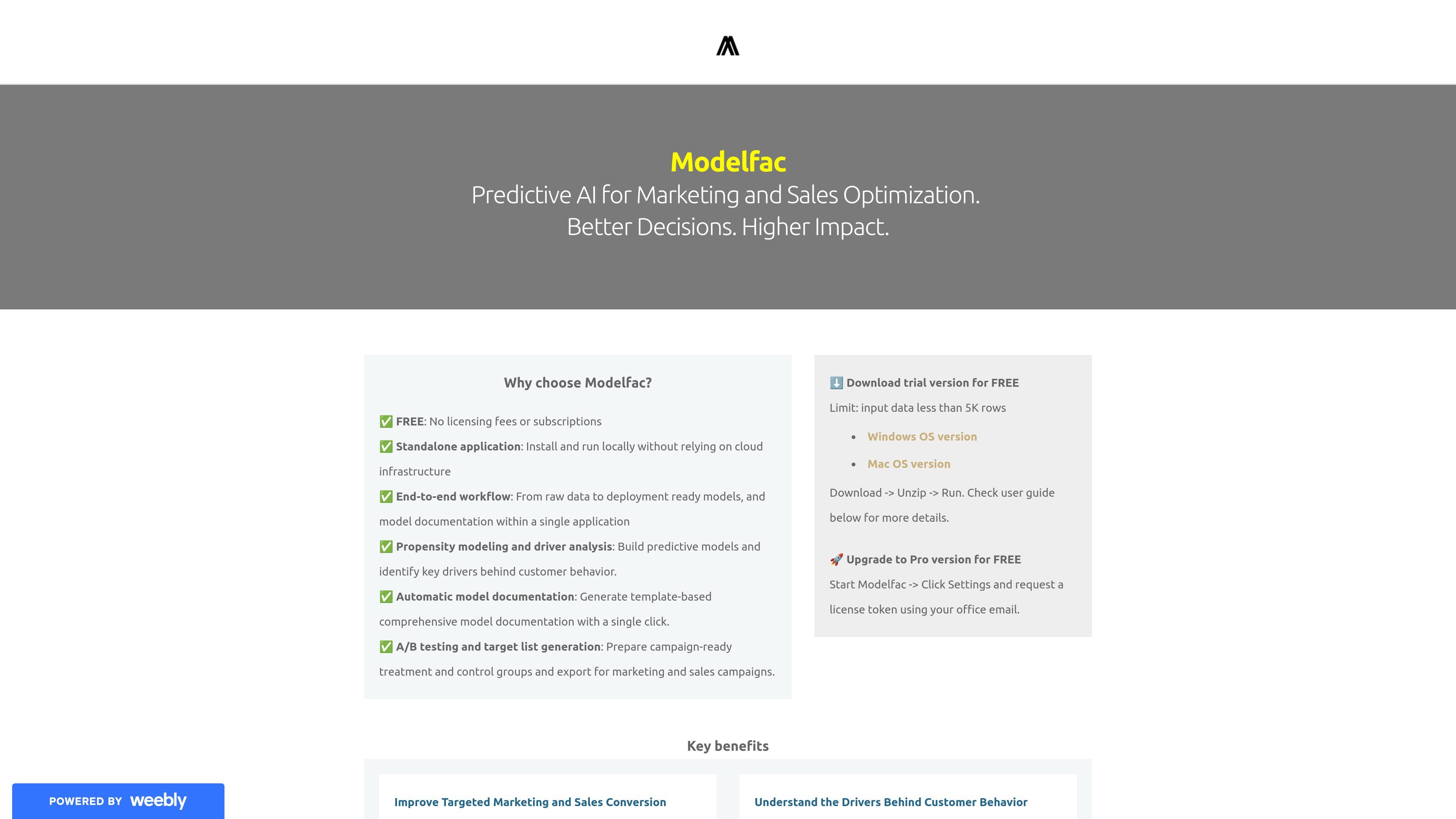
Modelfac is a standalone predictive AI application focused on marketing and sales optimization. The homepage positions it as a local tool for building propensity models, analyzing drivers of customer behavior, and preparing campaign-ready lists and documentation in one workflow.
The product is offered for Windows and Mac, with a trial version that can be downloaded and run locally. The site says the trial is limited to input data under 5,000 rows, and that users can request a license token from Settings to upgrade to Pro for free and remove that limit.
Prepare data for modeling, analysis, and downstream campaign work within the same application. The site lists data ETL and data engineering as part of the workflow.
Build propensity models to predict outcomes such as response, purchase, renewal, or churn, then use the results in marketing and sales optimization.
Analyze which variables appear to drive customer behavior. The site specifically calls out driver analysis as a separate capability.
Create A/B treatment and control lists for campaigns and export target lists for marketing and sales use.
Produce template-based model documentation automatically with a single click to support governance and knowledge sharing.
Review results through insight visualization and model scoring after a model has been built.
Use Modelfac to score customer records and identify prospects most likely to respond, purchase, renew, or churn. This supports prioritization in marketing and sales outreach.
Run driver analysis on modeled data to inspect which variables are associated with customer behavior. This is useful when teams need more than a prediction and want an explanation-oriented workflow.
Generate treatment and control lists for A/B campaigns, then export the lists for campaign execution. The site explicitly calls out A/B testing and target list generation.
Use the built-in documentation step to produce model documentation after building a model. This helps teams keep a record of the workflow and output in a consistent format.
Modelfac is presented as a standalone application for Windows and Mac. The homepage says to download the trial version, unzip or unzip-and-run the app locally, and then open Settings to update your profile before using it.
The homepage describes an end-to-end workflow that covers data preparation, propensity modeling, driver analysis, model scoring, A/B list generation, insight visualization, and model documentation inside one application.
Modelfac generates model documentation automatically and supports propensity modeling, driver analysis, model scoring, and target list generation for marketing and sales use cases.
The trial version is limited to input data with fewer than 5,000 rows. The homepage also says users can request a license token in Settings to upgrade to the Pro version for free, which removes that input limit.
The homepage describes Modelfac as a local standalone application rather than a cloud service. It does not list collaboration features, shared workspaces, or other team-specific workflows on the page text provided.

PromptScout tracks how ChatGPT, Gemini, Google AI Overviews, and Perplexity mention your brand or competitors, with source analysis and website audits.

SaveMRR is a Stripe retention tool for SaaS teams to scan churn and MRR leaks, then automate recovery with dunning, cancel-save offers, win-back emails, and onboarding nudges.

Hype is a web tool for finding trending YouTube topics by category, time range, and scoring mode. Spot emerging ideas and review source videos.

Sleek Analytics is a privacy-friendly web analytics tool with real-time visitor tracking, Core Web Vitals, and revenue attribution.

Struere turns spreadsheet data into structured operational software with dashboards, alerts, and automations for teams replacing manual spreadsheet workflows.

ClayHog is an AI search visibility platform for tracking brand presence in ChatGPT, Gemini, Perplexity, Claude, and Google AI Overviews from one dashboard.