

NeuroNest
NeuroNest is a desktop app for macOS, Windows, and Linux to run the free community edition and orchestrate AI agents locally.
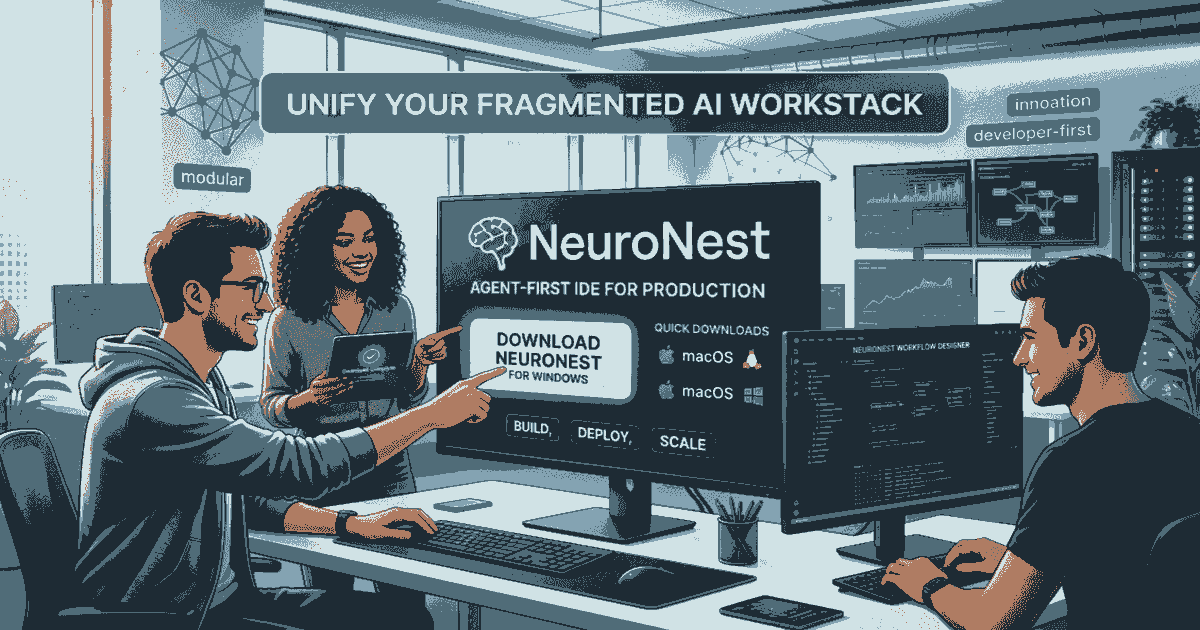
What is NeuroNest?
NeuroNest is a desktop application for downloading and running a community edition of its AI agent orchestration system on macOS, Windows, or Linux. The download page describes it as a way to start orchestrating 110 AI agents locally on your machine.
Based on the provided page, NeuroNest is positioned as a local environment for working with multiple AI agents rather than a hosted web service. The main purpose is to let users get started with the community edition for free and run it on their own computer.
Key Features
- Local desktop availability for macOS, Windows, and Linux, which lets users install and run the software on their preferred operating system.
- Community edition access at no cost, making it possible to try the product without a paid subscription from the information shown.
- Support for orchestrating 110 AI agents locally, indicating that the product is built around coordinating many agents in one environment.
- Download-based setup, which suggests a native app workflow rather than browser-only use.
How to Use NeuroNest
A typical first step is to download the installer for your operating system from the NeuroNest download page. After installation, users can open the app locally and begin setting up the community edition to orchestrate AI agents on their machine.
From there, the practical workflow is likely to involve configuring agent-based tasks inside the local app and using the desktop environment to manage them directly.
Use Cases
- A developer wants to experiment with multi-agent workflows locally before adopting a larger deployment.
- An individual builder needs a desktop tool for coordinating several AI agents on a personal machine.
- A technical user wants a free community edition to evaluate the product without committing to a paid plan.
- A cross-platform team member needs a local app that is available on macOS, Windows, or Linux.
- A prototyping workflow requires running agent orchestration on a local computer rather than in a hosted environment.
FAQ
Is NeuroNest free? The page states that the community edition is free forever.
Which operating systems are supported? The download page lists macOS, Windows, and Linux.
Is NeuroNest cloud-based or local? The page emphasizes local use, describing orchestration on your local machine.
How many AI agents does it support? The page says users can start orchestrating 110 AI agents, but it does not provide further detail about limits or configuration.
Alternatives
- Other local AI agent orchestration tools: These are the closest functional alternatives if you want to run and coordinate agents on your own machine.
- Cloud-hosted AI agent platforms: These may be better if you prefer a managed online environment instead of local installation.
- General automation or workflow builders: These overlap with orchestration use cases but are usually broader and not centered specifically on AI agents.
- Single-agent AI desktop apps: These are simpler if you only need one assistant rather than a multi-agent setup.
Alternatives

AakarDev AI
AakarDev AI is a powerful platform that simplifies the development of AI applications with seamless vector database integration, enabling rapid deployment and scalability.

AgentMail
AgentMail is an email inbox API for AI agents to create, send, receive, and search email via REST for two-way agent conversations.

Arduino VENTUNO Q
Arduino VENTUNO Q is an edge AI computer for robotics, combining AI inference hardware and a microcontroller for deterministic control. Arduino App Lab-ready.

Devin
Devin is an AI coding agent that helps software teams complete code migrations and large refactoring by running subtasks in parallel.

open-codex-computer-use
open-codex-computer-use is an open-source “Computer Use” MCP server that lets AI agents run desktop GUI actions on macOS, Linux, and Windows.

Lasso
Lasso is an AI-first PIM for ecommerce teams that enriches product attributes and descriptions, processes supplier data, and monitors competitors via app or API.