
Notes and docs editor
Write in a fast block editor with headings, tables, code blocks, slash commands, and tabbed notebooks. Notes and docs are encrypted on your device.

Notte is a notes, tasks, and calendar app with built-in AI, offline-first use, end-to-end encryption, and two-way Google and Outlook sync.
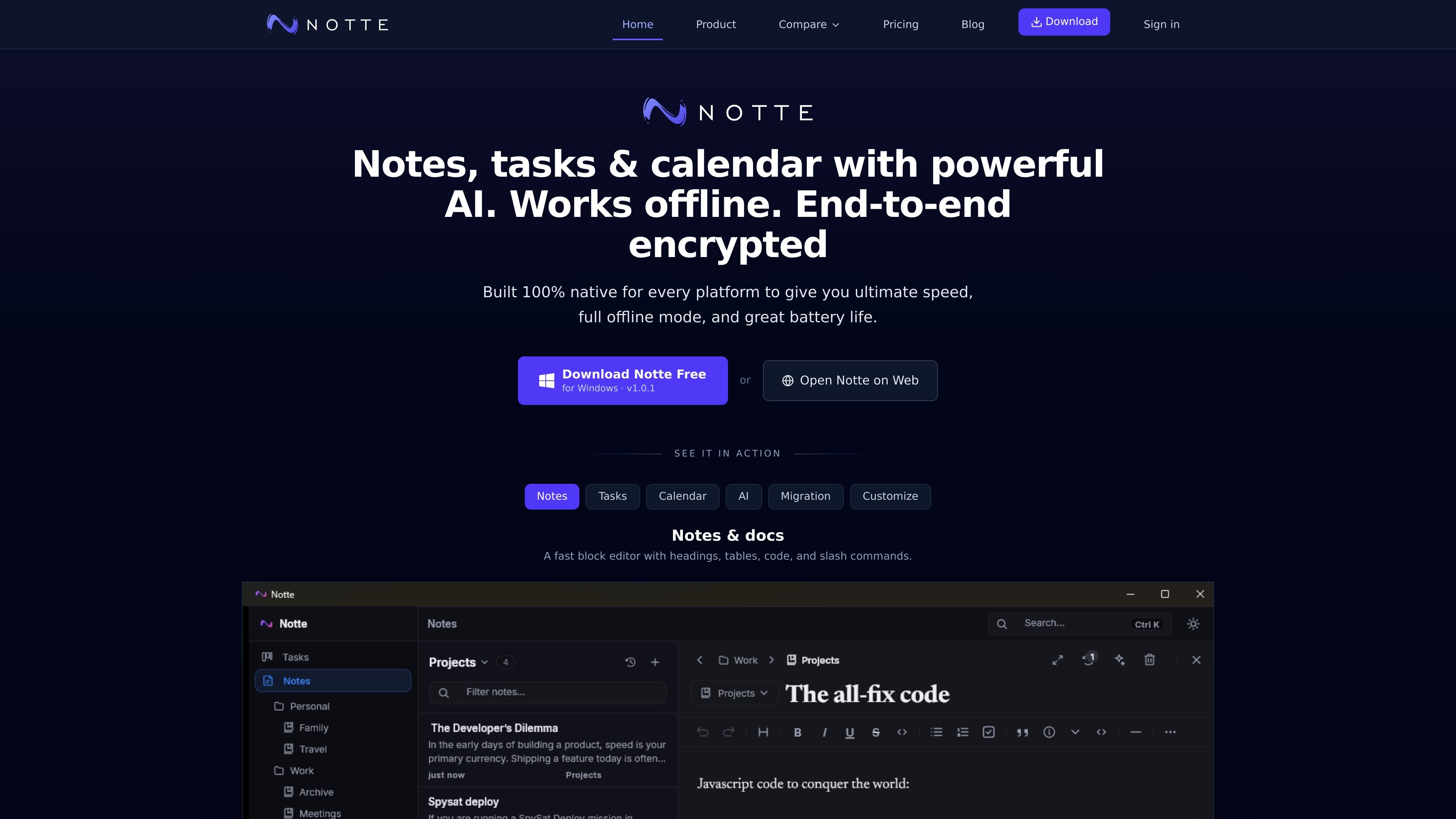
Notte is a notes, tasks, and calendar app with built-in AI, available as native software across Windows, macOS, Linux, iOS, and Android, plus a web app. It is positioned as a single workspace for writing, planning, and scheduling, rather than separate tools for each job.
The product is described as end-to-end encrypted and offline-first. The site says data stays on the device in encrypted form, that Notte works fully offline, and that sync resumes automatically when you reconnect. Calendar sync is available with Google and Outlook, and the app supports migration from Notion, Evernote, and Obsidian.
Write in a fast block editor with headings, tables, code blocks, slash commands, and tabbed notebooks. Notes and docs are encrypted on your device.
Manage work on a native board with custom statuses, priorities, due dates, and quick add. The site presents tasks and Kanban as part of the same workspace as notes and calendar.
See events in day, week, or month views and sync calendars both ways with Google and Outlook. Recurring events, all-day events, and built-in video links are supported.
Use the assistant in the context of your notes and tasks to summarize meetings, rephrase text, generate tasks, or create calendar events from selected text.
Import from Notion, Evernote, and Obsidian with structure and files intact, then export the workspace to Markdown. The site also says migration happens encrypted on-device before anything syncs.
Use Notte on Windows, macOS, Linux, iOS, Android, or the web, with full offline functionality and automatic sync when you reconnect.
Capture meeting notes, turn selected text into tasks, and keep related calendar events in the same place instead of moving between separate apps.
Write project notes in a block editor, organize work on a Kanban board, and use statuses, due dates, and priorities to track progress.
Manage schedules with two-way Google or Outlook sync while viewing events in day, week, or month layouts and adding recurring or all-day items.
Keep working while disconnected, then let Notte sync changes automatically once you are back online.
Move an existing workspace from Notion, Evernote, or Obsidian and export later to Markdown if you want a portable archive.
Notte combines notes, tasks, calendar, and AI in a single workspace. The source says it is available as native apps on Windows, macOS, Linux, iOS, and Android, and can also be opened in a web app.
Yes. The site says Notte works fully offline, with automatic sync when you reconnect.
Notte supports two-way Google Calendar and Outlook sync, including recurring events, all-day items, and meeting links.
The product page says you can import from Notion, Evernote, and Obsidian with structure and files kept intact, and export the workspace to plain Markdown.
The pricing page shows a Free plan, paid Starter and Pro plans billed annually, and an Enterprise option that says to contact sales.

Goldfish is an AI memory app for macOS that helps you reply, write, summarize, and continue with context already on your Mac. It stores memory locally and writes in your tone.

Biji is a versatile platform designed to enhance productivity through innovative tools and features.

Liam is an AI copilot for inbox management, email replies, prioritizing messages, and scheduling meetings. Free for individuals; custom pricing for teams and enterprise.

Gemma AI is a phone call reminder app that calls you with scheduled reminders instead of push notifications, with Google Calendar sync and natural voice interaction.

ClawTick is an AI agent automation platform for scheduling jobs from the CLI, dashboard, or REST API. Built for developers and teams using LangChain, CrewAI, webhooks, or custom workflows with monitoring, alerts, and logs.

Redline is a budgeting tool for Claude Code that paces sessions by time, tokens, cost, or plan percentage, helping them end with a usable result.