
Screen-aware guidance
Obi watches the customer’s screen in real time and uses that visual context to guide them through complex workflows across tabs and apps.

Obi by Cor is an AI agent for SaaS onboarding and product adoption. It guides users, answers questions in context, and completes tasks.
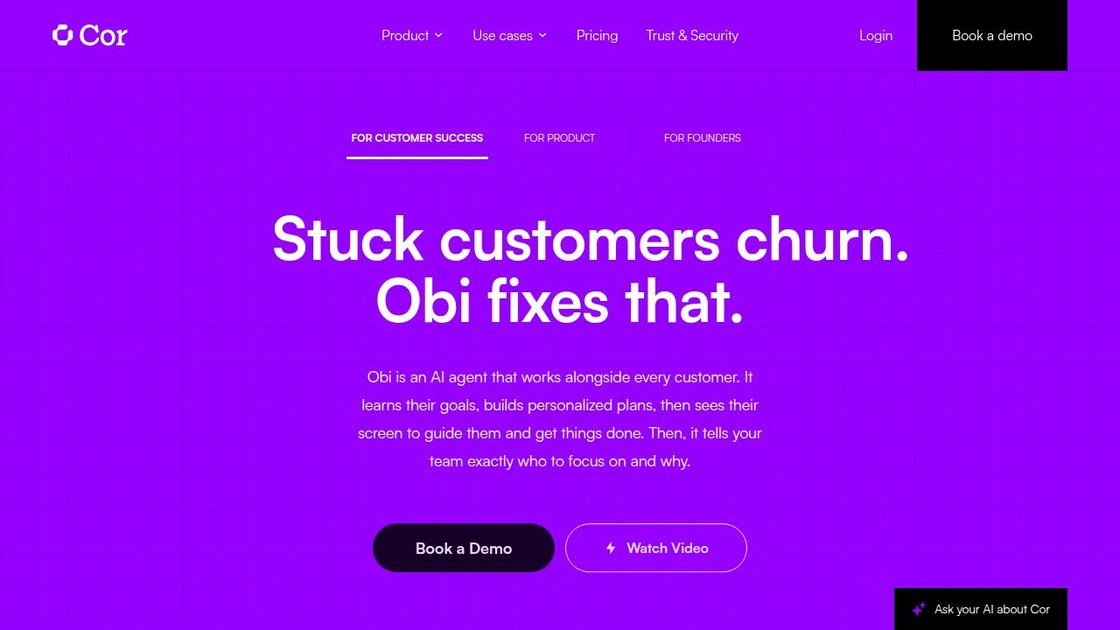
Obi is an AI agent from Cor for customer onboarding and product adoption inside SaaS products. It works alongside each user in real time, sees the screen, guides them through workflows, answers questions, and can execute tasks when that is the fastest way to get them to value.
The product is positioned for customer success and product teams that want to reduce manual onboarding work, improve activation, and spot where users get stuck. Cor also provides an admin portal for training the agent, reviewing session data, and tailoring behavior by audience segment.
Obi watches the customer’s screen in real time and uses that visual context to guide them through complex workflows across tabs and apps.
When a workflow is better completed directly, Obi can click, navigate, and carry out steps on the user’s behalf.
Obi asks discovery questions, learns the user’s goal, and adjusts its guidance instead of following a fixed script.
Cor Admin lets teams review session reports, recordings, transcripts, and friction points to understand where users get stuck.
Ask Cor lets teams query session history in plain English across reports, transcripts, and friction logs.
Teams can define segments, assign session flows, and set escalation rules based on user attributes they already track.
Use Obi to guide new users through a complex first-run experience, answer questions in context, and complete steps without requiring live human handholding.
Use the agent to walk users through multi-step workflows that span multiple tabs or tools, where static tours and help articles are too limited.
Use session reports and Ask Cor to see where users drop off, what they asked, and which friction points need product or CS follow-up.
Use segmentation rules to give different onboarding or escalation paths to new signups, power users, or enterprise accounts based on attributes you already track.
Use white-label controls to present Obi as a native part of the product, with your own voice, avatar, and tone.
Yes. Cor says the only engineering involvement is the initial Lifecycle Agent integration; after that, product or customer success teams handle content updates, review, and maintenance in Cor Admin.
Yes. The admin portal supports filtering by account, user, time period, workflow, and session outcome so you can find what happened with a specific customer.
Yes. Ask Cor uses the full session history in your account, including summaries and raw transcripts, to answer questions in plain English.
Yes, on Growth and Enterprise plans, session data and account-level friction signals sync automatically to a CRM.
Yes. Cor says Obi can be named and styled to match your product, including voice, avatar, linguistic style, and how it enters the screen.

Spotit is a macOS app that reads your screen and highlights exactly where to click, using voice questions and on-screen guidance.

An All-In-One AI Platform that combines tools for image, video, voice, writing, and chat to enhance creativity and collaboration.

Gemma AI is a phone call reminder app that calls you with scheduled reminders instead of push notifications, with Google Calendar sync and natural voice interaction.

Wallie is an open-source AI streamer that watches your screen, hears chat, and delivers live commentary in a configurable persona. Runs locally with your own keys.

Claude Overlay is a Windows desktop overlay for Claude Code that reads your screen, so you can ask questions, inspect content, and request edits without leaving the app. Uses your existing Claude subscription via Claude CLI.

TubeKit turns public YouTube videos and playlists into AI-powered tools creators can customize and share. Free to try, no signup needed.