
One-command setup
Copy the install prompt into your agent and start from a guided workflow without creating an account.

Open Vibe is a free, open-source tool that turns Claude Code or another compatible agent into a guided SaaS-building assistant.
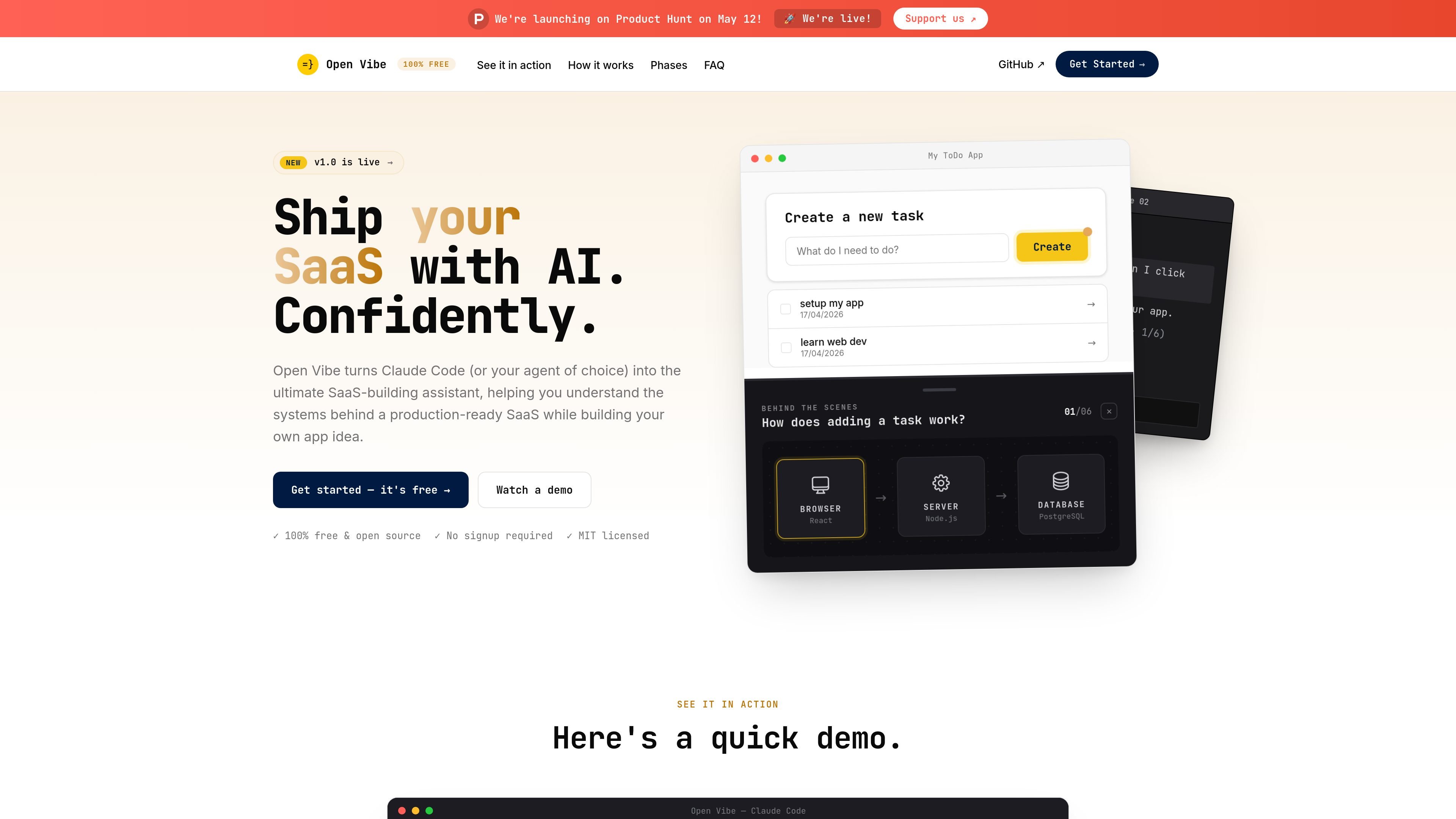
Open Vibe is a free, open-source learning tool for people building SaaS apps with AI coding agents. It turns Claude Code, or another capable agent, into a guided assistant that teaches the systems behind a production-ready app while you work on your own idea.
The site presents Open Vibe as a terminal-based workflow with no signup required. You paste an install prompt into your agent, then build alongside step-by-step instructions, live diagrams, and explanations that help you understand how the app is wired together.
Copy the install prompt into your agent and start from a guided workflow without creating an account.
The course pack is plain Markdown, so the instructions can run in agents that can read files and execute tools.
Open Vibe teaches by embedding guidance, skills, and diagrams directly in the agent session while you build.
Live diagrams show how requests move through browser, server, and database layers on your running app.
The product organizes learning into phases and modules, including basics of web apps and building on the Open SaaS template.
Open Vibe positions itself as a local workflow, so your code stays on your machine while you work.
Use it when you want to build a SaaS app with an AI agent while also learning how the browser, server, and database pieces fit together.
Use it if you are new to web apps and want a guided path from setup through basic full-stack concepts.
Use it if you already know the basics and want to build on the Open SaaS starter template, which includes auth, payments, admin, email, and AI.
Use it when you want explanations that appear inside your agent session instead of switching to videos or static course material.
Use it if you prefer a local, no-signup workflow and want to keep working in your own terminal environment.
Yes. The site describes Open Vibe as 100% free and open source, with the agent instructions, skills, and diagrams under MIT.
No prior coding experience is required. The site says Open Vibe can be used by beginners or pros, and that you only need to type, follow instructions, and stay curious.
It is designed and tested in Claude Code, but the course pack is plain Markdown and is intended to run in any agent that can read files and execute tools.
The site says Open Vibe is built for ten weeks at about 6 hours per week, though some people may move faster or slower.
No. The site says it is a tool for building a production-ready SaaS and understanding what you built, not a bootcamp with a certificate.

ByteAsk is a terminal-first AI coding agent for C and C++ that edits repos and verifies changes with compilers, debuggers, sanitizers, and tests.

ClawTick is an AI agent automation platform for scheduling jobs from the CLI, dashboard, or REST API. Built for developers and teams using LangChain, CrewAI, webhooks, or custom workflows with monitoring, alerts, and logs.

Falconer is an AI-powered company brain that keeps internal docs accurate, searchable, and up to date by syncing with GitHub, Slack, and Linear.

Ghost is a terminal-based AI assistant for chatting, code generation, and CLI tasks. Includes free models, supports Linux, macOS, Windows, and is open source.

OpenFlags is an open-source, self-hosted feature flag platform for JavaScript teams, with local evaluation, targeted rollouts, and controlled launches.

Speculos deploys Claude Code apps to shareable URLs, with private, org-wide or public visibility and team controls for domains, data and cloud deployments.