
AI coding agent for Pine Script and MQL5
Generate Pine Script and MQL5 code from text prompts or chart screenshots, with support for strategies, indicators, and EAs. The coding agent also claims syntax checking, automatic fixes, and context memory.

Pineify is a web-based AI editor and generator for TradingView Pine Script and MT5/MQL5, helping traders build indicators, strategies, and research workflows.
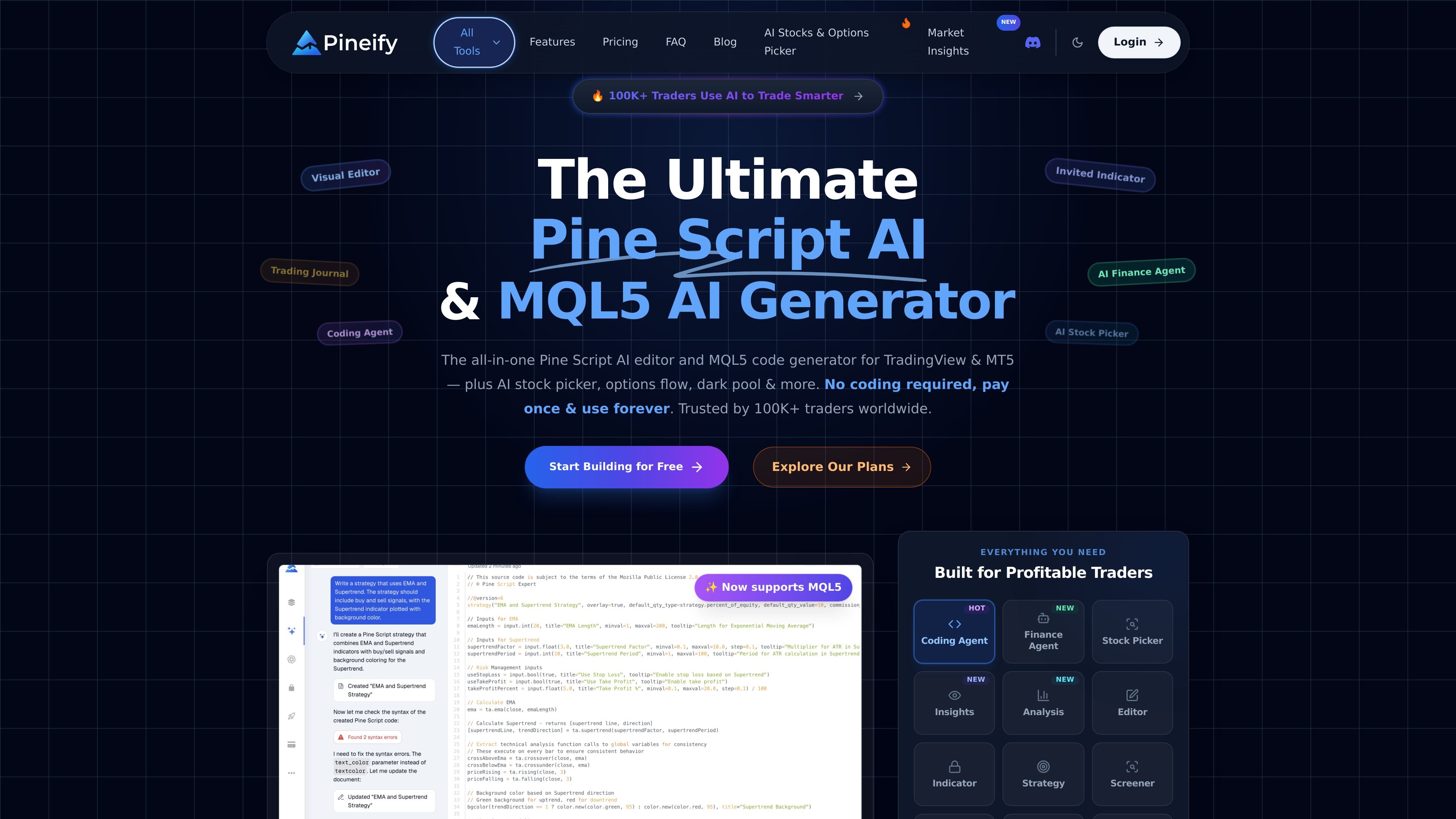
Pineify is a web-based AI platform for traders that combines a Pine Script editor, an MQL5 code generator, and several adjacent research and workflow tools. It is positioned around TradingView and MT5 use cases, with options to build indicators and strategies through either a visual editor or an AI coding agent.
The product site also surfaces add-on modules for chart screenshot analysis, backtesting review, strategy optimization, stock selection, market insights, and trading journaling. Across those tools, the common workflow is to turn a trading idea, chart image, or market question into structured output that can be reviewed, tested, and used in TradingView or MT5 workflows.
Generate Pine Script and MQL5 code from text prompts or chart screenshots, with support for strategies, indicators, and EAs. The coding agent also claims syntax checking, automatic fixes, and context memory.
Build indicators, strategies, and screeners with a no-code drag-and-drop editor. The site says the editor supports 235+ technical indicators and can combine multiple indicators into one script.
Analyze a candlestick screenshot to extract symbol, timeframe, market structure, support and resistance, entry, stop-loss, target zones, and confidence context. Analyses are saved for later review.
Run market research with live quotes, financial statements, estimates, web search, social sentiment, and chart analysis in one finance-focused agent. The product also describes natural-language screening and research workflows.
Optimize TradingView strategy inputs with a Chrome extension that performs multi-parameter grid searches. Results can be ranked by metrics such as net profit, win rate, profit factor, and maximum drawdown, with CSV export mentioned in the manual.
Track trades, strategies, and sessions in a journal with mindset notes, mood tracking, PnL aggregation, and recurring performance reports. The site also mentions weekly and monthly summaries.
Describe a trading idea or upload a chart screenshot, then generate Pine Script or MQL5 code that can be refined in TradingView or MT5.
Build indicators, strategies, or screeners without starting from scratch by using the visual editor and combining technical indicators into one script.
Run parameter sweeps on a TradingView strategy to compare settings by profit, win rate, profit factor, or drawdown, then export or review the results.
Review trades, notes, sessions, and performance summaries in a journal to identify recurring patterns in setups, behavior, and outcomes.
Research a ticker with live quotes, financial statements, sentiment, and web results, then compare it with AI stock rankings and market insights.
Pineify is a web-based AI editor and generator for TradingView Pine Script and MT5/MQL5. It can generate indicators, strategies, and EAs from text prompts or chart screenshots, and it also includes tools for chart analysis, backtesting reports, stock picking, and market research.
The source describes no-code visual editing plus an AI coding agent. The visual editor is aimed at building indicators, strategies, and screeners without writing code, while the coding agent can generate scripts from prompts or screenshots and help fix syntax errors.
The source says Pineify supports TradingView Pine Script and now also MQL5 for MT5. It also mentions a Chrome extension for the Strategy Optimizer and workflows that connect to TradingView charts and strategy settings.
The pricing page at /pricing returns a 404 in the collected sources. However, the site copy states that users can start building for free and that the product is paid once and used forever, so the exact plan structure is not available here.
The source highlights chart screenshot analysis, strategy optimization, backtest reporting, a trading journal, premium scripts, AI stock selection, and market insights. Those tools appear to be separate modules inside the Pineify platform rather than unrelated products.

ByteAsk is a terminal-first AI coding agent for C and C++ that edits repos and verifies changes with compilers, debuggers, sanitizers, and tests.

Ghost is a terminal-based AI assistant for chatting, code generation, and CLI tasks. Includes free models, supports Linux, macOS, Windows, and is open source.

Devin is an AI coding agent and software engineer for planning and executing complex software tasks, with desktop, cloud, JetBrains, and CLI access.

图像大厨imgcook 是一款设计转代码工具,可将设计稿转换为前端代码,支持 Sketch、Photoshop、VS Code 和 CLI 工作流。

Pi Coding Agent is a terminal-based coding agent for developers who want a minimal, extensible harness for interactive work and automation. It supports model switching, session branching, and TUI, print/JSON, RPC, and SDK modes.

Introducing the best model in the world for coding, agents, computer use, and enterprise workflows.