

Playground
Playground is a free AI design tool to create custom graphics like logos, t-shirts, and social media assets. Start designing now.
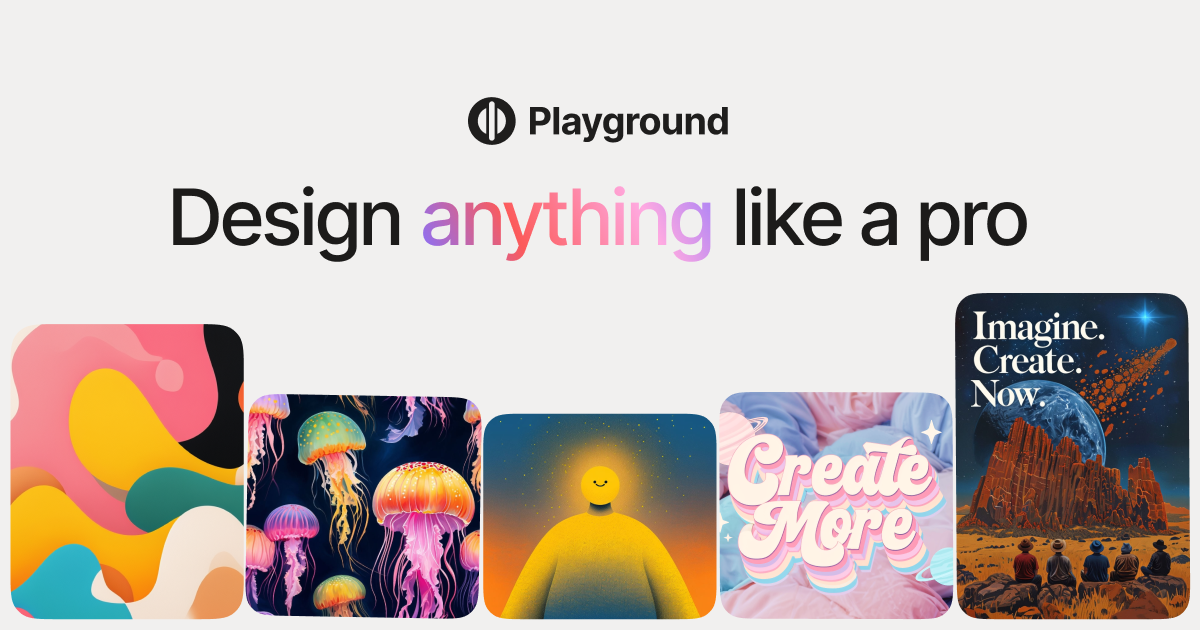
What is Playground?
Playground is a free AI design tool for creating custom graphics and designs. It’s positioned for quick layout and graphic creation for common formats such as logos, t-shirts, and social media.
From the landing page, Playground appears to focus on generating design assets users can directly use for branding and content needs. The page also indicates users can start designing immediately and that the product includes a video walkthrough.
Key Features
- AI-assisted design creation for graphics and visual assets, supporting faster iteration when making custom designs.
- Logo design workflows for producing brand marks or logo concepts.
- T-shirt design support for creating graphics intended for apparel.
- Social media design output, targeted at producing assets for social platforms.
- On-page onboarding with a “Start designing” entry point and an accompanying “Watch video” option.
How to Use Playground
- Visit Playground and select the option to start designing.
- Review the provided video walkthrough to understand the basic workflow.
- Choose the design type you need (for example, a logo, t-shirt graphic, or social media graphic) and generate your initial design.
- Refine your result as needed and use the design as your final asset or starting point.
Use Cases
- A small business owner creating a first-pass logo concept for a new brand.
- A designer generating t-shirt graphic ideas for a campaign and iterating on variations.
- A social media manager producing posts and promotional graphics for specific platforms.
- A creator making quick branding visuals (logo or social header-style assets) to accompany content launches.
- Anyone needing custom graphics for short-term projects who wants a tool that supports immediate start and learning via a walkthrough video.
FAQ
Is Playground free?
The page title indicates “Free AI Design Tool,” suggesting Playground is offered free of charge.
What can I create with Playground?
The page mentions logos, t-shirts, and social media designs/graphics.
Does Playground include a tutorial?
The landing page includes a “Watch video” prompt, indicating a video walkthrough is available.
Do I need design software to use it?
The provided content doesn’t specify requirements beyond accessing the tool and starting to design, so software requirements can’t be confirmed from the source.
Alternatives
- Web-based graphic design tools: These focus on layout and editing workflows for creating logos and social assets, typically with more manual control than AI-first generation.
- AI image generation platforms: These can produce visuals from prompts, but may require additional steps to turn outputs into ready-to-use logo or social designs.
- Vector/logo design software: These are commonly used for precise logo creation and editing, though they may not streamline the initial concepting step the way an AI design tool can.
Alternatives

Napkin AI
Napkin AI transforms your text into insightful visuals, making communication more effective and engaging.

Refero
Refero: UI/UX design inspiration & references for web/iOS. Find tens of thousands of screenshots with advanced search for designers.

创客贴 AI
创客贴 AI is an AI-powered design platform that includes various AI design tools to help users reduce design complexity and enhance design efficiency.

Make Real
Draw a UI and make it real using the tldraw SDK.

imgcook
imgcook is an intelligent tool that converts design mockups into high-quality, production-ready code with a single click.

Beautiful.ai
Beautiful.ai is an AI presentation maker that automates design, layout, and spacing as you build content—so individuals and teams create polished slide decks.