
AI Resume Revamp
Rewrite and reorganize an existing resume to make it more professional, clearer, and more recruiter-friendly while applying ATS-ready formatting practices.

Plotresume is an AI career toolset for building, tailoring, and optimizing resumes, with additional tools for LinkedIn profiles, banner creation, portfolios, interview prep, and auto-applying to jobs. It is aimed at job seekers who want ATS-aware application materials and a more automated job search workflow.
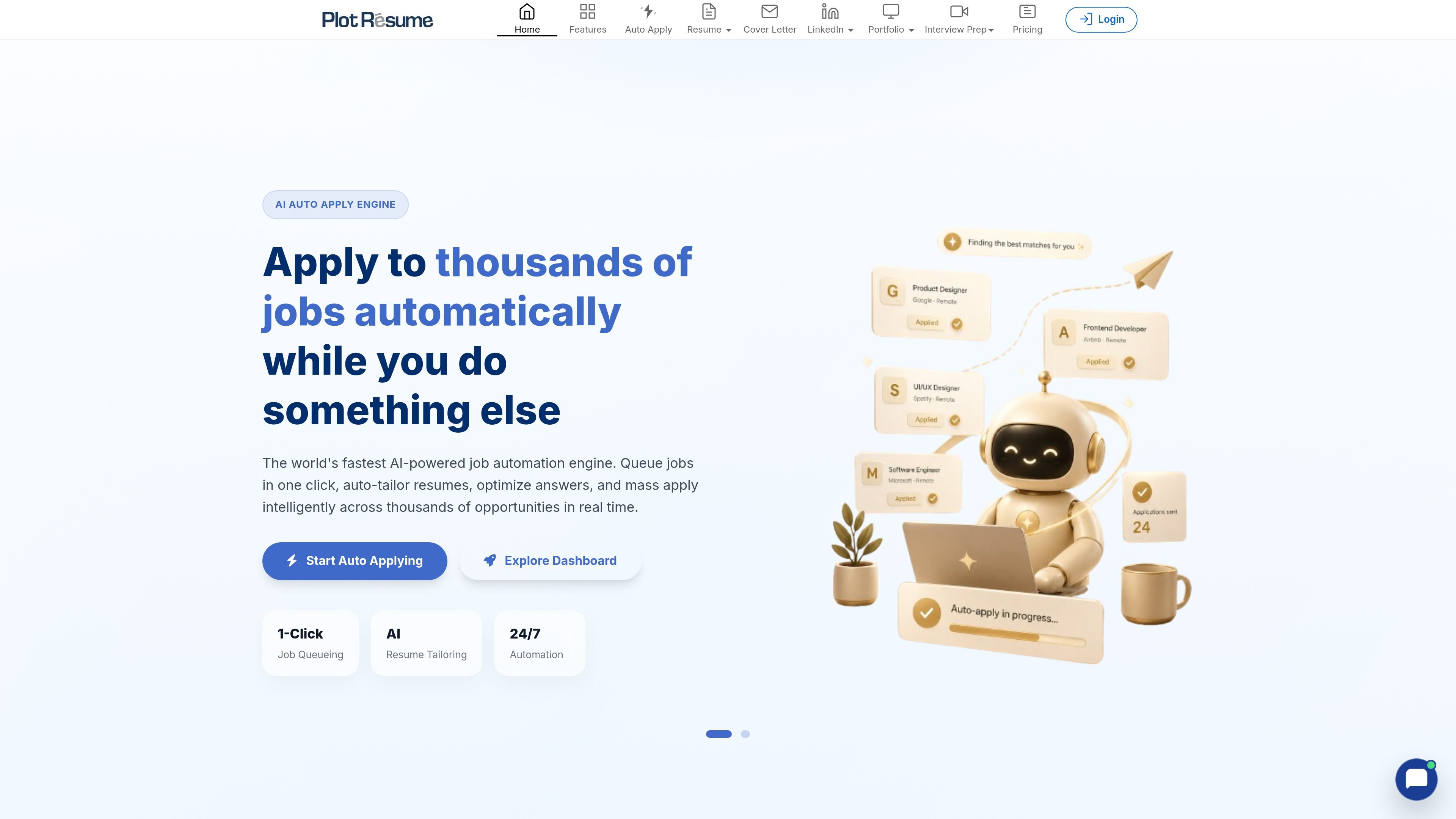
Plotresume is an AI career toolset centered on resume creation and optimization. It offers workflows for revamping an existing CV, tailoring a resume to a job description, generating a resume from a summary, and checking ATS visibility.
The same product suite extends beyond resumes to LinkedIn profile optimization, LinkedIn banner creation, portfolio hosting, interview prep, and an auto-apply engine. The site positions these tools as an all-in-one way to prepare application materials and submit jobs more efficiently.
Rewrite and reorganize an existing resume to make it more professional, clearer, and more recruiter-friendly while applying ATS-ready formatting practices.
Upload or paste a job description so the system can extract target skills and keywords and adjust the resume and cover letter to the role.
Generate a resume from a summary with AI assistance when starting from scratch.
Check system visibility with an ATS score and job-match breakdown to see where a resume can be improved for a specific posting.
Create a professional LinkedIn profile setup and build LinkedIn cover banners from the same product suite.
Use the AI Auto-Apply Engine to queue roles, process applications in the cloud, and submit applications without keeping a browser open.
A job seeker can upload a current resume, add a target job description, and use the revamp or tailoring flow to improve alignment before submitting an application.
Someone starting with a rough summary can generate a first draft resume, then refine it with AI proofreading and template changes.
Candidates can review ATS score and job-match output to identify missing keywords, structure issues, or sections that may reduce system visibility.
Users preparing a broader application package can work on their LinkedIn profile and banner so their resume and profile present a consistent professional presence.
Applicants who want to automate repetitive submissions can queue roles and let the auto-apply engine handle tailored applications in the cloud.
Plotresume can rewrite and restructure an existing resume to improve clarity, keyword alignment, and ATS-friendly formatting. The site says it enhances phrasing, strengthens achievements, and can also tailor a resume to a specific job description.
Yes. The product includes a job tailoring workflow where you upload or paste a job description, and Plotresume extracts required skills and keywords before rewriting the resume and cover letter to match the role.
Plotresume supports PDF and DOCX uploads and exports high-quality PDF files. The source text says English is currently supported, with additional languages planned.
The site says the AI Auto-Apply Engine can queue roles, parse job requirements, generate tailored responses, optimize the resume for the target ATS if needed, and submit the application in the cloud without requiring the browser or computer to stay active.
The site states that data is encrypted in transit and at rest, resumes are not used to train public models, and only anonymized patterns may inform product improvements.

ProWritingAid is a writing assistant for storytellers that offers grammar checking, style editing, paraphrasing, and story analysis inside popular writing apps. It includes a free plan, paid tiers, and tools for chapter critique, manuscript review, and collaborative editing.

Paperpal 是一款面向学术写作的 AI 工具,提供文献阅读、语言润色、引用、查重、AI 检测和投稿前检查。它适合需要在英文论文和学术材料上进行写作、修改与合规自检的学生、研究人员和教师。

Sanota is an app that turns spoken memories, reflections, and interviews into clear written stories. It supports personal storytelling, family history, and shared memories, with guided prompts and subscription pricing.

PaperBetterAI is an intelligent writing tool that generates academic papers and various writing materials in both Chinese and English using advanced AI technology.

心流AI助手 for real-time Q&A, long-form summaries and writing support, covering everyday knowledge, life info and academic paper topics.

Magic Notebook is a desktop writing app for bloggers, journalists, and authors who want to write in local files without a cluttered interface or cloud workflow.