
Automatic zooms from activity
Prequel watches clicks and typing during capture, then opens the editor with those moments already turned into zooms, so you do not need to set them up before recording.
Prequel is a macOS screen recorder that turns captures into finished videos with automatic zooms, framed webcam footage, and local export up to 4K.
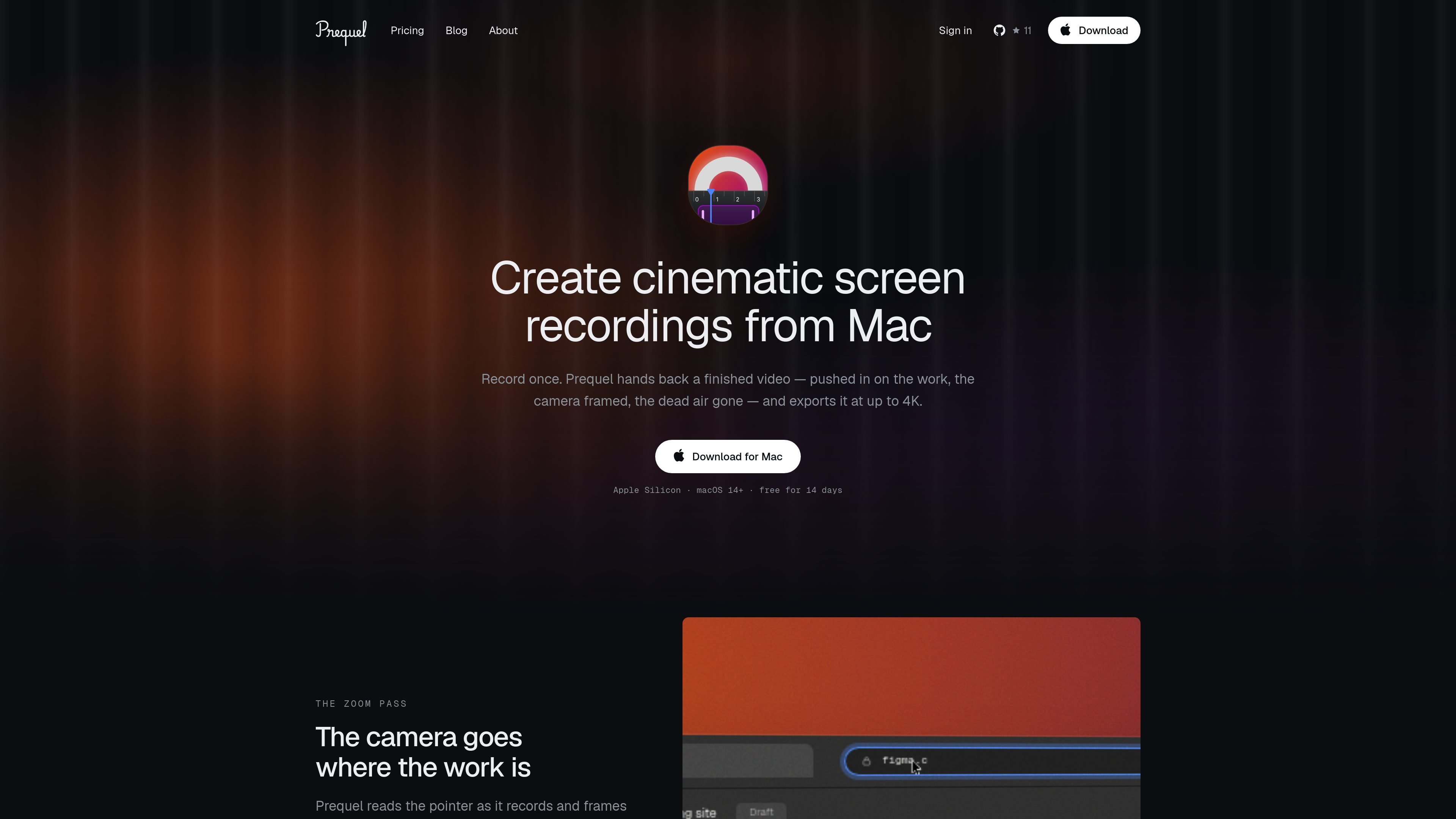
Prequel is a macOS screen recorder that records first and finishes the video afterward. Instead of giving you raw footage, it opens an editor on the take you just made with zooms already placed from your clicks and typing, a webcam frame that can be adjusted after recording, and a background applied.
It is built for people who want screen recordings that look directed without spending time assembling them in a separate editor. Capture, editing, and export all happen locally on your Mac, and the finished file is exported as a single MP4 at up to 4K.
Prequel watches clicks and typing during capture, then opens the editor with those moments already turned into zooms, so you do not need to set them up before recording.
Push in on the cursor, a drawn region, or the text you are typing into. Zooms can use level, speed, tilt, yaw, and progressive blur so the motion reads as a directed move rather than a simple crop.
Choose a camera shape, size, and corner placement after the take is recorded. The webcam stays separate from the screen recording, which gives you room to change the layout later.
Use your wallpaper, bundled presets, gradients, or solids, with padding, radius, border, and shadow controls. Layouts can change mid-take and are stored in proportions rather than pixels.
Trim and cut on a real timeline with a waveform under each clip. Microphone and system audio are recorded separately with separate gains, and the cursor can be resized or hidden after a few seconds of stillness.
Capture and export use your Mac’s own media engine, with hardware H.264 or HEVC and Metal compositing. Exports are a single constant-frame-rate MP4, with output up to 4K and up to 120 fps.
Record a walkthrough and let the app place zooms on the parts you clicked or typed into, so the take is already structured when the editor opens.
Capture narration with separate microphone and system audio tracks, then rebalance levels afterward if a notification or app sound is too loud.
Frame a webcam in a corner after recording and keep the screen and camera separate, which is useful when you want to refine composition later.
Export one MP4 in standard social or landscape presets, including vertical, square, and portrait framing for short-form publishing.
Prequel is a macOS screen recorder that records your screen, webcam, microphone, and system audio, then opens an editor with the zooms already placed, the camera framed, and a background applied.
It records where you click and type while capturing. When the editor opens, those moments have already been clustered into zooms, and you can move, retime, redirect, or delete them like any other timeline slice.
Yes. The webcam is not burned into the screen recording, so you can still change its shape, size, corner position, and whether it is mirrored after the take is finished.
Prequel exports a single MP4 file in H.264 or HEVC at up to 4K and up to 120 fps, with a constant frame rate. Frame presets include landscape, vertical, square, portrait, and common social sizes.
Prequel runs locally on an Apple Silicon Mac with macOS 14 or later and Screen Recording permission. Typing-driven zooms also require Accessibility permission.

Zella is a screen recorder and on-device AI video editor for Mac and iPhone. Record, edit, caption, reframe, and export videos locally.

Jupitrr Cut is a free iOS and Android teleprompter app for scripted videos, with scene retakes, pause trimming, and jump-cut editing.

MeetStream is a meeting bot API for Zoom, Google Meet, Microsoft Teams, and Webex. Record, stream, and analyze meetings with usage-based pricing and $5 free credit.

Tavus is an AI video platform for real-time face-to-face agents, digital twins, and AI companions, with APIs and multilingual workflows for developers.

HiringPartner.ai is an autonomous AI recruiting platform for sourcing, screening, and interviewing candidates 24/7 with ATS-connected workflows and bulk resume uploads.

CAKIE is a Mac app for recording your screen and voice for an AI agent, with transcripts, screenshot highlights, and easy prompt copying.