
Gmail connection through Google OAuth
Connects with official Google OAuth so PureBox can analyze your Gmail history without asking for your password. It uses sender, subject, and a short preview to classify messages.

PureBox is an AI email cleanup tool for Gmail that groups messages into actionable tracks, waits for your approval, and keeps inbox sorting reversible.
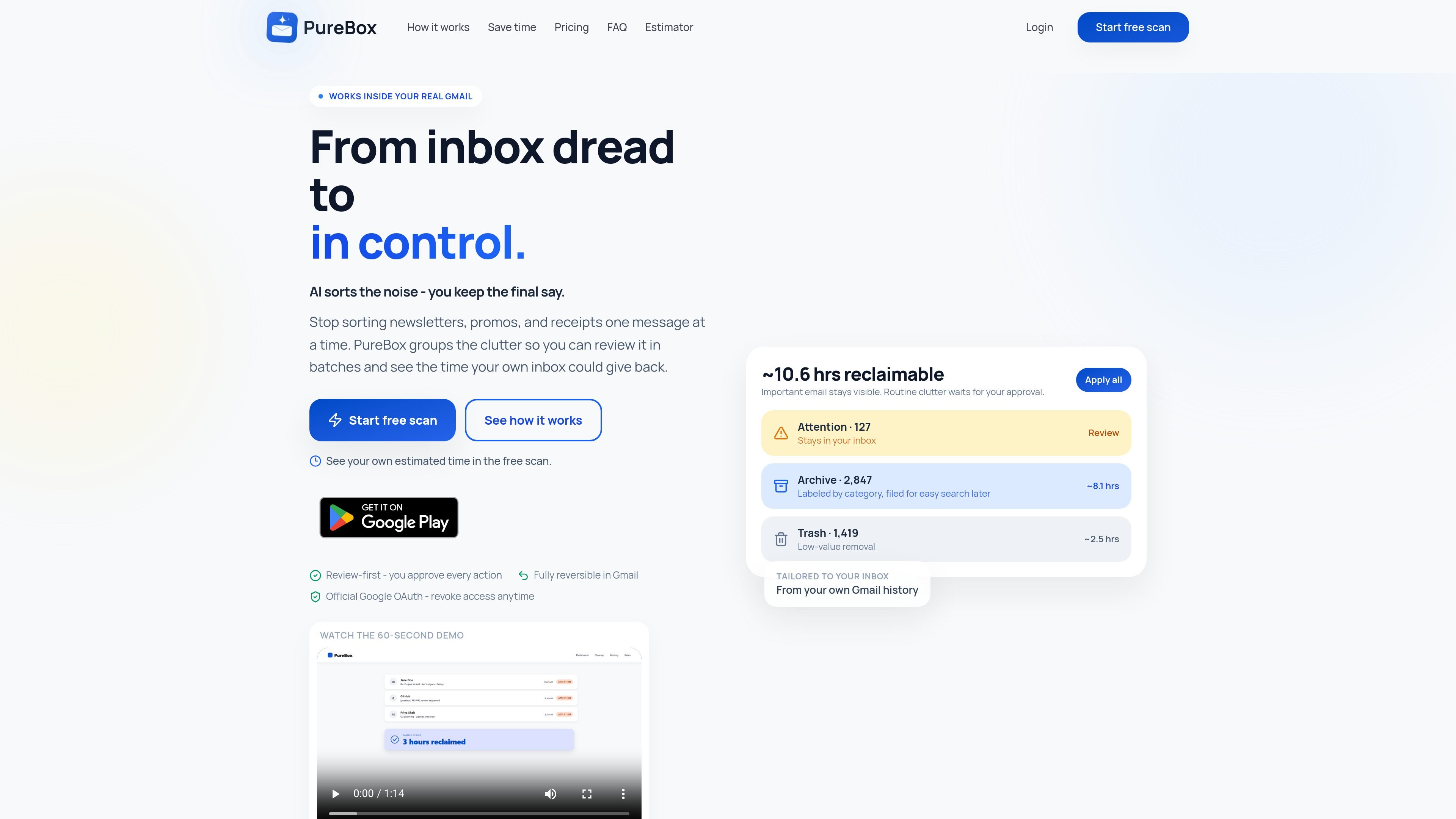
PureBox is an AI email cleanup tool for Gmail that scans your inbox, classifies messages, and groups routine clutter into clear action tracks. It focuses on helping you review mail in batches rather than sorting every message one by one.
The product is designed around review-first control: PureBox shows what it would do, explains why, and waits for approval before applying archive, trash, or label actions in your real Gmail account. A free sample scan checks up to 1,000 emails, while Pro extends the workflow to full-inbox coverage and ongoing classification for new mail.
Connects with official Google OAuth so PureBox can analyze your Gmail history without asking for your password. It uses sender, subject, and a short preview to classify messages.
Groups mail into Attention, Archive, and Trash with a plain-language reason attached to each suggestion, so you can see why a message was classified a certain way.
Keeps every cleanup review-first by default. You can approve a whole track at once or review items individually before anything changes in Gmail.
On Pro, PureBox classifies new mail as it arrives and can auto-scan daily so routine clutter does not quietly rebuild between manual reviews.
Uses your own Gmail history and sender patterns to decide what matters to you, including which messages you open, reply to, archive, or leave unread.
Shows the cleanup as standard Gmail actions and keeps changes reversible, with history available so you can restore mail if needed.
Use the free sample scan to see what portion of your inbox is routine clutter before deciding whether the cleanup is worth acting on.
For Gmail users with years of accumulated messages, PureBox can group recurring clutter into batches so a large inbox can be reviewed more efficiently.
On Pro, new mail can be classified as it arrives, which helps keep newsletters, promos, and other routine messages from building up again.
People who already use another assistant for writing or summarizing can use PureBox separately for mailbox organization, since it focuses on sorting rather than drafting.
PureBox connects through Google OAuth to your Gmail account and scans sender, subject, and a short preview so it can classify messages. It uses your Gmail history to tailor suggestions, and nothing changes until you approve a cleanup.
The free plan is a manual sample scan of up to 1,000 emails. Pro removes the sample cap and adds unlimited scanning, real-time classification for new mail, continuous scanning, and daily auto-scan.
Yes. Cleanup happens through normal Gmail archive, trash, and label actions, so moved mail can be found and restored in Gmail afterward.
Yes. The FAQ says you can revoke Google access anytime, and the security page says disconnecting PureBox stops access immediately. Inactive free accounts are also cleared automatically.
PureBox says it works inside your existing Gmail and is built to work alongside assistants such as ChatGPT, Gemini, or Claude rather than replace them.

Dirac is an AI email assistant for Gmail that prepares a morning brief, prioritizes important threads, and drafts replies in your voice.

ClawCard gives AI agents a dedicated identity stack: email, US phone number, virtual cards, wallet, on-chain identity, and paid API access.

Goldfish is an AI memory app for macOS that helps you reply, write, summarize, and continue with context already on your Mac. It stores memory locally and writes in your tone.

Biji is a versatile platform designed to enhance productivity through innovative tools and features.

Liam is an AI copilot for inbox management, email replies, prioritizing messages, and scheduling meetings. Free for individuals; custom pricing for teams and enterprise.

Redline is a budgeting tool for Claude Code that paces sessions by time, tokens, cost, or plan percentage, helping them end with a usable result.