
AI video critique
Upload a draft reel and receive a structured critique focused on the first seconds of the video, pacing, visuals, and whether viewers are likely to keep watching.

Roast My Reels is an AI tool that critiques draft short-form videos for hooks, pacing, visuals, and retention before posting. It supports creators on TikTok, Instagram Reels, and YouTube Shorts.
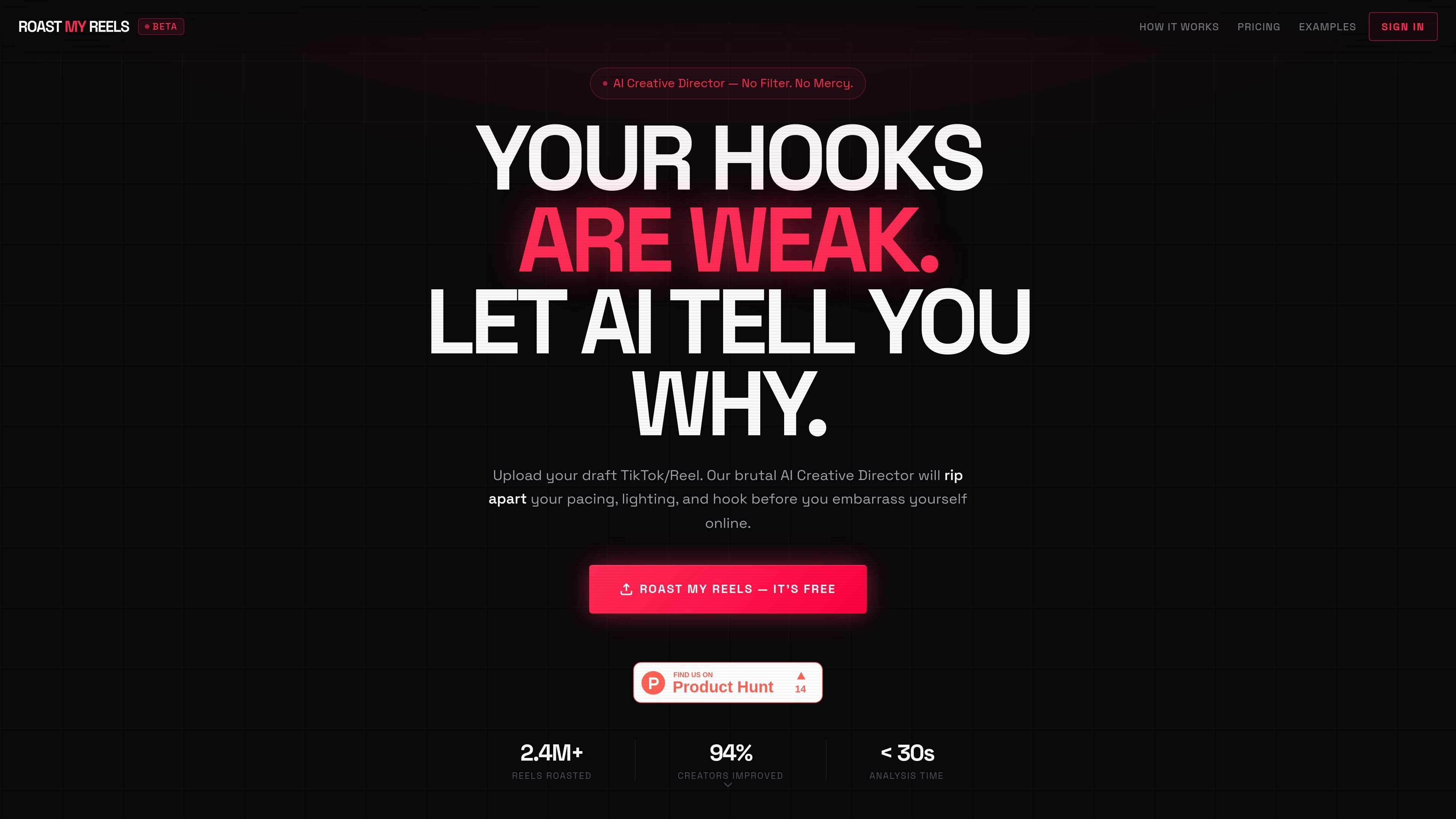
Roast My Reels is an AI video critique tool for TikTok, Instagram Reels, YouTube Shorts, and similar short-form posts. Users upload a draft reel and receive a blunt analysis of the elements that influence whether people keep watching or swipe away.
The product focuses on early-hook performance and short-form retention. Its home page highlights checks such as hook analysis, pacing audit, lighting critique, trend matching, loop scoring, and CTA effectiveness, while the pricing page shows a free tier plus paid plans for creators, pro users, and agencies.
Upload a draft reel and receive a structured critique focused on the first seconds of the video, pacing, visuals, and whether viewers are likely to keep watching.
The home page names several checks, including hook analysis, pacing audit, cringe detection, viral benchmarking, lighting critique, loop scoring, retention curve analysis, and CTA effectiveness.
The pricing page shows a free tier with a lighter 3-metric roast and paid tiers that unlock the full 12-variable breakdown and overall score.
Uploads can be sent as MP4, MOV, or WebM files, with a stated limit of 90 seconds and 50 MB.
The site says files are encrypted on upload and deleted immediately after analysis, and the upload flow notes no account is required for the free experience.
Higher tiers add report history, priority processing, API access, and for the agency plan, white-labeling and webhooks.
A creator uploads a draft reel before posting to see whether the hook is strong enough to keep viewers watching in the first few seconds.
A short-form editor checks pacing, dead air, and visual setup to catch issues that could reduce retention before sharing the final cut.
A creator compares a draft against benchmark-style feedback on trending patterns, loop potential, and CTA performance to decide what to change.
An agency or consultant uses the higher-volume plans to review multiple client reels and keep feedback organized with history, priority processing, and, on the agency tier, white-labeling or webhooks.
The free tier includes one reel per 24 hours with a 3-metric roast, overall score, verdict summary, watermarked report, and analysis history. Paid plans add the full 12-variable breakdown and more generous usage limits.
Yes. The pricing page says you can cancel anytime, with no questions asked.
The site shows paid plans for creators, pro users, and agencies, and says the plans share the same AI. The main difference is monthly reel volume and related features such as watermark removal, history, white-labeling, webhooks, and API access.
The upload flow on the home page supports Instagram Reels, TikTok, YouTube Shorts, and general 'For You' posting contexts, with MP4, MOV, and WebM files up to 90 seconds and 50 MB.

DANCING CATS App turns cat photos into dancing kitty clips. Simple, focused, and easy to use for playful pet-image edits.

VIDEOAI.ME is an AI video generator for spokesperson videos, ads, explainers, and social content from a script without filming.

EchoTik is a TikTok e-commerce data analysis platform designed to assist sellers and e-commerce creators in making data-driven decisions for product selection and market analysis.

PicCopilot is an AI content platform for e-commerce that turns product photos into marketing visuals, model shots, videos, and social content with free and paid plans.

Krev AI is an ecommerce platform with role-based AI employees for market research, creative production, ad planning, and social publishing for brands.

Topview AI is a web-based AI video creation platform for social ads, ecommerce creatives, avatar videos, and short drama workflows.