
Channel-based template discovery
Browse templates organized by channel so the starting point matches the intended output, whether the goal is social content, ad video, ecommerce, or local pick creative.

Topview AI is a web-based AI video creation platform for social ads, ecommerce creatives, avatar videos, and short drama workflows.
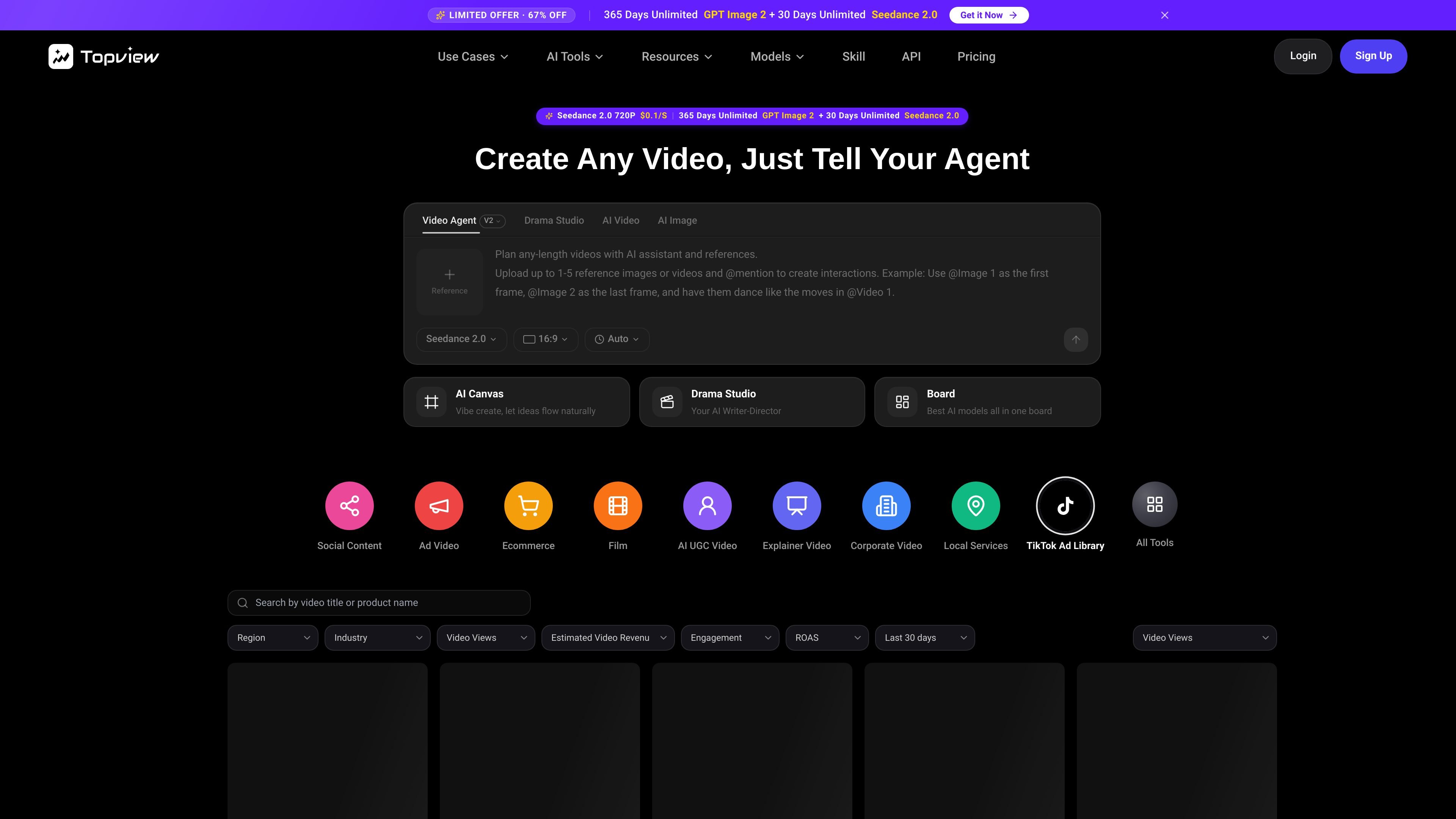
Topview AI is a browser-based AI video creation platform centered on prompt-led generation, channel-based templates, and workflow tools for social video, ecommerce creatives, avatar videos, and short drama production. The home page presents it as a place where teams can create videos by choosing a template, adding references or prompts, and moving into generation with fewer manual steps.
Across the product pages, Topview AI combines a template home, an AI drama generator, and a canvas-style production workspace. That means it is not just a single text-to-video tool: it also supports story planning, storyboard creation, image editing, voiceover, captions, and vertical export for teams that need structured video workflows rather than one-off clips.
Browse templates organized by channel so the starting point matches the intended output, whether the goal is social content, ad video, ecommerce, or local pick creative.
Generate videos from prompts with reusable references and presets, which supports faster iteration and more consistent output across variants.
Compare creative directions with preview playback and detail dialogs before committing to a render, which helps teams review options earlier in the workflow.
Access TikTok Ad Library insights and related tool collections from the home entry point, reducing the need to move between separate product areas.
Plan longer or more structured videos with reference uploads and @mentions, including up to 1–5 reference images or videos in the described workflow.
Work in a storyboard-first canvas that supports image editing, frame refinement, and one-click video generation for short drama and film-style content.
Use the home page templates to begin a social video, ad creative, or ecommerce asset from a channel-specific starting point instead of building from scratch.
Turn a story idea, script, or novel chapter into a structured short drama workflow with scripts, storyboards, characters, voiceover, captions, and vertical episodes.
Plan cinematic frames in the canvas workspace, refine key images, and then send approved frames into video generation for short drama or film-style projects.
Keep visual references consistent across revisions by uploading source images or videos and using them as part of the prompt-driven generation process.
Review creative options before rendering by using preview playback and detail dialogs, then choose the direction that best fits the intended output.
Topview AI Home is designed to start from channel-based templates, prompts, and one-click generation flows. The home page also points users to specialized tools such as TikTok Ad Library and AI Avatar.
Yes. The home page says templates are organized by channel, including Social Content, Ad Video, Ecommerce, and Local Pick, so users can match the starting point to the content type they want to make.
Yes. The composer supports reference uploads and prompt instructions, which lets you reuse assets and keep style consistent while generating new variants.
The pricing page shows a Free plan with partial model access and a watermark, plus paid plans that unlock more models, more concurrent tasks, and additional workflow support. It also includes an Enterprise option with custom workflows and dedicated support.
The pricing page indicates API and automation support on higher plans, and the comparison table lists API access for Enterprise. The home page and feature pages also emphasize workflow-based creation rather than manual editing alone.

VIDEOAI.ME is an AI video generator for spokesperson videos, ads, explainers, and social content from a script without filming.

DANCING CATS App turns cat photos into dancing kitty clips. Simple, focused, and easy to use for playful pet-image edits.

艺映AI is a free AI video creation tool for text-to-video, image-to-video, and video-to-video creation for short social and promo clips.

讯飞绘镜 (iFlytek Huijing) is an AI video creation platform that transforms creative ideas into scripts, storyboard images, and dynamic videos quickly and efficiently.

MIRA vision develops synthetic-data-driven AI for pathology image analysis, with privacy-compliant training data, automatic annotations and controlled data generation.

Official HeyGen API docs for AI avatar videos, video translation, lipsync, and interactive video-agent sessions via API, MCP, and CLI workflows.