

Rover
Rover is a browser-native AI agent you embed with one script tag, reading your live webpage DOM to guide users with actions and workflows.
What is Rover?
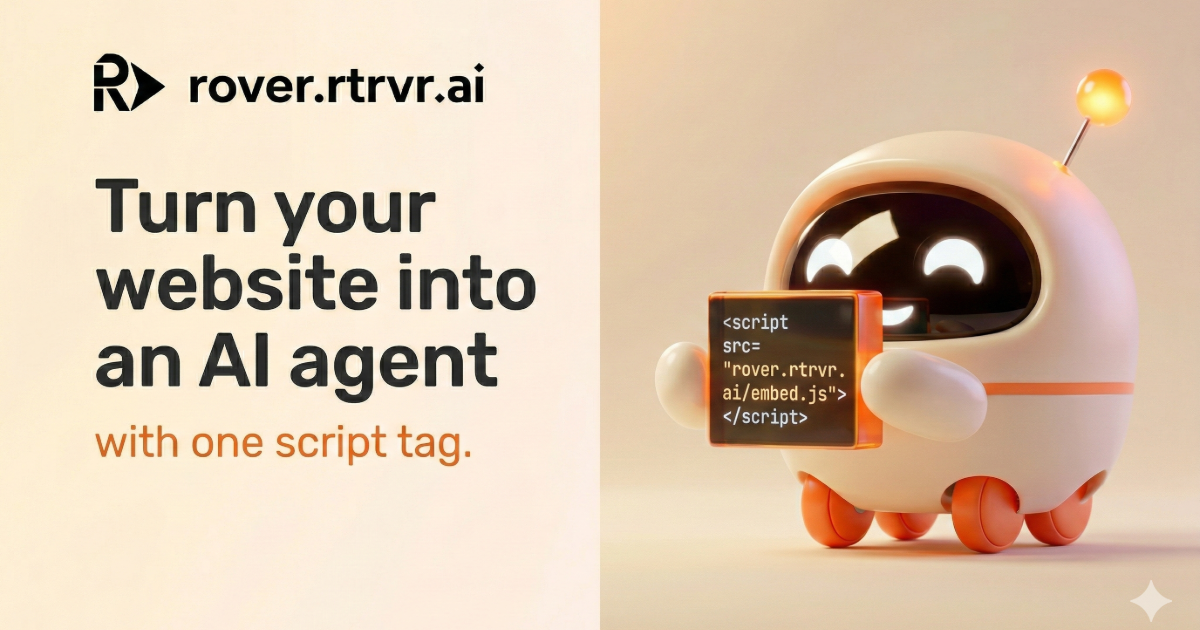
Rover is an embedded “web agent” that you add to your website with a single script tag. Instead of answering only with text, it can take actions inside the live page—clicking buttons, filling forms, running workflows, and guiding navigation for users.
Rover operates directly in the browser by reading the website’s live DOM, planning a minimal set of actions, and executing them without relying on screenshots or a separate knowledge-base workflow.
Key Features
- One-line embed (script tag): Add Rover by including
https://rover.rtrvr.ai/embed.json your site, making it straightforward to start testing in your own UI. - DOM-native interaction: Rover reads and understands your live page structure the way the browser does, so it can identify what’s currently on-screen.
- Action planning for safe, minimal steps: It selects a shortest safe path (e.g., clicks, form inputs, navigation) before executing, rather than attempting ad-hoc interactions.
- First-party, in-context execution: Rover guides users inside your existing interface—so the user doesn’t need to follow external links to complete tasks.
- Guided flows for onboarding and setup: It can run “guided tours” and in-context assistance (e.g., onboarding, feature discovery, and setup checklists) by interacting with the UI.
How to Use Rover
- Embed Rover on your site by adding the provided script tag to your pages.
- Open the Rover experience in your site UI and describe what you want users to do (for example, “Help me checkout” or “Show me how to set up my first workflow”).
- Configure options for your deployment using the documented “boot options,” including domains and branding (as referenced on the page).
- If you’re using workflows with data sources, connect the data source and create/import fields so Rover can execute the intended workflow inside your product.
Use Cases
- Checkout assistance without page switching: When a user asks to proceed, Rover can click through and fill checkout steps while keeping the user on the same site experience.
- Guided onboarding and product tours: Users can ask for help like “show me how,” and Rover can guide them through setup steps by interacting with the UI in real time.
- Form completion and field autofill: Rover can fill form fields (and provide status-style updates like “autofilling”) as part of completing an end-to-end task.
- Workflow execution inside the app: Rover can run workflows in-context, including multi-step actions such as navigating to a feature, creating/updating objects, and confirming completion.
- Team setup with a guided checklist: For onboarding teams, Rover can guide the sequence of steps (e.g., connect data source, import fields, create a workflow template, invite teammates) within your product.
FAQ
-
Does Rover require screenshots or a knowledge base? The page states Rover does not use screenshots or a knowledge base for the “embed” experience.
-
How does Rover know what to click or fill? It reads your live DOM in the browser, then plans and executes a minimal set of actions such as clicking, inputs, and navigation.
-
Where does Rover run—inside the website or remotely? Rover is described as embedded and browser-native, with “no remote browser” mentioned on the page.
-
What setup is required to get started? The site emphasizes setup via a single script tag and mentions “boot options” (including domains and branding) for configuration.
-
Can Rover handle guided onboarding and setup steps? Yes. The page describes guided tours and in-context setup/checklists where Rover interacts with the UI.
Alternatives
- Screenshot/vision-based browser agents: These systems typically reason from screenshots and may be slower per action or harder to embed into a first-party UI.
- RAG-style chatbots for Q&A: A common alternative is a chatbot that answers questions using a knowledge base, but it may not take direct actions inside your DOM.
- Rule-based form automation or UI macros: These can automate specific workflows, but they usually lack natural-language guidance and flexible, page-aware action planning.
- Traditional human-assisted support tooling (chat + manual steps): Some teams rely on support representatives to guide users, whereas Rover aims to perform actions directly in the interface.
Alternatives

AgentMail
AgentMail is an email inbox API for AI agents to create, send, receive, and search email via REST for two-way agent conversations.

LobeHub
LobeHub is an open-source platform designed for building, deploying, and collaborating with AI agent teammates, functioning as a universal LLM Web UI.

Codex Plugins
Use Codex Plugins to bundle skills, app integrations, and MCP servers into reusable workflows—extending Codex access to tools like Gmail, Drive, and Slack.

Prompty Town
Prompty Town is a tiny internet city of links—buy a tile, attach your link, prompt it with text/content, and let others browse.

Make Real
Draw a UI and make it real using the tldraw SDK.

Tavus
Tavus builds AI systems for real-time, face-to-face interactions that can see, hear, and respond, with APIs for video agents, twins & companions.