

Sayline
Sayline turns spoken sentences into text on Mac with on-device AI. Dictate fully offline and work with any app to draft faster.
What is Sayline?
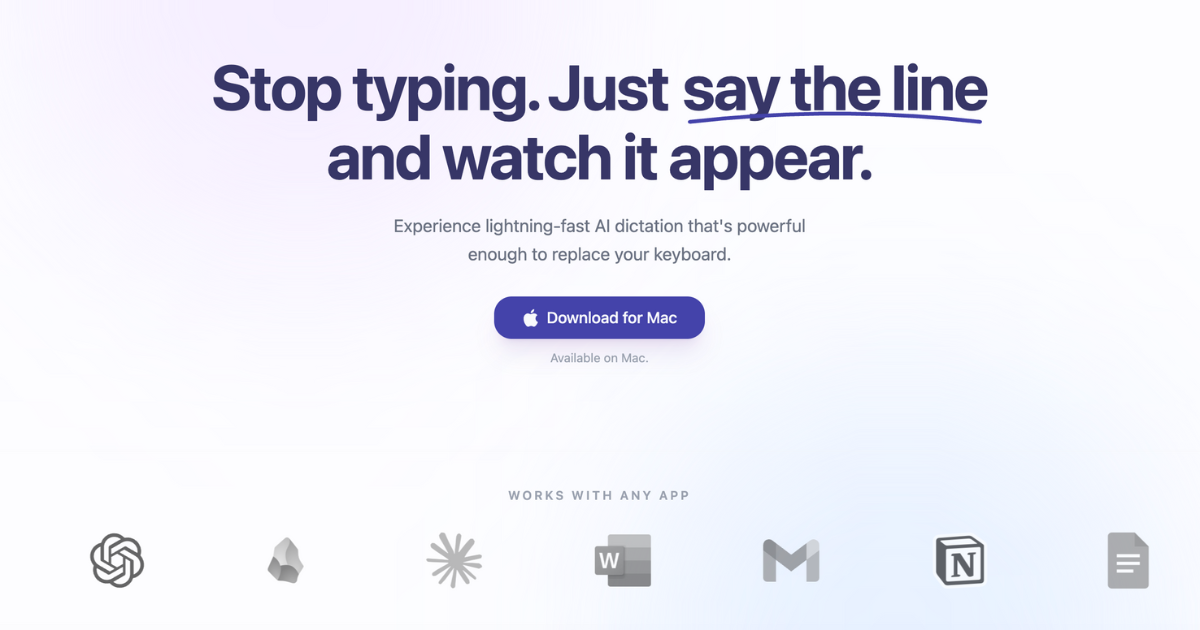
Sayline is a voice typing tool for Mac that lets you dictate by speaking natural sentences and having the corresponding text appear. The product’s core purpose is to replace manual keyboard typing with fast AI transcription driven from your voice.
Sayline is designed to run locally on your device, with offline support so you can dictate without sending audio to the cloud. It’s built to work across other apps so you can produce text where you already work.
Key Features
- Lightning-fast AI dictation: Speaks naturally and converts speech into text so you can draft messages without typing every character.
- Works with any app: Produces text in your workflow rather than requiring a dedicated editor.
- Runs 100% locally on your device: Transcription is processed on-device, with no training on your data, no audio storage, and no cloud sending.
- Fully offline use: You don’t need an internet connection for dictation; your voice data stays on your device.
- Hotkey-driven workflow: A typical flow starts by pressing a hotkey, speaking, and then seeing the “perfect text” appear.
How to Use Sayline
- Download and install Sayline for Mac (a free trial is available).
- Start dictation by pressing the provided hotkey.
- Speak naturally while Sayline transcribes your speech.
- Review and continue editing the resulting text in the app you’re using.
Use Cases
- Drafting quick Slack or team chat messages: Dictate updates and follow-ups without switching back and forth between typing and thinking.
- Writing and revising email drafts: Use dictation to create message text, then polish the content before sending.
- Creating prompts or text for AI tools: Speak a request or instructions and paste the transcribed text into the target system.
- Preparing work notes or meeting updates: Dictate a summary or to-do list and capture it directly into the app where notes are managed.
- Finding and pasting meeting details: Quickly transcribe information (e.g., where to find a Zoom link or agenda notes) into your documents or messages.
FAQ
Is Sayline really a one-time payment?
Yes. The site states “Pay Once. Own Forever” for both Individual and Business lifetime licenses.
Does it work offline?
Yes. Sayline is described as fully offline, requiring no internet connection for dictation.
Can I try it before buying?
Yes. The site indicates a free trial is available (14 days), and it also references starting with “$0” trial.
How accurate is the transcription?
The page does not provide a specific accuracy benchmark, but it does describe “Standard accuracy” for the trial and “Superhuman accuracy” for the lifetime options.
Which apps does it work with?
Sayline is described as “Works with any app,” implying compatibility with the applications you use for writing.
Alternatives
- Built-in Mac dictation (offline-capable speech input): An adjacent option if you want speech-to-text integrated into the operating system, though the workflow and privacy details may differ from Sayline.
- Other speech-to-text dictation apps: Look for voice typing tools that provide offline or local processing and hotkey workflows, especially if privacy is important.
- Keyboard replacement tools for transcription: Tools in the broader category of voice dictation that focus on drafting text across applications may serve similar needs, with different approaches to privacy and device processing.
- Note-taking or writing apps with voice input: If your primary goal is capturing spoken ideas into a document, voice-enabled writing apps can be a practical substitute depending on how they handle offline processing.
Alternatives

Speech to Text Converter Online
A free online tool that converts audio and video files into accurate text transcripts in over 45 languages. It supports numerous file formats and requires no downloads or sign-ups.

Dictato
Dictato is an offline voice-to-text dictation app for macOS that transcribes on-device and inserts into any app you type in. No cloud.

Ringg Parrot STT V1
Ringg Parrot STT V1 is a low-latency speech-to-text API for real-time and file-based transcription of Hindi, English, and code-mixed speech.

Sanota
Sanota turns your voice into clear, beautiful text—capture memories and ideas easily, then start for free.

Carbon Voice
Carbon Voice is an asynchronous voice messaging app for teams with people and AI agents, plus transcribed updates, voice or text replies, and desktop, mobile, watch, and widget access.

OpenAI Realtime API
Build low-latency, multimodal voice and realtime audio experiences with OpenAI Realtime API—browser voice agents and realtime transcription.