
Docker stack wizard
Deploy Docker stacks from a guided wizard, pick a source, configure settings, and complete the deployment in a few steps.

Server Compass is a local desktop app for deploying and managing apps on your VPS over SSH, with templates, repo deploys, SSL, rollbacks, cron jobs, backups, and monitoring.
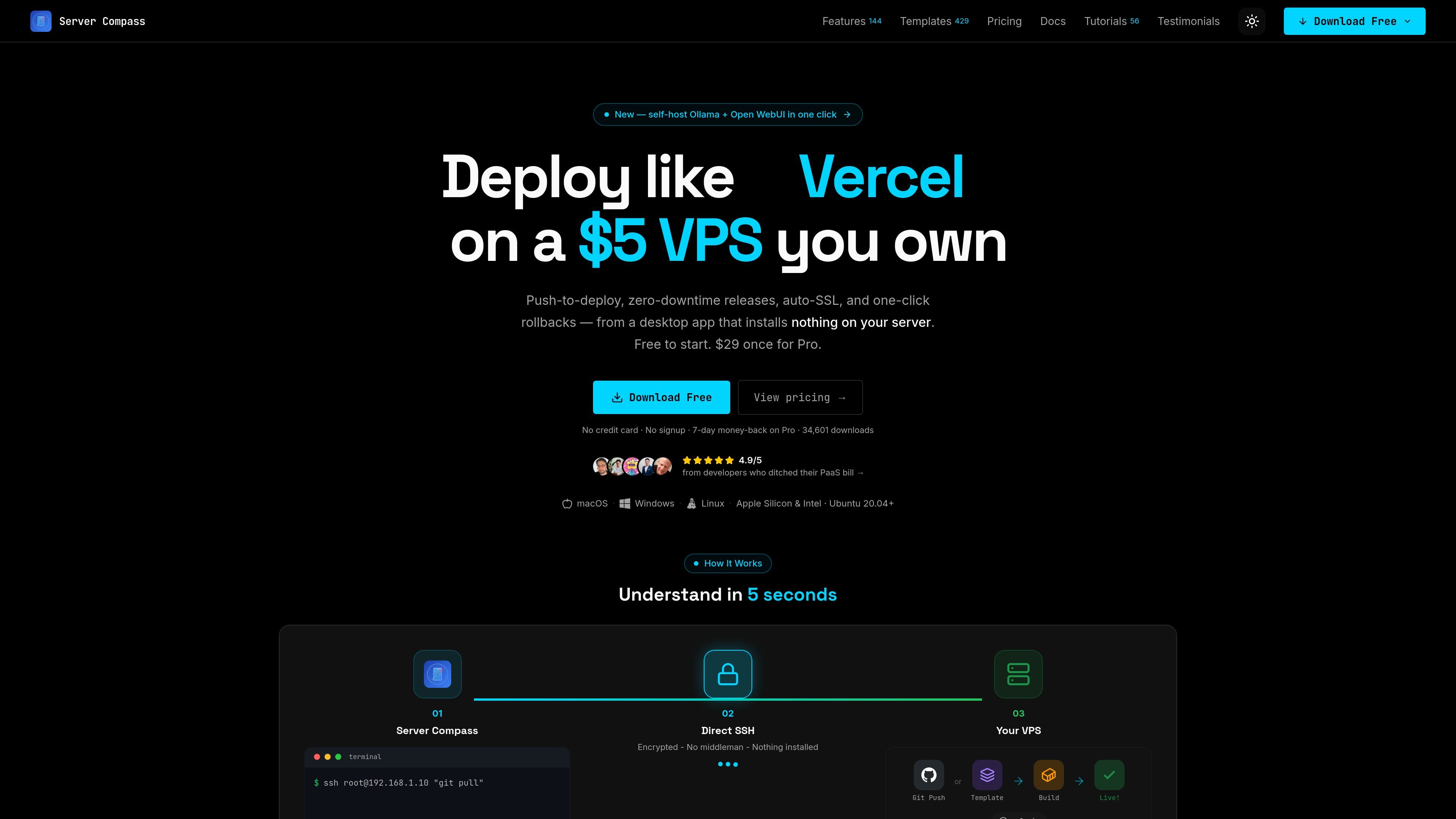
Server Compass is a desktop app for deploying and managing apps on your own VPS over SSH, with a workflow aimed at people who want PaaS-style convenience without moving off their infrastructure. It runs locally on macOS, Windows, and Linux and is positioned as a way to deploy to an existing server without opening a terminal for every task.
The product focuses on one-click deployments, templates, GitHub and GitLab repository connections, automatic SSL, rollbacks, previews, cron jobs, backups, and basic server management. The pricing page also shows a free tier and one-time paid licenses, with the installed software continuing to work after the first 12 months even if updates pause.
Deploy Docker stacks from a guided wizard, pick a source, configure settings, and complete the deployment in a few steps.
Start from 428+ self-hosted app and service templates, including databases, CMS tools, automation apps, and monitoring tools.
Connect a GitHub repository with OAuth and deploy from branches with build settings and auto-deploy options.
Attach domains and handle SSL through the built-in reverse proxy, with automatic certificate issuance and renewal.
Use the built-in SSH terminal, file browser, and live logs to inspect servers and troubleshoot without leaving the app.
Manage secrets, cron jobs, backups, and monitoring from the desktop app, including encrypted env storage and server health widgets.
Use the desktop app to deploy a repo or template to a VPS without doing every step manually in a terminal. This fits developers who want a guided workflow for routine launches and updates.
Set up domains, SSL certificates, rollbacks, logs, and cron jobs in one place for a production app on your own server. The source frames this as a way to get more of a PaaS experience while keeping control of the infrastructure.
Start with the free tier to validate the workflow on a small server, then upgrade if you need unlimited deployments, domains, cron jobs, and more advanced provisioning.
Use the team-oriented license packs when the same workflow needs to be installed on multiple devices, such as a solo builder moving between machines, a small studio, or an agency team.
Yes. The free version includes 1 server, 1 deployment, 1 domain, 5 cron jobs, and 20 saved command logs, so you can try the workflow before upgrading.
No. The installed version continues to work after 12 months; only auto-updates pause until you renew the license window.
Yes. The pricing page says you can deactivate a device and reactivate the license on another machine at any time.
Server Compass connects over SSH and focuses on deploy-time automation, while the desktop app itself runs locally. The source says nothing is installed on the server.
The source shows support for GitHub and GitLab deployments, Docker stacks, templates, GitHub Actions integration, and managed domains, SSL, logs, and cron jobs. It does not provide a full integrations list beyond those items.

ClawTick is an AI agent automation platform for scheduling jobs from the CLI, dashboard, or REST API. Built for developers and teams using LangChain, CrewAI, webhooks, or custom workflows with monitoring, alerts, and logs.

OpenFlags is an open-source, self-hosted feature flag platform for JavaScript teams, with local evaluation, targeted rollouts, and controlled launches.

ByteAsk is a terminal-first AI coding agent for C and C++ that edits repos and verifies changes with compilers, debuggers, sanitizers, and tests.

PromptScout tracks how ChatGPT, Gemini, Google AI Overviews, and Perplexity mention your brand or competitors, with source analysis and website audits.

CreateOS Sandbox is an isolated compute environment for running code and agent workloads in Firecracker micro-VMs with private networking and SDK, CLI, or MCP control.

Sleek Analytics is a privacy-friendly web analytics tool with real-time visitor tracking, Core Web Vitals, and revenue attribution.