
Quick competition setup
Create a competition, define what you want to track, and adjust the look from the dashboard. The site says setup can be completed in under two minutes.

Show Me a Leaderboard is a web app for custom competitions and leaderboards for groups, with participant tracking, branding controls, and engagement tools.
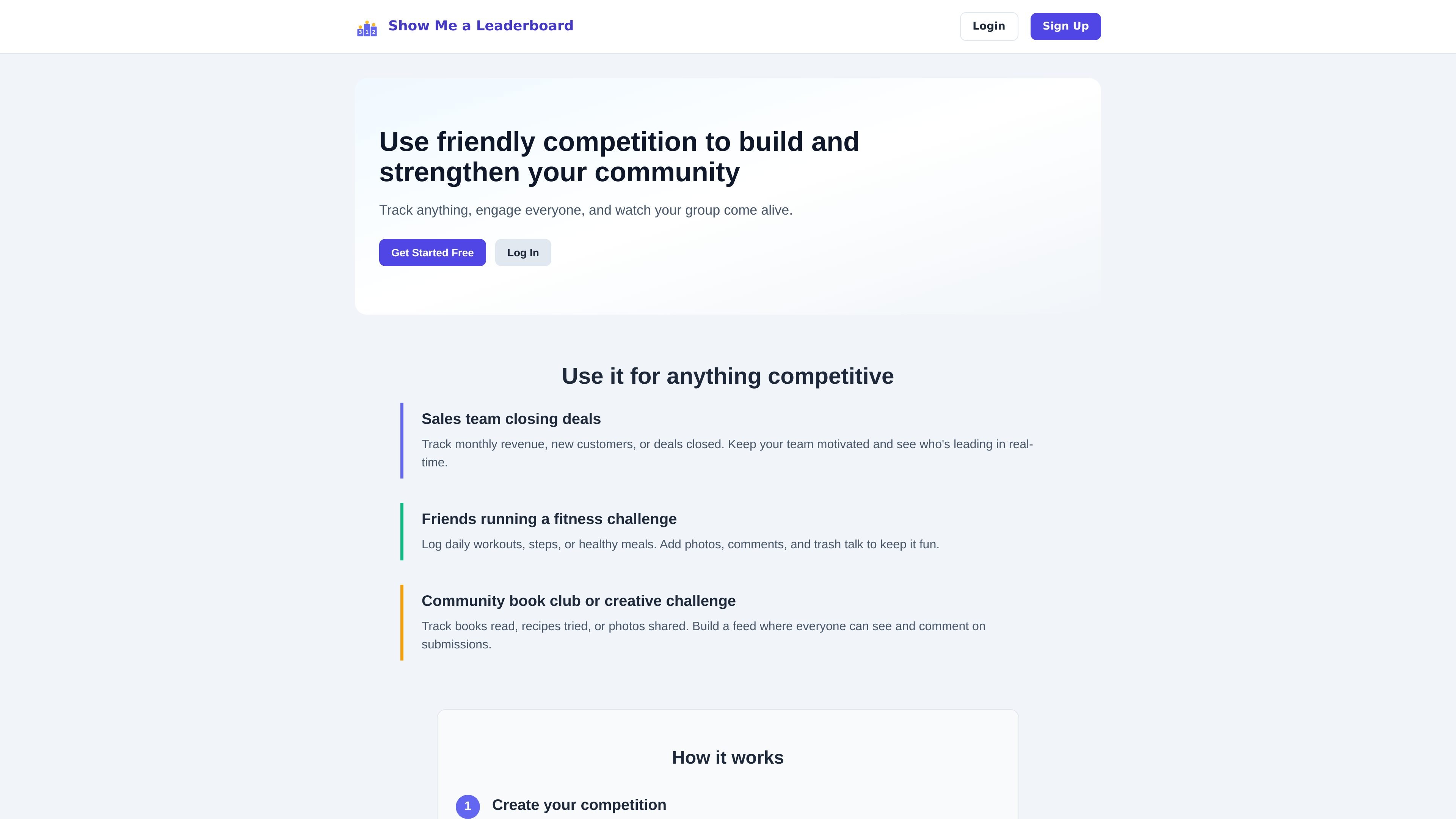
Show Me a Leaderboard is a web-based tool for creating custom competitions and leaderboards for groups. It is designed for situations where people want to track progress, compare results, and keep participants engaged around a shared goal.
The product supports competition setup, custom submission forms, configurable leaderboard formulas, and branding controls. It also includes participant-facing features such as comments, forums, badges, and notifications, so groups can use it for both simple score tracking and more interactive challenges.
Create a competition, define what you want to track, and adjust the look from the dashboard. The site says setup can be completed in under two minutes.
Build custom entry forms with text fields, numbers, images, and checkboxes, then reorder them as needed.
Set the leaderboard formula in the admin panel by choosing fields to sum, average, or count. Rankings update automatically when new entries are submitted.
Add custom colors, a header image, and a logo through the appearance settings. White label plans remove Show Me a Leaderboard branding.
Use comments, forums, badges, and notifications to keep participants engaged around each competition.
Choose between public competitions, which anyone with the link can join, and private competitions, which require a password.
Track deal volume, revenue, or new customers for a sales team and keep rankings visible as results change.
Run challenges around workouts, steps, meals, or other habits, with photos and comments to make participation more social.
Organize book clubs, recipe swaps, photo submissions, or other community activities where members can post entries and react to one another.
Set up a climbing, pushup, or other recurring competition where rankings are based on fields you define and achievements unlock automatically.
Use the white label option when a brand or organization needs custom domain setup and removal of product branding.
You create a competition from the dashboard, then share its URL with participants. The help page says public competitions can be joined with the link, while private competitions require the password you set.
The pricing page says competitions are free for up to 5 participants. When a 6th person joins, that competition needs the Standard plan at $5 per year; other competitions stay free if they remain at 5 participants or fewer.
Yes. The site says you can create unlimited competitions, and each competition is billed separately based on its participant count.
The help center says you can customize the form with text fields, numbers, images, and checkboxes, and you can define the leaderboard formula by choosing which fields to sum, average, or count.
Yes. The pricing and help pages say you can cancel at any time, and access continues until the end of the annual billing period.

GameGrad turns PDF study material into quiz questions inside arcade games for active recall. Free tier for one PDF; Pro adds more uploads, questions, and explanations.

Biji is a versatile platform designed to enhance productivity through innovative tools and features.

DailyPlay.ai is a behavioral growth platform using AI site scans and micro-games to boost engagement and conversions across web, mobile, and more.

hob is an independent workspace for coding agents, with local control over sessions, terminals, history, routing, and follow-up work.

Dcyde is a shared decision log for product teams to capture what was decided, why, and the source, with searchable records from Slack, Figma, or Dcyde.

runevr is a connected workspace for creative teams, bringing boards, media review, chat, recordings, drive, calls, and AI agents into one room-based environment.