
On-device transcription
Record audio on Mac or iPhone, then transcribe it locally using the Apple Speech framework. The product page says transcription runs at high speed, supports multiple languages, and does not require a network connection.

Signal Recorder SR-7 records, transcribes, and summarizes audio locally on Mac and iPhone, with Markdown export, optional iCloud sync, and no subscription.
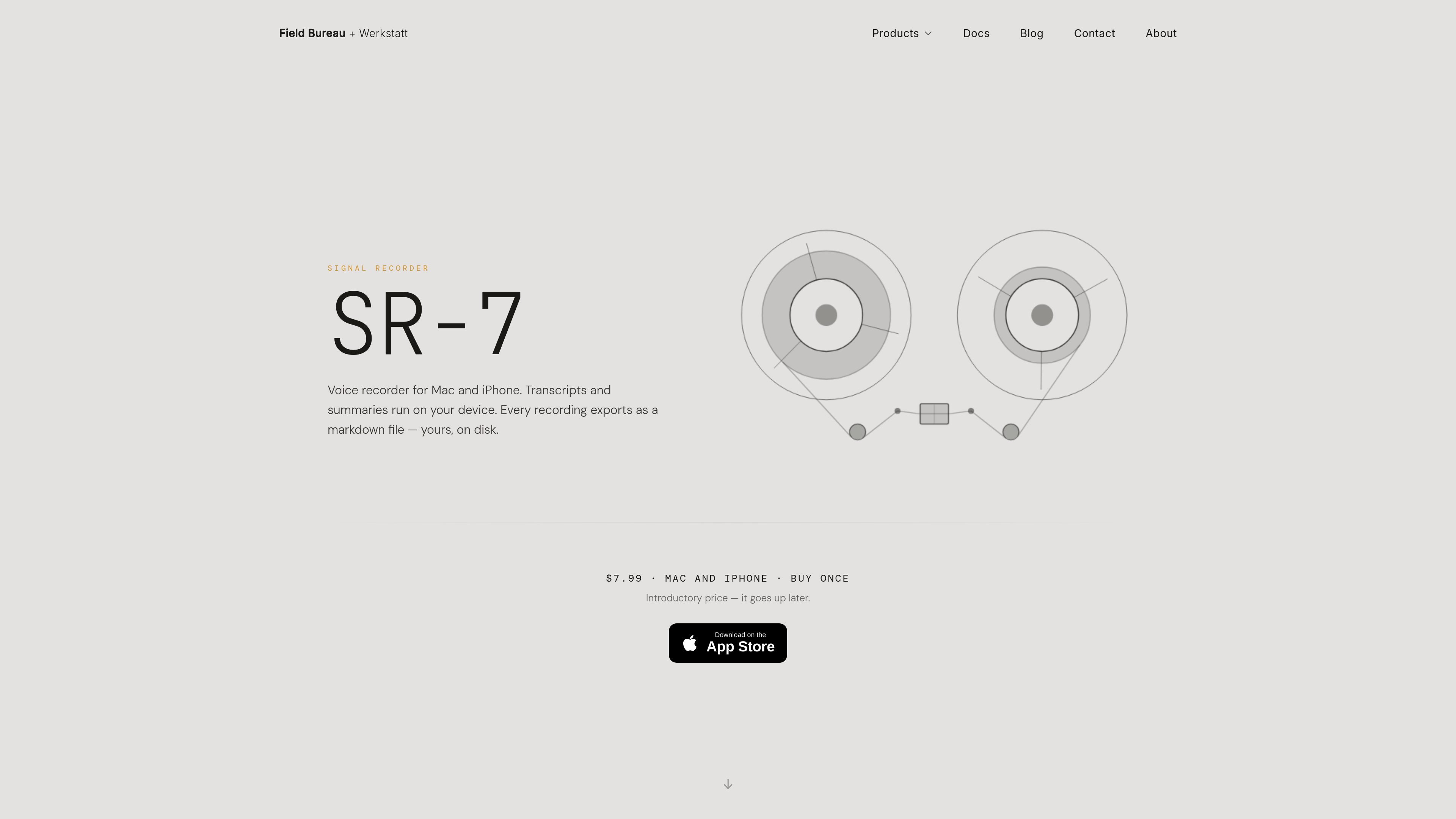
Signal Recorder SR-7 is a native voice recorder for macOS and iPhone that keeps recording, transcription, summaries, and storage on your own devices. It is sold as a one-time purchase, requires macOS 26 or iOS 26, and does not use accounts or a subscription model.
The app is designed for capturing ideas, conversations, and observations, then turning them into searchable text you can review later. Recordings can be transcribed locally, summarized on-device on supported Macs, exported as Markdown, and synced through iCloud when you want the same library on both Mac and iPhone.
Record audio on Mac or iPhone, then transcribe it locally using the Apple Speech framework. The product page says transcription runs at high speed, supports multiple languages, and does not require a network connection.
Generate descriptive titles and concise summaries locally on macOS 26+ using FoundationModels. This makes recordings easier to skim and search without sending audio to the cloud.
Export each recording automatically as a Markdown file with YAML front matter, so the output can fit into Obsidian, PKM systems, and other Markdown-based workflows.
Keep recordings, transcripts, and metadata synchronized across Mac and iPhone with iCloud sync via CloudKit. The product also supports a read-only transcript mirror on macOS.
Search names, titles, summaries, and full transcripts from one library. The site says full-text search is built in, so older recordings remain findable by content.
On macOS, connect an MCP-compatible AI tool to search the archive, pull summaries, and extract quotes locally. The product page also notes support for importing audio from hardware recorders such as the TP-7.
Capture voice notes, meeting thoughts, and spoken ideas on iPhone or Mac, then turn them into searchable transcripts and summaries without sending audio to a server.
Import recordings from the teenage engineering TP-7 or another hardware recorder, then use SR-7 to transcribe, title, summarize, and organize the files in one library.
Keep a single archive available on both Mac and iPhone through iCloud, so you can start a recording on one device and review or search it on another.
Use the Markdown export and read-only transcript mirror to move recordings into Obsidian or another Markdown-based knowledge base.
On macOS, connect an MCP-compatible AI tool to search recordings, pull summaries, and extract quotes from your archive locally.
Yes. SR-7 transcribes audio and generates AI titles and summaries entirely on-device. The docs and product page say no network connection is required for transcription, and nothing is uploaded for those features.
No. SR-7 is a one-time purchase with no subscription or recurring fee. The product page also says there are no accounts or telemetry.
Recordings are stored on your device. The product page says sync is optional: iCloud can keep recordings, transcriptions, and metadata aligned across Apple devices, and on macOS you can mirror transcripts to a read-only folder as Markdown with YAML front matter.
SR-7 requires macOS 26 or iOS 26. On-device AI features, including transcription and summaries, require Apple Silicon (M1 or later) on supported Macs.
Yes on macOS. SR-7 includes a local MCP server so MCP-compatible AI tools can search the archive, pull summaries, and extract quotes locally.

QuickQuill is a local-first macOS dictation and transcription app to record meetings, summarize audio, and export notes without the cloud.

Tactiq is an AI note taker for Google Meet, Zoom, and Microsoft Teams that transcribes meetings live into summaries, action items, and follow-up outputs.

Scripta is a privacy-first AI notetaker that records, transcribes, and summarizes meetings on your device. Mac beta download available; Windows waitlist.

Speech to Text Converter is a browser-based transcription tool for live dictation and uploaded audio or video files. Free for short tasks, Pro offers unlimited transcription, AI summaries, translation, speaker ID, and advanced exports.

An AI-powered tool that summarizes PDF documents quickly and efficiently, providing clear insights and allowing users to interact with the content.

Tavus is an AI video platform for real-time face-to-face agents, digital twins, and AI companions, with APIs and multilingual workflows for developers.