
Job matching
Tell Simplify about your background and preferences so it can surface jobs that match your criteria instead of relying only on manual browsing.

Simplify is an AI job search platform that helps individual job seekers find matched roles, tailor resumes, autofill applications, build recruiter connections, and track submissions in one place. It also offers a Chrome extension for browser-based application autofill and tracking.
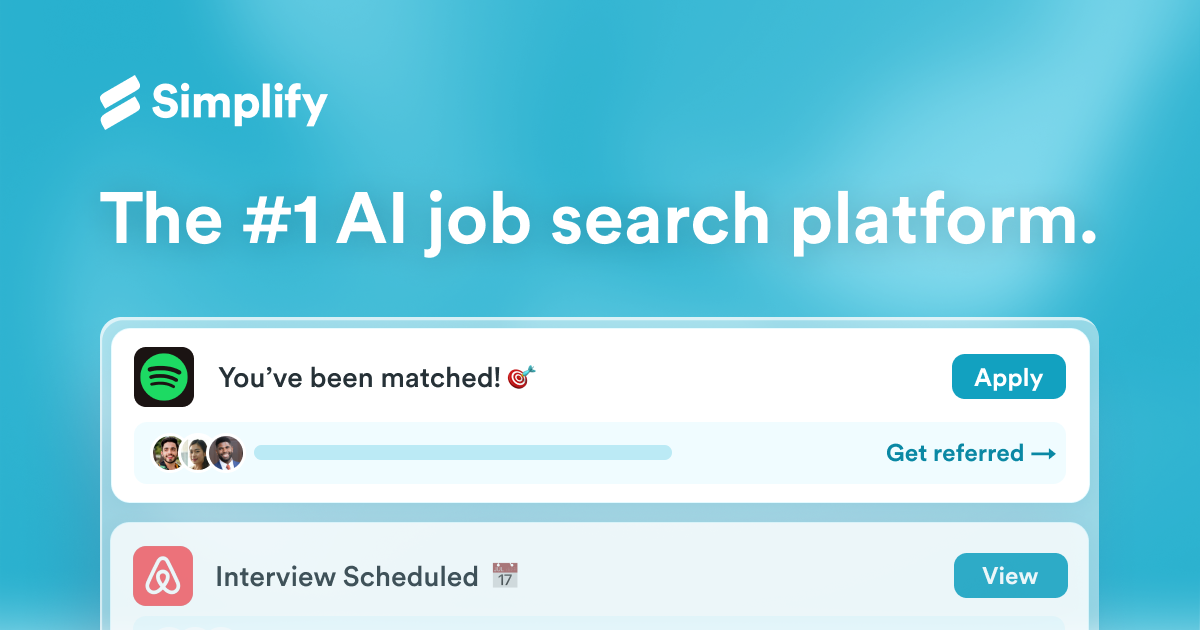
Simplify is an AI-assisted job search platform that combines job discovery, application help, resume tailoring, networking support, and application tracking in one workflow. The site positions one profile as the starting point for matched jobs, tailored resumes, recruiter introductions, and a central place to manage the search.
The product includes a web experience plus the Simplify Copilot extension for browser-based autofill and application tracking. It also offers separate workflow pages for networking and AI job search guidance, showing that the platform is organized around the full job search process rather than a single tool.
Tell Simplify about your background and preferences so it can surface jobs that match your criteria instead of relying only on manual browsing.
Use the Copilot extension to fill repetitive application questions on the web and reduce retyping across job boards.
Generate tailored resume versions, review ATS-style resume scoring, and identify missing keywords for a specific posting.
Save submitted applications automatically to a dashboard so you can manage deadlines and progress without spreadsheets.
Map your network to target companies, find contacts who can make introductions, and draft personalized outreach messages.
Browse expert-curated job lists that are updated daily, including collections such as internships and other handpicked opportunities.
Start with your career history and preferences, then use matched results to focus on roles that fit your criteria instead of scanning broad job boards.
Install the Copilot extension to autofill repeated fields, score a resume against a posting, and draft tailored application responses for a specific role.
Use the networking workflow to identify alumni, former colleagues, and mutual connections at target companies, then send outreach tailored to each contact.
Bookmark submitted roles in the job tracker so you can keep deadlines, statuses, and follow-ups organized in one place.
Review expert-curated lists to discover internships and other handpicked openings that may not appear in a basic search.
Simplify is built for job seekers who want one place to discover roles, tailor application materials, autofill forms, and track submissions. The home page and workflow pages show separate paths for job matching, Copilot, AI resume tailoring, networking, and job tracking.
The source pages show a Chrome extension called Simplify Copilot that autofills job application questions, helps tailor resume content to a role, and automatically saves submitted applications to a dashboard.
The networking page says Simplify maps your network to target companies, identifies paths through alumni, former colleagues, mutual connections, and second-degree contacts, and helps generate personalized outreach for recruiters and hiring managers.
The product pages do not describe team collaboration features or a business plan. The content presented is focused on an individual job seeker’s workflow.
The site presents Simplify as free to join and promotes a free extension install for Copilot, but the collected source text does not provide detailed pricing tiers or plan limits.

AIApply is a job application AI for jobseekers that helps generate tailored resumes and cover letters, auto-apply to matched roles, and prepare for interviews. The site also presents resume scanning, a job board, and live interview help.

TalentAid is an AI job matching platform that filters job board listings and recommends roles aligned to your skills, experience, and goals.

CVComp is an ATS resume scanner and resume builder that helps job seekers check keyword fit, fix formatting issues, and export updated resumes. It supports job-specific matching, live editing, and PDF or DOCX output.

Hire ID is a verification-first hiring platform for candidates and employers. It helps users verify identity, work history, and education, then share trusted profiles and build resumes from checked credentials.

HiringPartner.ai is an autonomous AI recruiting platform for sourcing, screening, and interviewing candidates 24/7. It supports ATS-connected workflows, bulk resume uploads, and reviewable interview outputs for hiring teams.

VForms lets you place questionnaires directly inside YouTube videos so viewers answer in context instead of switching to a separate form. It is aimed at collecting feedback and insights through timestamped, embeddable video forms.