
Talk-to-edit workflow
Describe edits in plain language, and VibeClip reads the instruction and stages a before-and-after result for review instead of requiring timeline scrubbing.

VibeClip is an open-source, browser-based AI video editor for turning long videos into vertical shorts with captions, smart reframing, and silence removal.
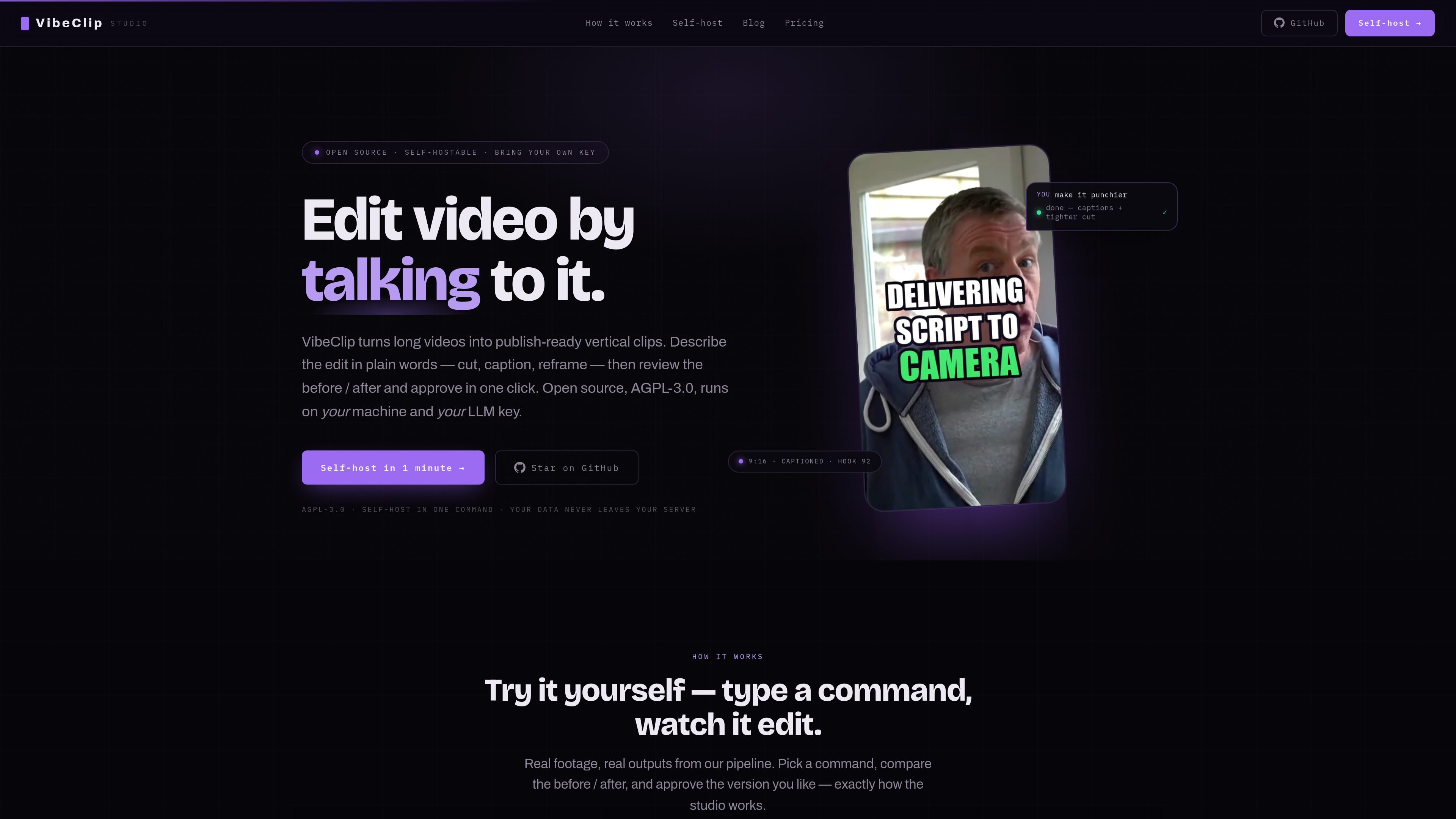
VibeClip is an open-source AI video editor for turning long recordings into vertical shorts by talking to the editor instead of scrubbing a timeline. The site positions it as a browser-based workflow for creators who want to cut, caption, reframe, and stylize clips from a single prompt.
The product is described as self-hostable and controlled with your own LLM key, with the promise of no install, no GPU, and no render farm required. Its core purpose is to take a long video and stage publish-ready shorts that can be reviewed side by side before you keep the result.
Describe edits in plain language, and VibeClip reads the instruction and stages a before-and-after result for review instead of requiring timeline scrubbing.
Reframes landscape footage to vertical 9:16 using face- and motion-aware cropping so the speaker stays centered.
Generates word-synced karaoke subtitles that are burned in and styled, so you do not need to export or manage SRT files separately.
Removes dead pauses and filler words like “um” to tighten the pacing of the clip.
Applies a preset look from a short prompt, including zoom, pacing, and caption styling.
Supports a gameplay split-screen layout and a one-click A/B comparison so edits can be reviewed and reversed before export.
Turn a long talking-head recording into a vertical short by asking for tighter pacing, captions, and a vertical crop in one prompt.
Clean up pauses, filler words, and awkward spacing before publishing a clip that needs to feel tighter and more direct.
Create a phone-native version of a landscape recording with the speaker kept centered as the frame changes to 9:16.
Apply a consistent visual treatment across clips by using a short style prompt instead of adjusting each setting manually.
Review two edit versions side by side and keep the better result when you want a reversible decision before posting.
VibeClip is a browser-based AI video editor. You describe the edit in plain language, and it stages a before-and-after result for review.
The source shows VibeClip running in the browser and says no install, no GPU, and no render farm are required. It also describes self-hosting with your own LLM key.
The product is aimed at turning long videos into publish-ready vertical shorts. The workflow shown on the site includes cutting silence, adding captions, reframing to 9:16, and styling the result.
The site presents VibeClip as open source under AGPL-3.0 and describes it as self-hostable with your own LLM key.
The evidence shows early access access flow with no card required, but it does not provide public pricing details on the current site.

FlexClip is an AI-powered online video maker and editor for creating videos from templates or from scratch with browser-based editing, scripting, voiceover, subtitles, translation, and background removal.

Virvid is an AI shorts generator for faceless TikTok, Instagram Reels, and YouTube Shorts, with manual creation and automated daily posting.

Bansi is an AI video editor for long-form content that turns raw footage into a polished first draft with cuts, captions, zooms, and audio cleanup.

Dina is a macOS app for polished screen recordings with automatic zoom, cursor smoothing, captions, transcript editing, and presentation-ready layouts.

CAMB.AI Streams dubs live audio in real time for YouTube, Twitch, X and other platforms, using existing live workflows and no post-production.

Video Effects SDK adds real-time webcam effects like background blur, replacement or removal, denoising, framing, beautification, and color grading for live video apps.